

Make Text Panel UI simpler, faster, more intuitive.
Transcription is so useful, but if you're doing a bunch of it, it is a huge pain to rename speakers. First, what are those radio button's doing? As far as I can tell, there's absolutely no puropse for those radio buttons.
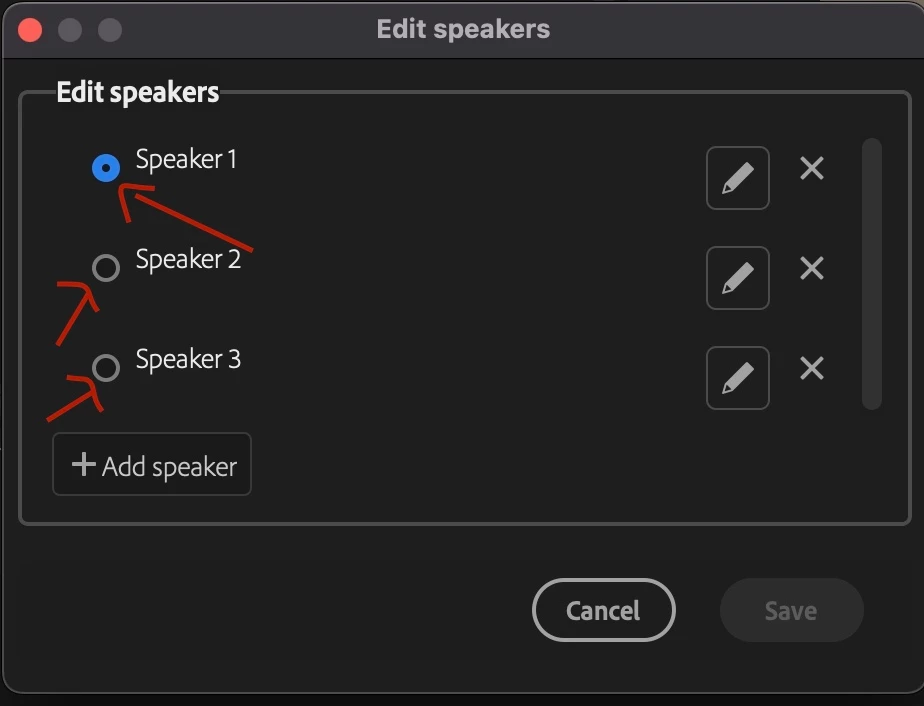
And then, in order to rename all the speakers, currently we first have to click the pencil, then highlight the name, then add the new name, then click off of it.
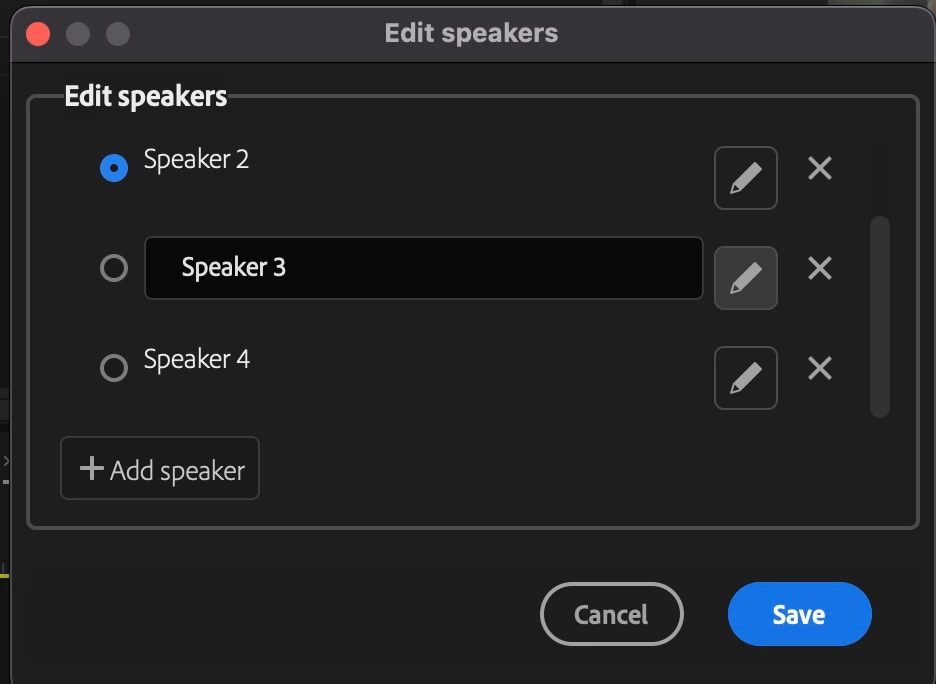
Why have the pencil at all? It feels like it should work like renaming a file in your project panel, you click on the name and the text box pops up (with the name already highlighted, since in all likelyhood you're just going to change 'Speaker 3' to a comletely different name) and you can edit it. And then you should be able to press enter or return to move on to the next one, or at the very least finish your editing of the name.
Lastly, let us be able to use enter or return to close the dialogue boxes and save your changes.


 AdChoices