

Open for Voting
Multi cam subclips
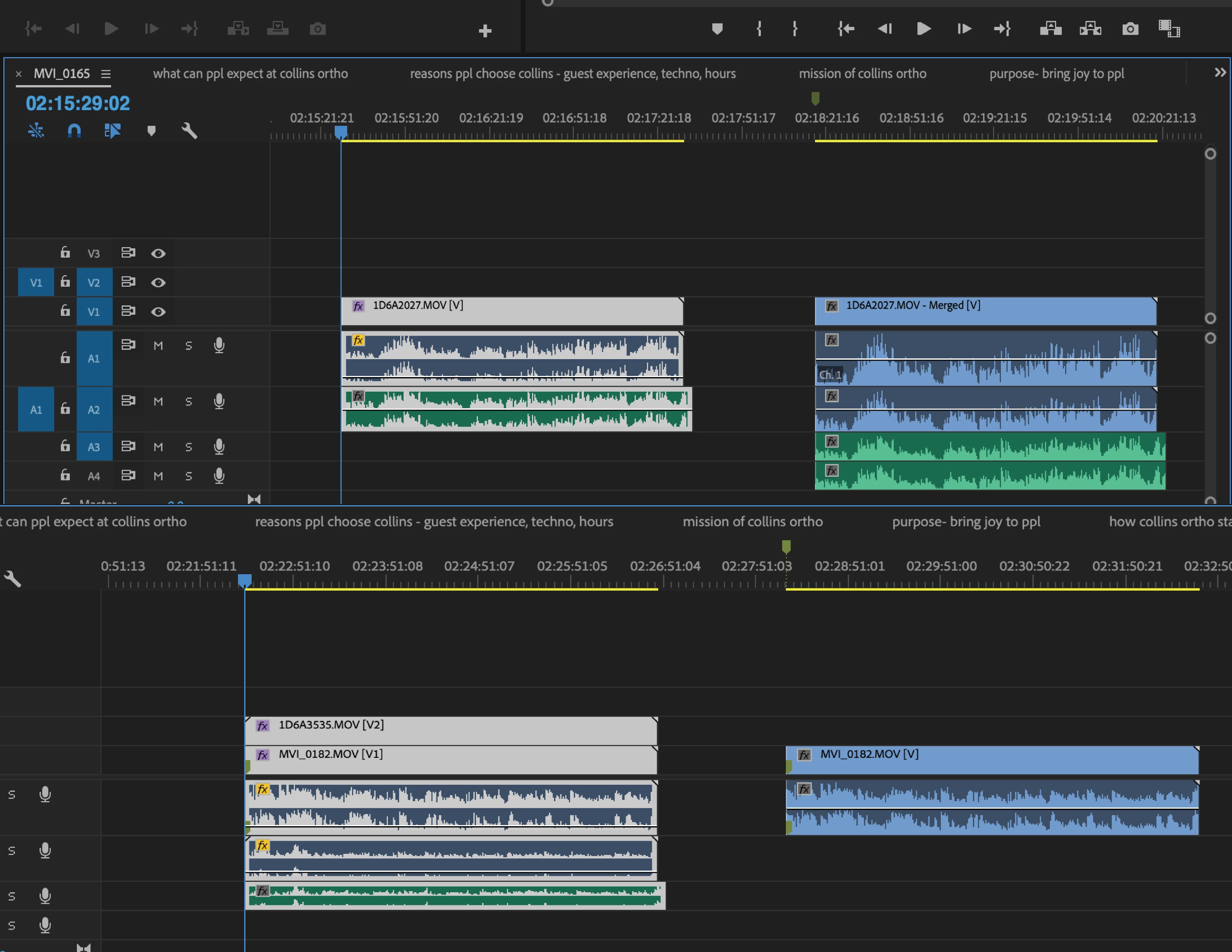
Someone asked a similar question to this, and the response was to nest the sequence, but nesting doesn't really work that well for what we (documentary filmmakers) need to do. The image below depicts two different interview clips and their corresponding subclips (marked with a green marker). The first one is a single camera shot. When I make it into a sub-clip for some reason the audio tracks are duplicated. Meanwhile, below that we have a two camera interview clip below that. When I make a subclip of that one, my second angle and my external audio track are removed. This issue makes no sense to me and nesting is not a solution because I cannot freely manipulate the clip in the timeline I drag it in later. Thoughts?


 AdChoices