


Participating Frequently
April 16, 2025
Open for Voting

New crop Old crop

  • April 16, 2025
  • 3 replies
  • 340 views

Premiere 25.2.1 (build 2)

Mac Studio: 32GB, Sequoia 15.3.1

3 monitors


Recently you added (new) CROP controls for any item on the timeline (into the effects controls panel. Generally, a good addition!


Only problem is, unlike adding (old) CROP from the effects panel, you can't click on the object and see all four adjustment handles.
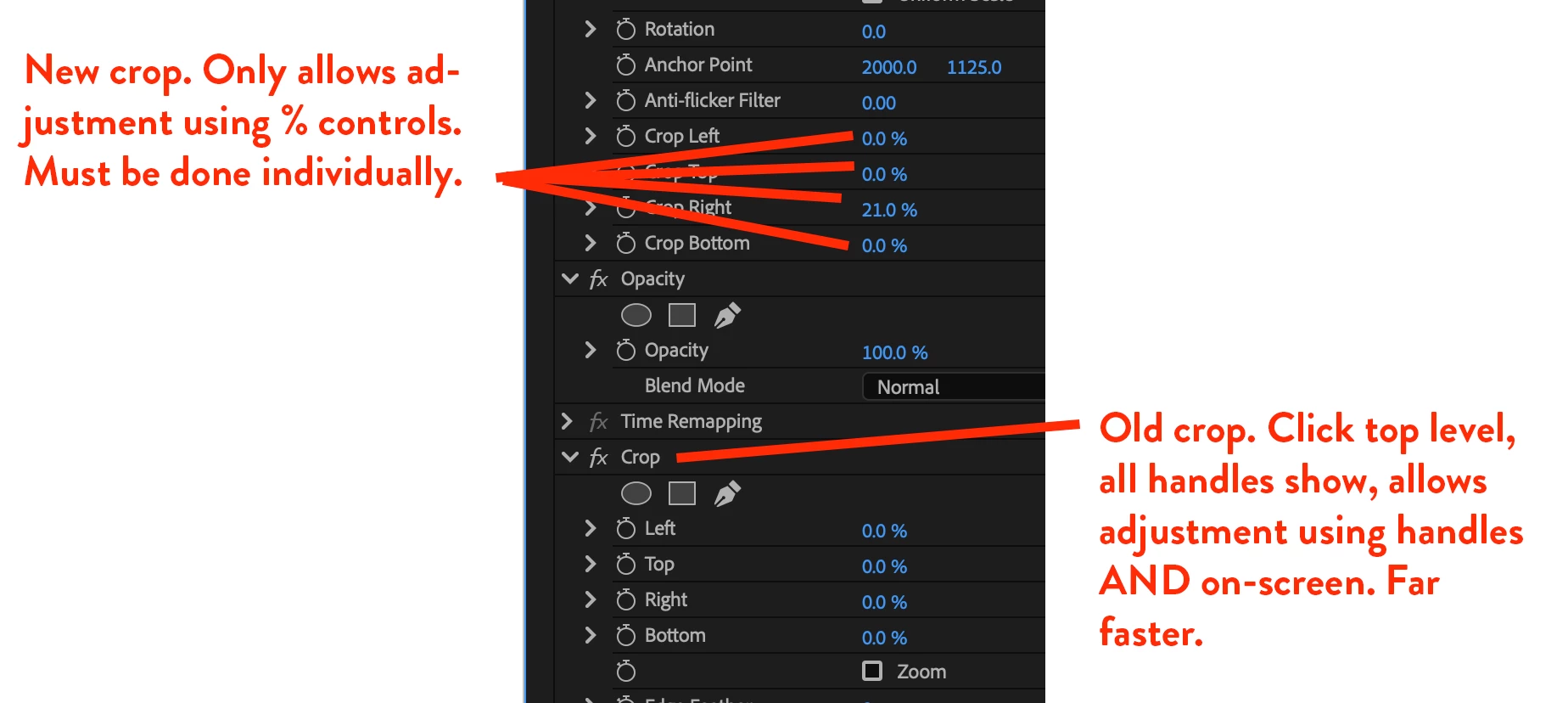


That’s a really easy way to adjust cropping on-screen. Now I have to fiddle with percentage numbers for each of the four aspects.
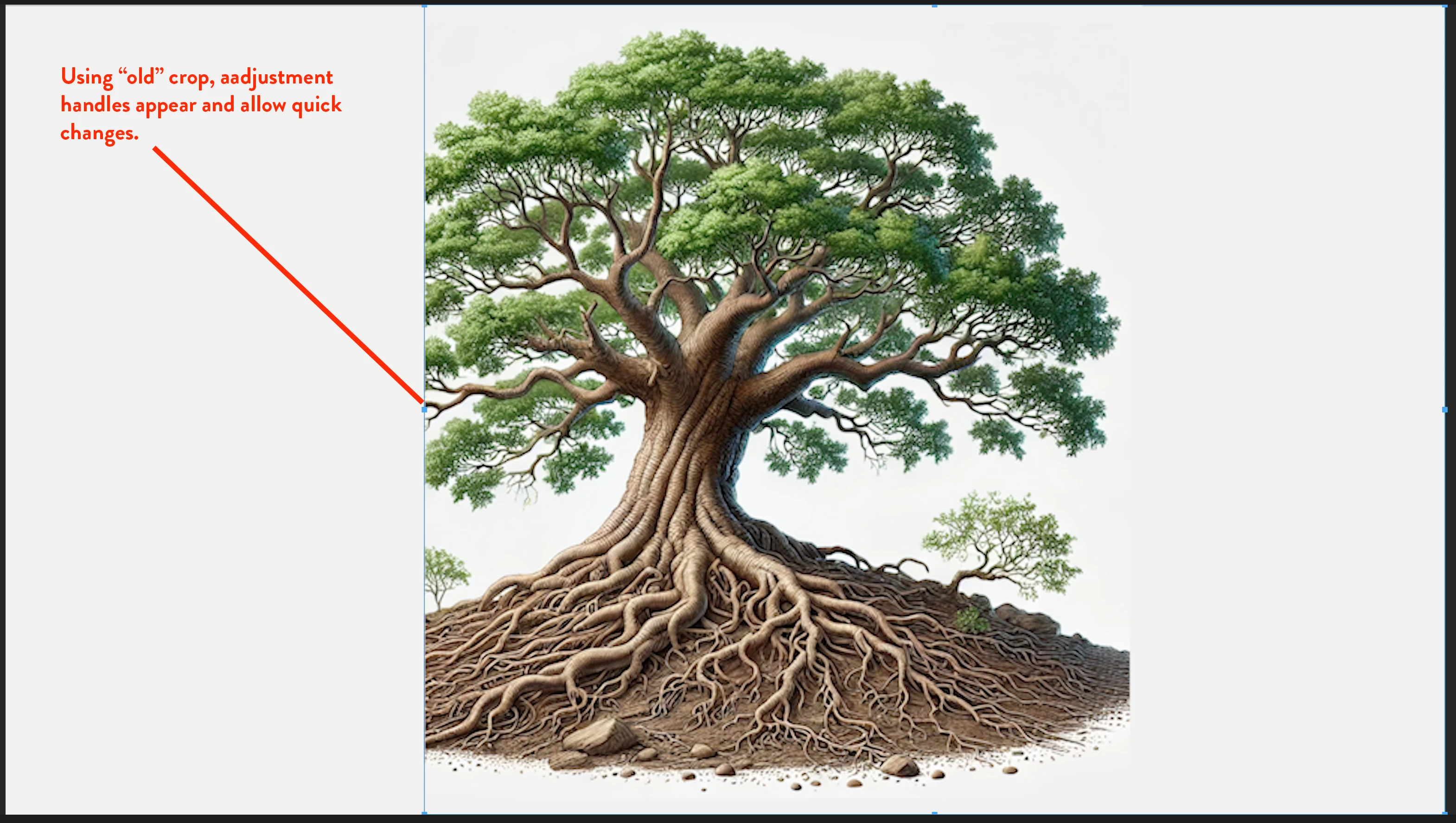
 

 In the new crop version, can you simply group them together as one menu item the way they are from the effects panel? Then you could adjust left right top bottom by using the adjustment handles on screen.


Thanks.

3 replies

Participating Frequently
April 17, 2025

Thanks! That helps, but still not as direct/quick as "old" crop contol.

(a community newbie, but editing for decades.)
Community Manager
April 16, 2025

Hi @Bruce306x0 and @Ryan Fritzsche,

If you look at the lower-left corner of the Program monitor, you can toggle 'Crop' lines on, which you can manipulate on-screen as well. Added a screenshot.


Is this what you may be looking for?

Dani


Ryan Fritzsche
Inspiring
April 16, 2025

100% agree.  Love that Crop has been added to default motion attributes.  Also liked the option to see the crop lines on screen under the pre-2025 regime.