



Open for Voting
Properties panel: Fill resets rotation
Don't know if it's a bug or Adobe devs just forgot to think it through.
There's a video here with the incorrect horizon line:
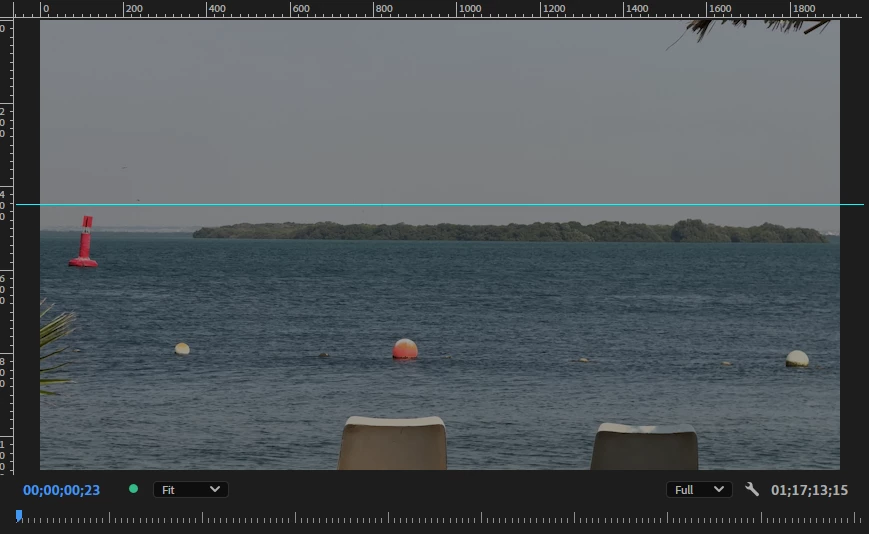
So I rotate this video via the rotation parameter untill the horizon is correct and naturally black (empty) spaces appear in the corners:
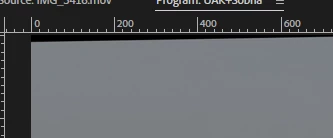
I then press the Fill icon in the Properties panel and get the rotation parameter reset back to null.
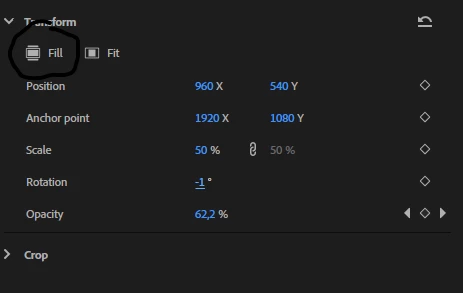
So the Fill icon in the properties panel acts exactly like the main Fill found in the mouse context menu.
What it should do is fill up the screen with the image removing the empty space no matter how the clip\layer was changed via the other parameters. If it wasn't thought through then, please, fix it. If it's so "by design", well...
 AdChoices