



Remove or update the Anti-clicker filter
There is this tiny option the Effect controls panel in (any) Premiere called Anti-flicker Filter
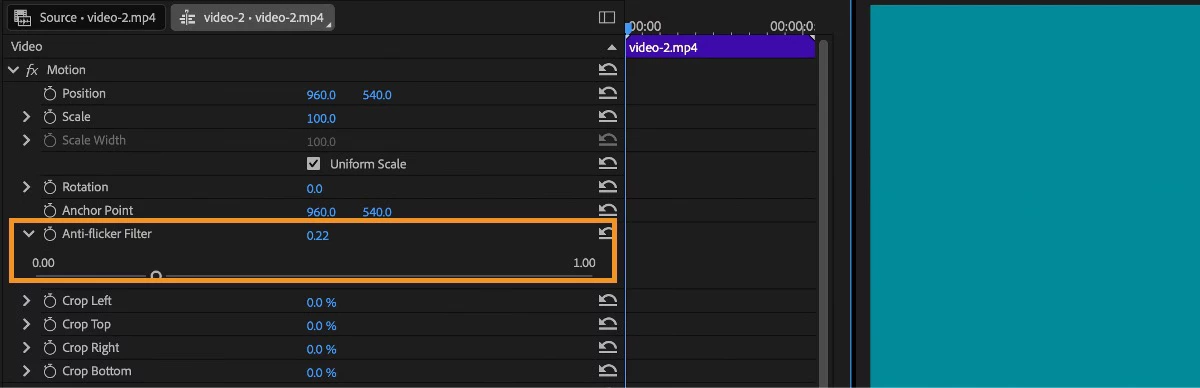
In all my 15 years of video editing in Premiere this feature did nothing. Ever. It does not remove flicker or even change anything when you bump it up. In no case. Not a single one.
The official info page dedicated to this feature says:
Thin lines and sharp edges in images sometimes flicker when shown on interlaced displays, such as Anti-flicker Filter control in Effect Controls > Motion can reduce or eliminate this flicker.
So it is rather a redundant feature that is of no use in 2026 because it has never produced any results that can be seen on old or new monitors or TV sets.
It does not help here:
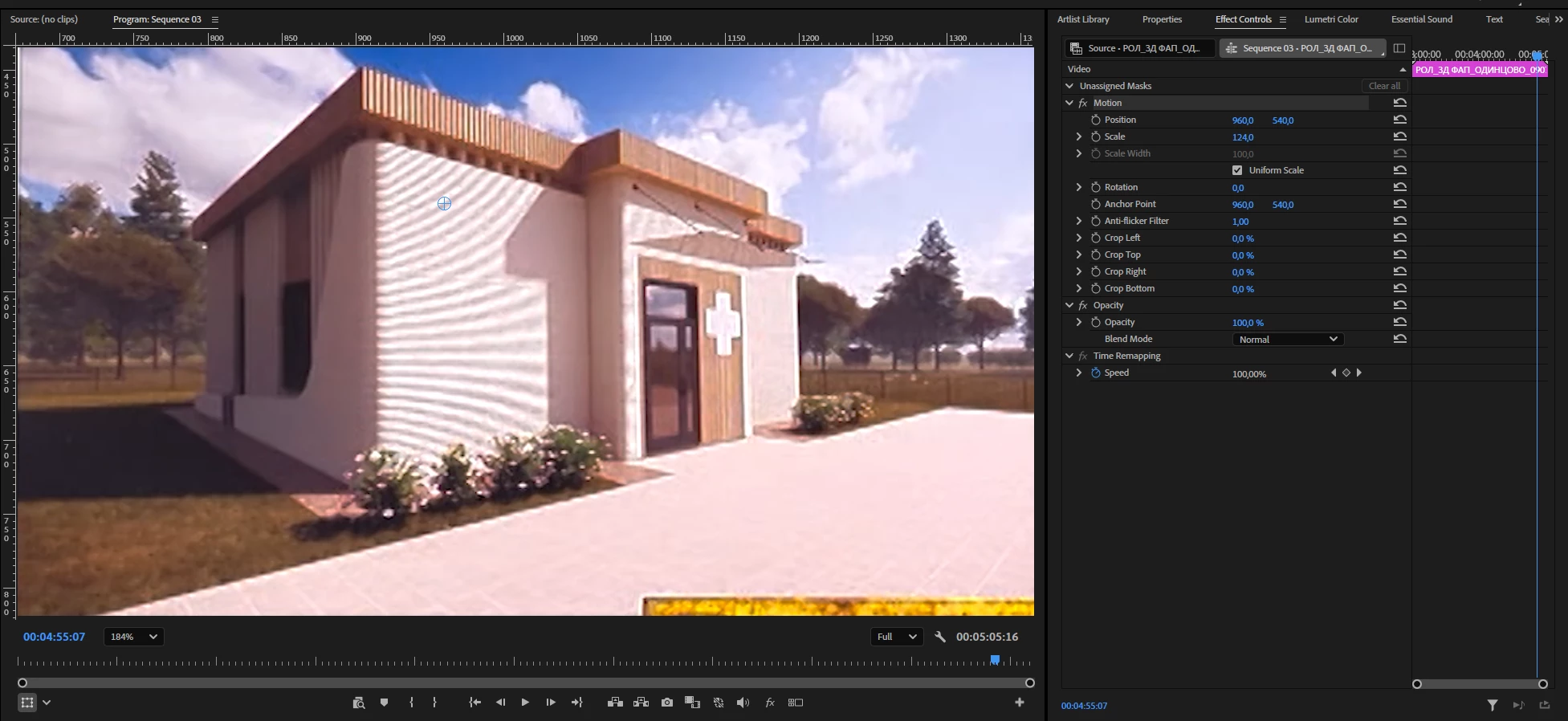
or here:
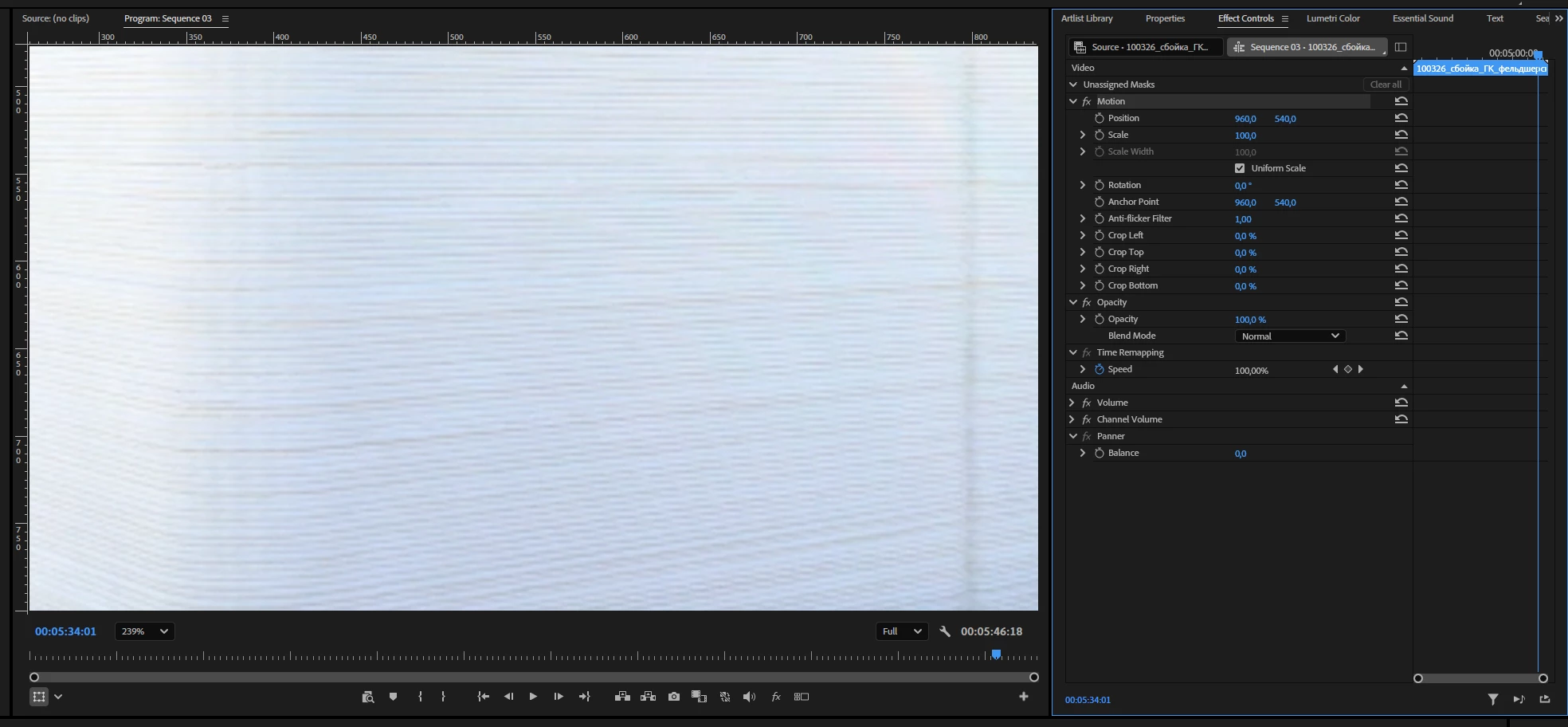
(these are no-fields by the way)
I haven’t found any case where the result of what it does can be seen.
Unfortunately I don’t know where you can get an “interlaced display” nowadays so my verdict is straight forward - this feature is outdated and it just takes some real estate in the Effect controls panel so it should be removed. Or may be not? What if Adobe engineers updated it, added some AI flavor may be and made it a real Flicker fixer instrument so much needed when editing footage with electric lights and moire patterns so that Premiere users didn’t have to buy an entire third-party plugin for it? DVR has a native flicker fixer, why doesn’t Premiere have one?
 AdChoices