


Remove space when cutting text
When you’re text editing, stopping to do something again is time consuming. I am talking about the pauses that stay in when you cut out a section of video via text. 98% of the time it’s something that could’ve been removed.
I cannot run the filter “pauses” because it will chop out important audio pauses I need while I’m showing a product.
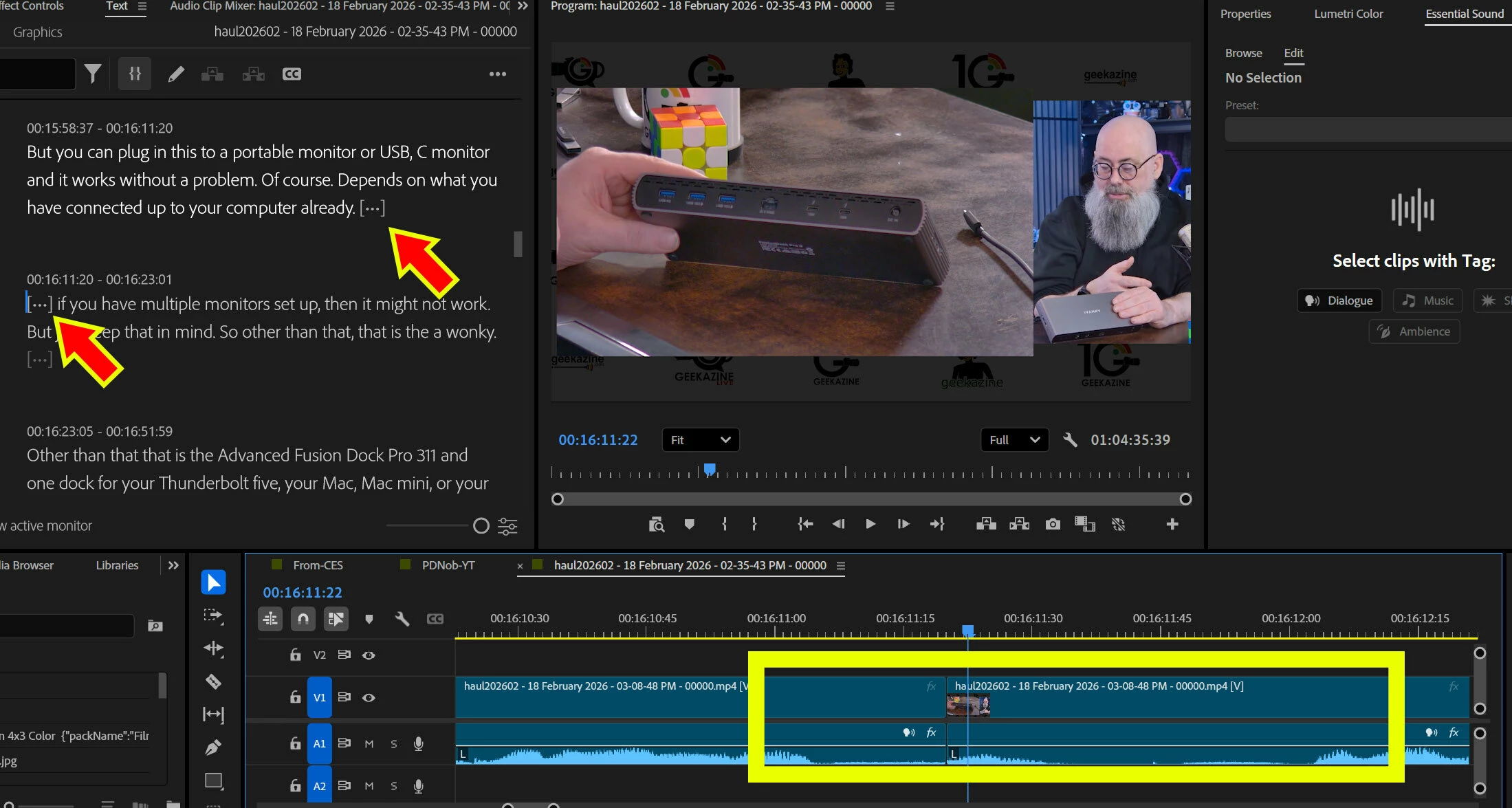
image below is an example. this is 2 seconds of dead space that stayed in after I cut a mistake out. I have to go back, highlight the two ellipses, and delete again.
I know this is not recommended for all, but I would love some sort of setting that says “Don’t leave open spaces after a cut”.
I put in a suggestion last year about making the pause length more robust - where it would remove x.x second (short) pauses, but anything over that would be preserved. This setting could add a option that says “x.x space left when deleting words or sentences”.
If I miss this correction, it sounds and looks like this:
 AdChoices