

Revolutionizing Premiere Pro: Streamlining Editing Workflows Inside PPro Program Monitor!
It can be incredibly frustrating and time-consuming to navigate through multiple workspaces, tabs, and levels while editing. As a new generation content creator, efficiency is so important!
For instance, having to navigate to the essential graphics tab just to adjust certain text elements, or having to delve deep into menus to apply simple effects, can really slow down the editing process and dampen the creative experience.
My suggestion is to incorporate features similar to those found in other modern editing software. If competitors start to match Premiere Pro's capabilities while offering a more intuitive interface, many users, including myself, might be inclined to switch platforms.
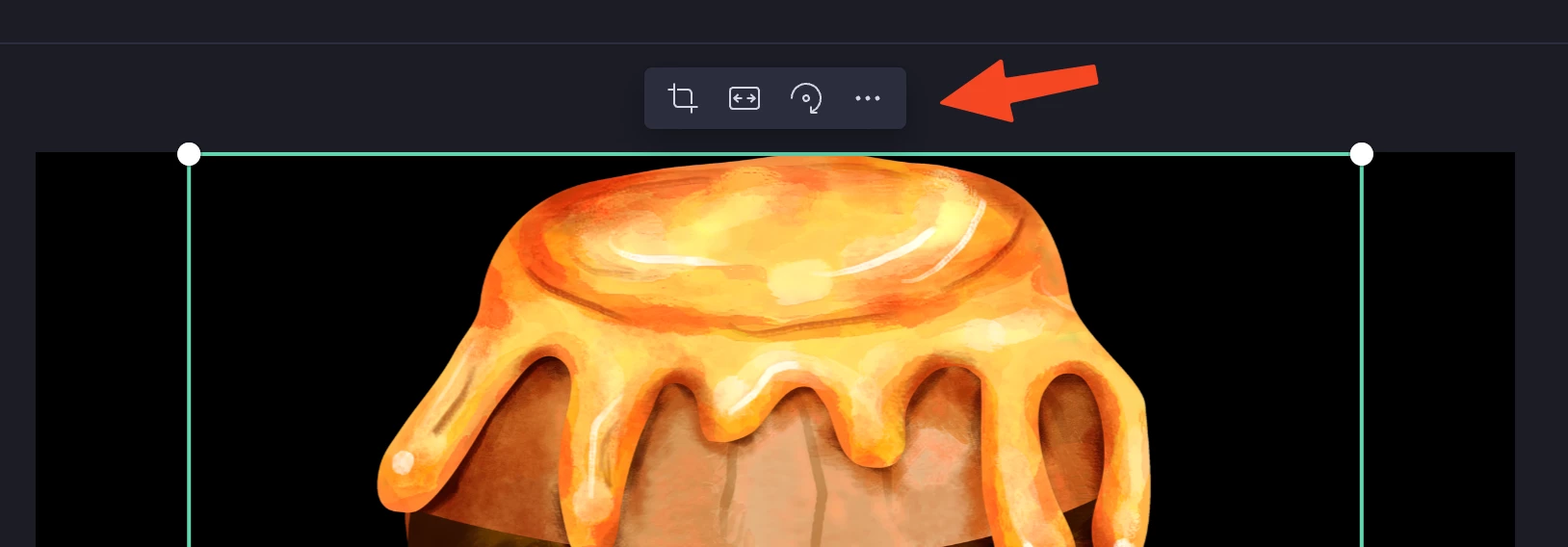
For example, adding convenient buttons directly onto the program monitor, like Clipchamp's Crop and Flip buttons, could greatly streamline common tasks such as video cropping and rotation. Similarly, integrating quick-access controls for text formatting directly into the program monitor would be incredibly useful. Photoshop's AI-powered background removal and generation tools serve as a great example of how software can make complex tasks more accessible with intuitive interfaces.
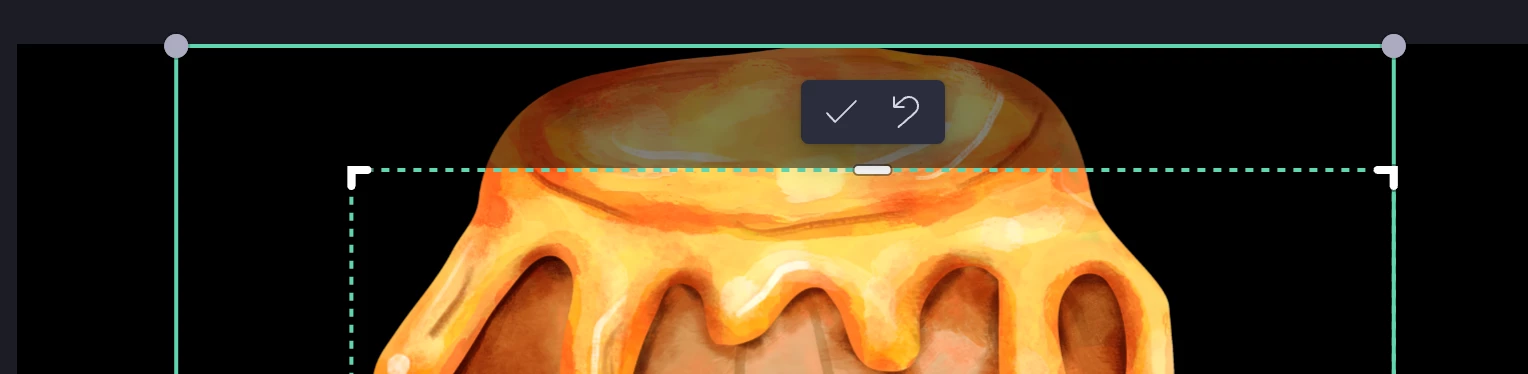
Improving the Essential Graphics tab is also crucial. Perhaps merging it with the Text tab and providing options for direct editing of text elements within the program monitor would enhance efficiency. Additionally, allowing for global subtitle adjustments without needing to navigate through multiple menus would be a welcome improvement.
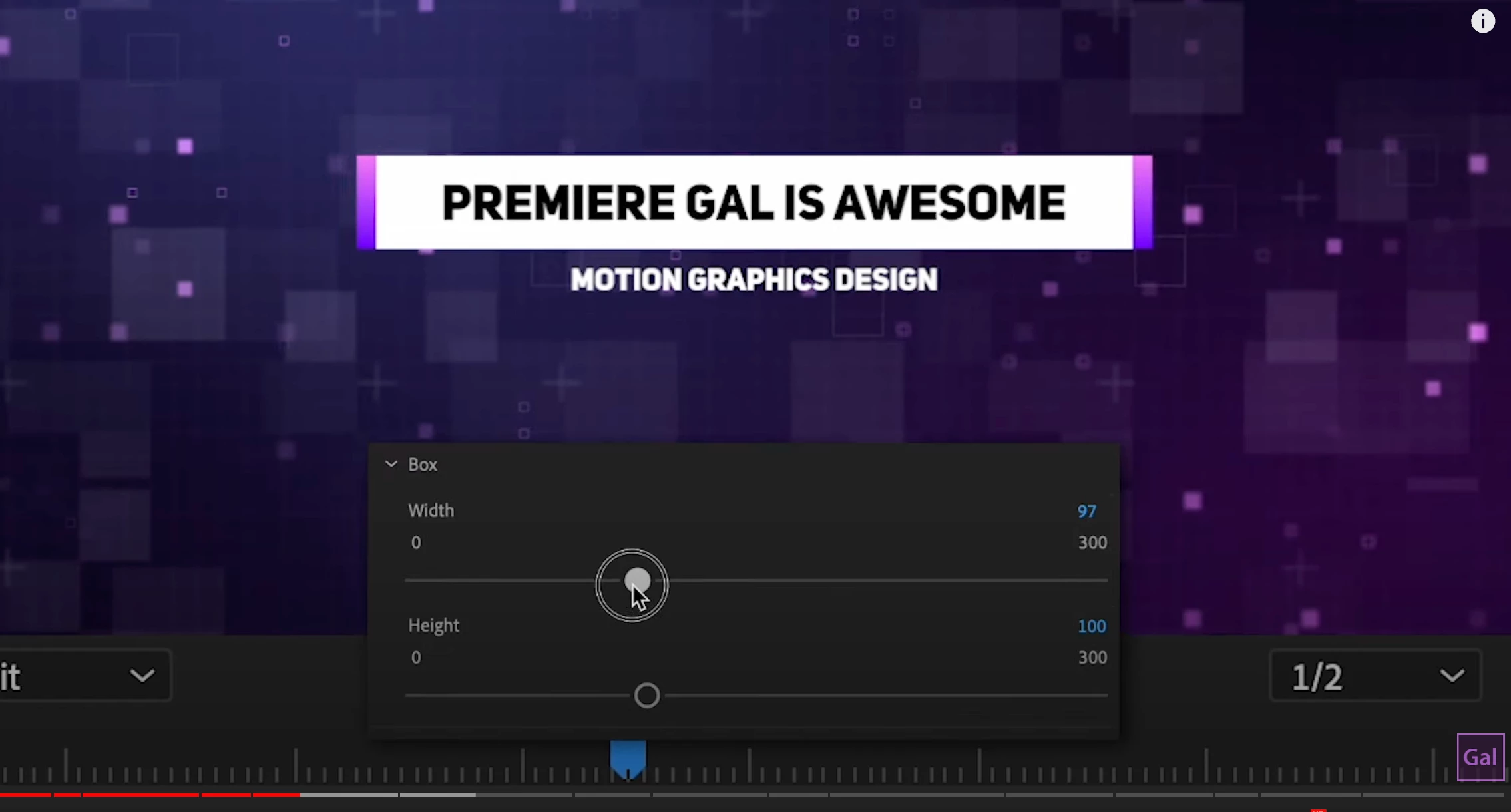
Ultimately, the goal is to make editing more enjoyable and exciting by reducing unnecessary complexity and streamlining common tasks. Providing these enhancements as optional features would ensure that users who prefer a more traditional editing workflow can still utilize the software effectively.


 AdChoices