


Source transcription offer no options
I had following problem when transcribing sources: There is no way to change the options for it (for me in that example the number of speakers). An such, there will be only one speaker using that way of transcribing the source clips.
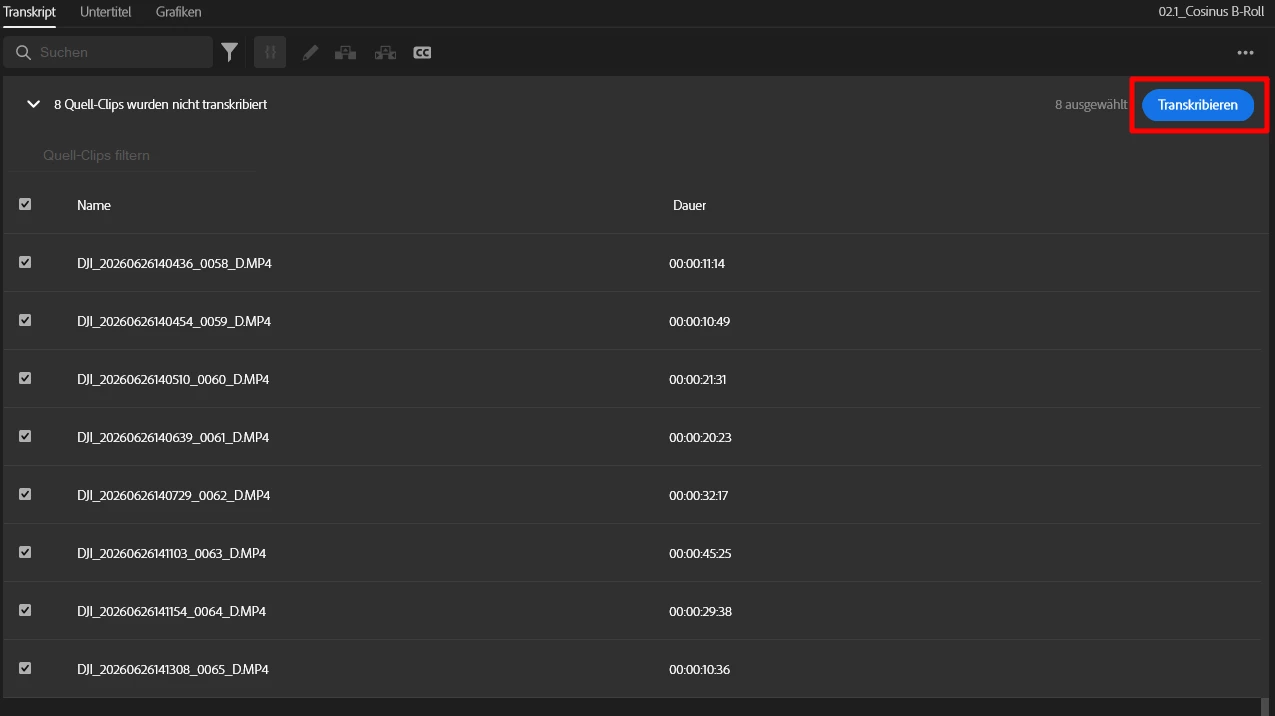
Only one button that has no way to open the settings (sorry for the German UI):
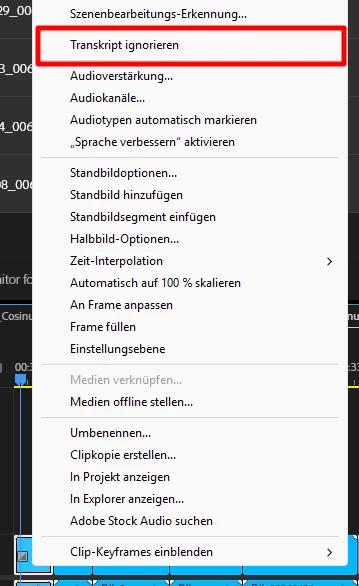
Unfortunately there is no way to select that clips and trigger a transcription in the context menu from the timeline window as there only one transcription command is available “ignore transcript”:
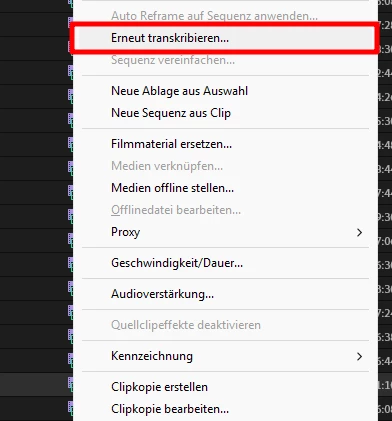
In the project window/panel however, there is a command “transcribe again” and that one will show the transcription settings window where I can set “multiple speakers”:
Problem with that is, I have to search the clips in the list of files. Often I don’t want every clip to be transcribed for a reason as transcribing b-roll clips will just add clutter to the transcription panel.
Easy fix(es): Add the “transcribe again” option to the context menu in the timeline window or/and a way to have the transcription settings open in the transcript panel (gear icon next to the transcribe button maybe)
 AdChoices