
Visual Cues in Source Monitor to confirm successful Insert/Overwrite to Timeline
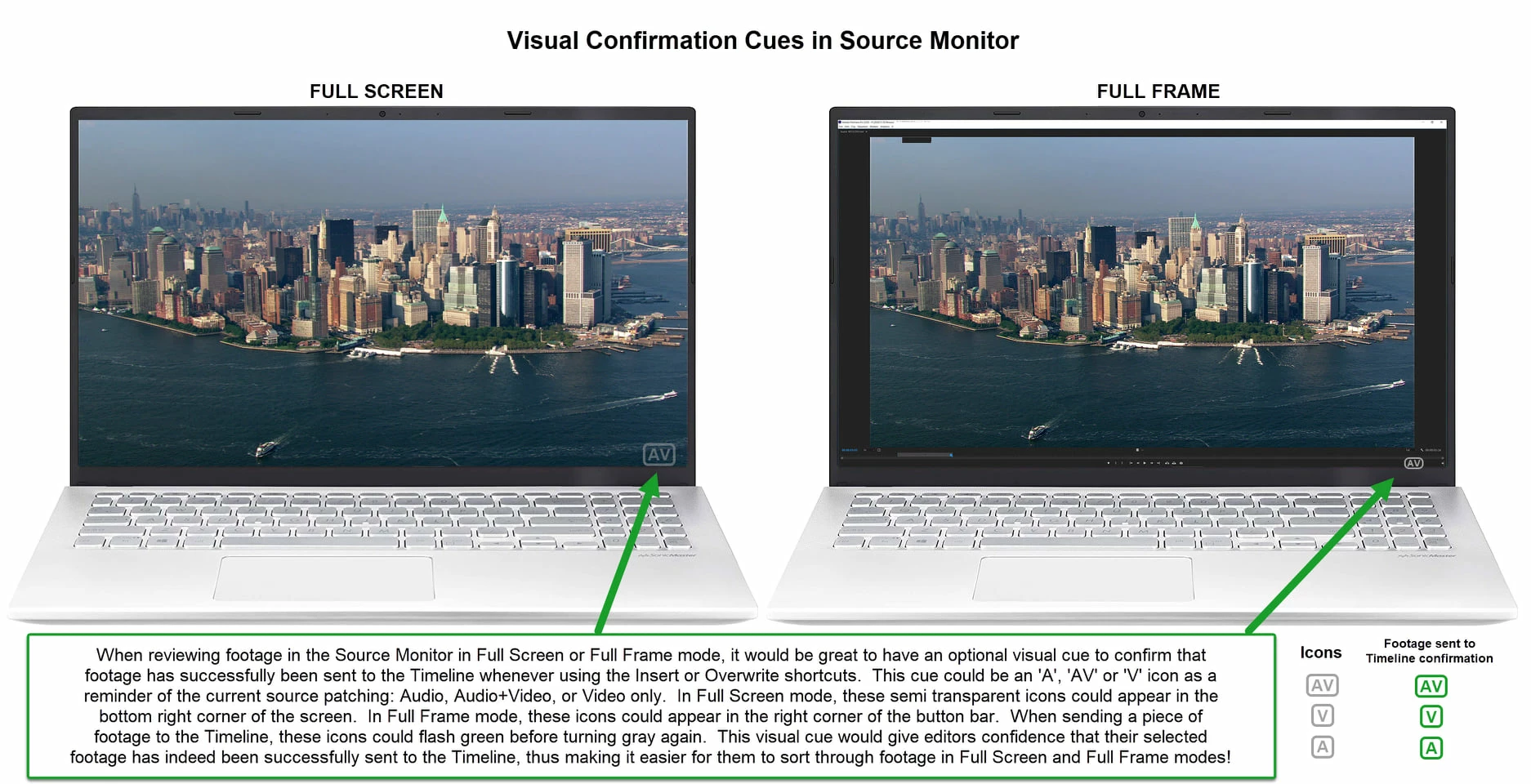
When reviewing footage in the Source Monitor in Full Screen or Full Frame mode, it would be great to have an optional visual cue to confirm that footage has successfully been sent to the Timeline whenever using the Insert or Overwrite shortcuts. This cue could be an 'A', 'AV' or 'V' icon as a reminder of the current source patching: Audio, Audio+Video, or Video only (see illustration). In Full Screen mode, these semi transparent icons could appear in the bottom right corner of the screen. In Full Frame mode, these icons could appear in the right corner of the button bar. When sending a piece of footage to the Timeline, these icons could flash green before turning gray again. This visual cue would give editors confidence that their selected footage has indeed been successfully sent to the Timeline, thus making it easier for them to sort through footage in Full Screen and Full Frame modes!


 AdChoices