


Warning - "This Action Will Delete Existing Keyframes" pop-up is completely redundant.
When you have keyframes in your Effect Controll panell and try to hit the Toggle Animations stopwatch icon to clear the keyframes, a pop-up warning message shows up.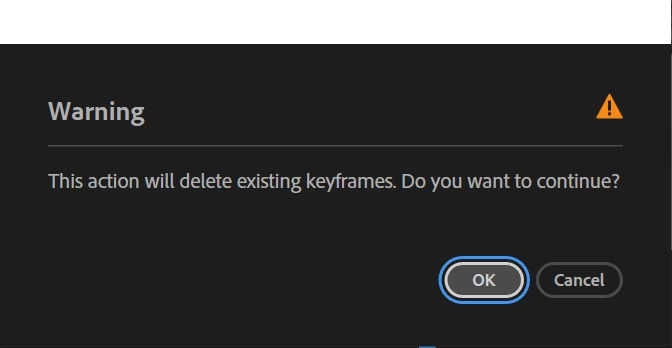
Steps to reproduce: Create position keyframes on a clip and then click the Toggle Animations stopwach next to the "Position" text.
Expected result: All existing keyframes on that keyframe track should be cleared.
Actual result: A completely redundant pop-up warning shows up, warning you of the exact thing you are are trying achiev.
Adobe Premiere Pro version: As far as I know, this bug has been present in en every Premiere Pro version as long as I can remember.
This is bug/feature is super anoying. I can not comprehend how this has not been fixed after so many years. Can't we just remove this dialogue box altogether. There exists a feature called Redo, so having a warning seems unnecessary. If for some reason there needs to be a warning message as a default–I believe there is none in After Effects–can there be a chekboks selection for those of us who do not want to se this pop-up ever again. Or at least a togle somewhere in the Preferences.
Thanks.
 AdChoices