

Way to Make Keyframing "Position" on a Transform layer Faster
Make Clicking "Position" on a Transform layer and then clicking and dragging the video to move the clip, similar to when you click on "position" under motion properties.
Here's what I mean...
If you click on motion...
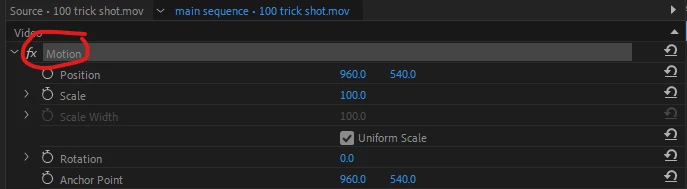
You can now click and drag anywhere on the preview video to move the scale, rotation, and position properties. This is great for keyframing. However...
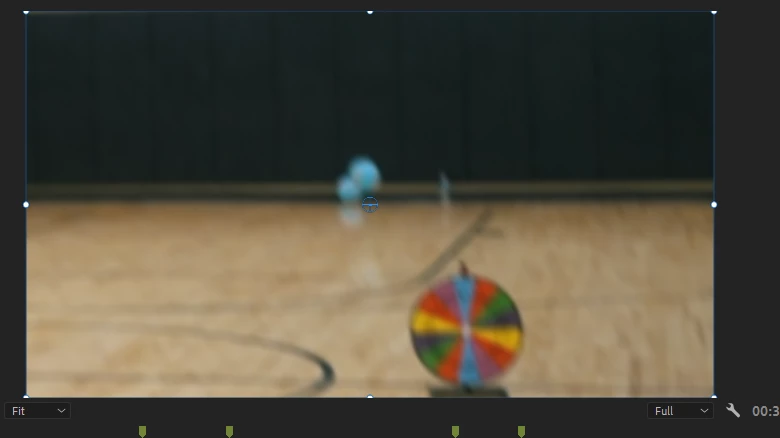
If you add the transform effect (which essentially does the same thing), it doesn't allow you to do the same thing. A lot of the time, I add transform to get the motion blur effect when zooming and adjusting positioning.
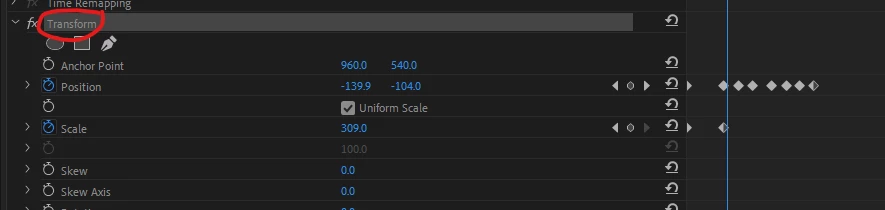
This is how it looks when you click on "transform", but it doesn't let you click and drag the preview...
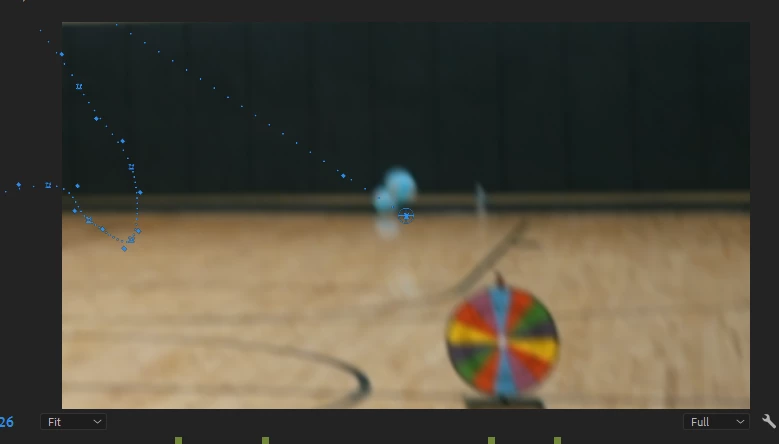
It looks the same as above when you click on "position" under the effect, too.
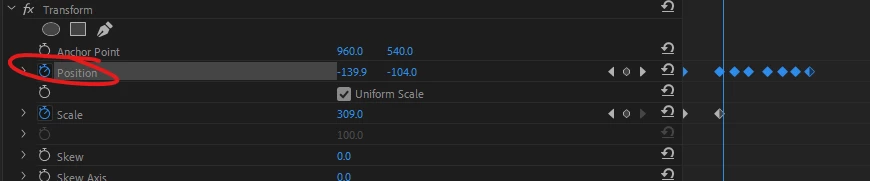
I'm hoping that you guys can hopefully update this effect in the future so that you can click and drag to move the video, much like you can on the motion properties, itself. This will help speed up retention editing for YouTube a LOT. Having to manually adjust the position and scale moving the variables themselves can get very tedious and wastes valuable time that eventually does add up.


 AdChoices