

Whitelist audio plugins for scanning
I’m a music producer & sound designer with a lot of audio plugins and virtual instruments for use in my DAW. However I use Premiere for video work, and every time I update it insists on scanning all these plugins I would never use in video, and it often takes hours:
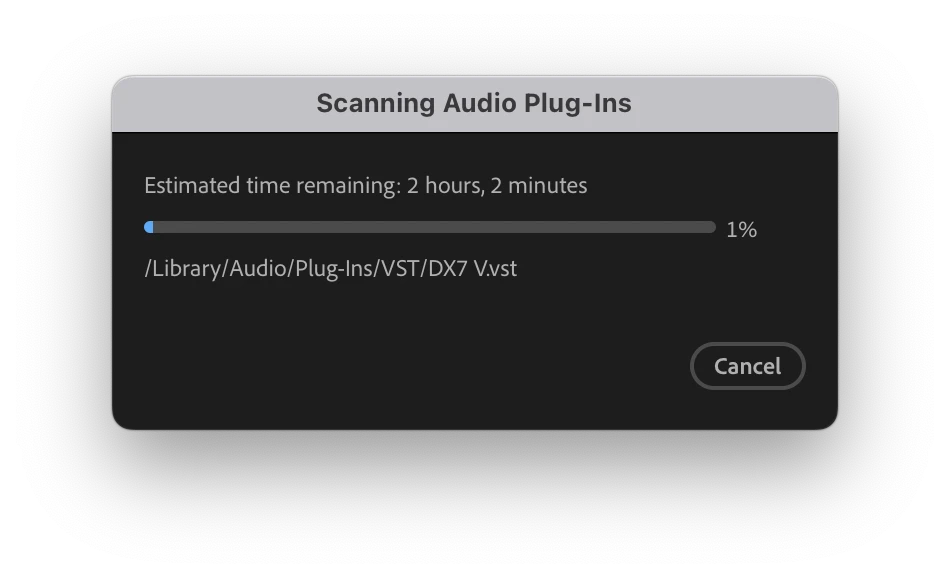
My folder includes numerous synths, drum machines, samplers (Kontakt etc) that don’t even have a use case within an NLE, so it’s such an annoying waste of time when I run an update.
I tried duplicating only the small amount of plugins I would want to use in Premiere and pointing to this folder, but it was problematic in that the plugins wouldn’t load or work anymore being outside of my system VST & AU folders. So I’m not sure what the solution is, but I was thinking a whitelist file where you could add the plugins you want to scan, and it will therefore ignore anything not in the list and ideally would scan much faster. Or a blacklist / blocklist which is the opposite, to ignore everything in that list. Whatever works. Thank you!
 AdChoices