



Will Resolve fonts actually be RESOLVED?
Hi, ladies and gentlemen. How come in v25.1 we still have this "resolve fonts" problem which is still unresolvable? Will there be any fix for it?
Everytime I open any project that has mogrts in it I get this window (the fonts mentioned may differ):
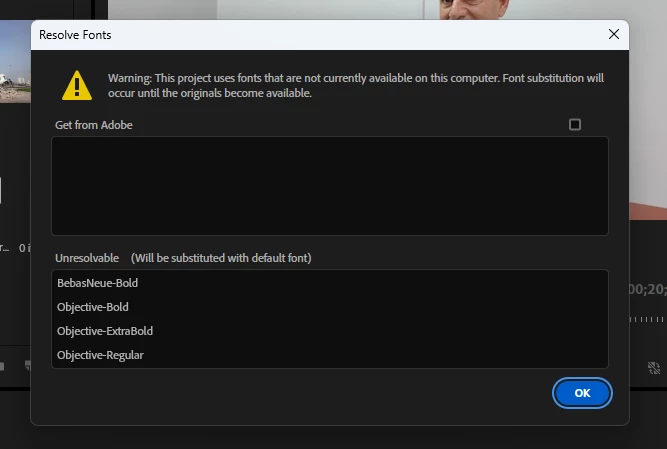
The checkbox above is inactive.
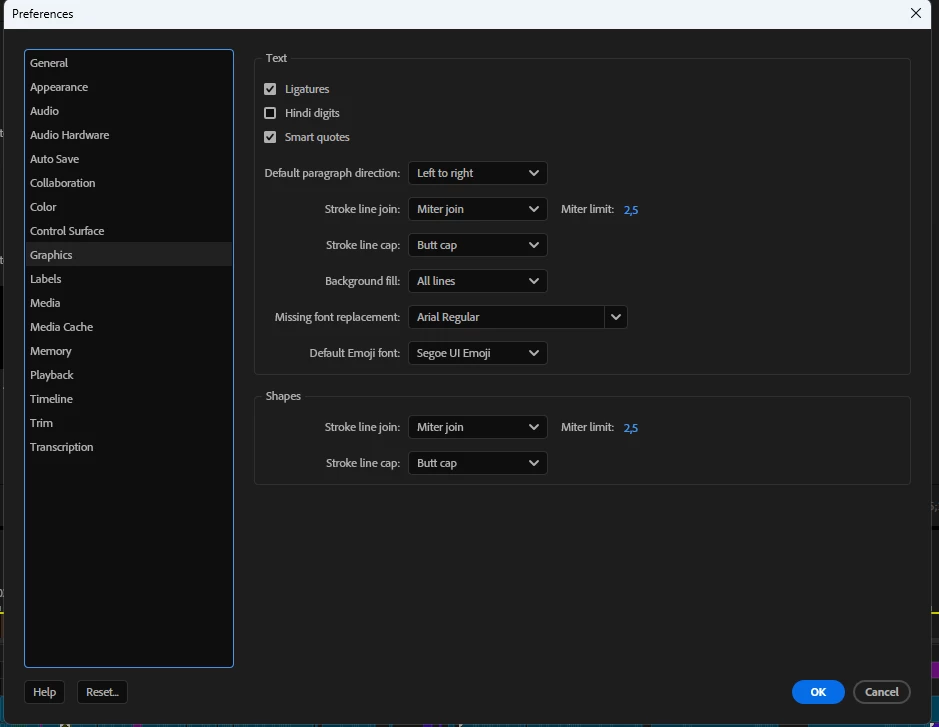
In Premiere Pro preferences I have it set to substitute the missing fonts to the font which can be found on any system - Arial regular:
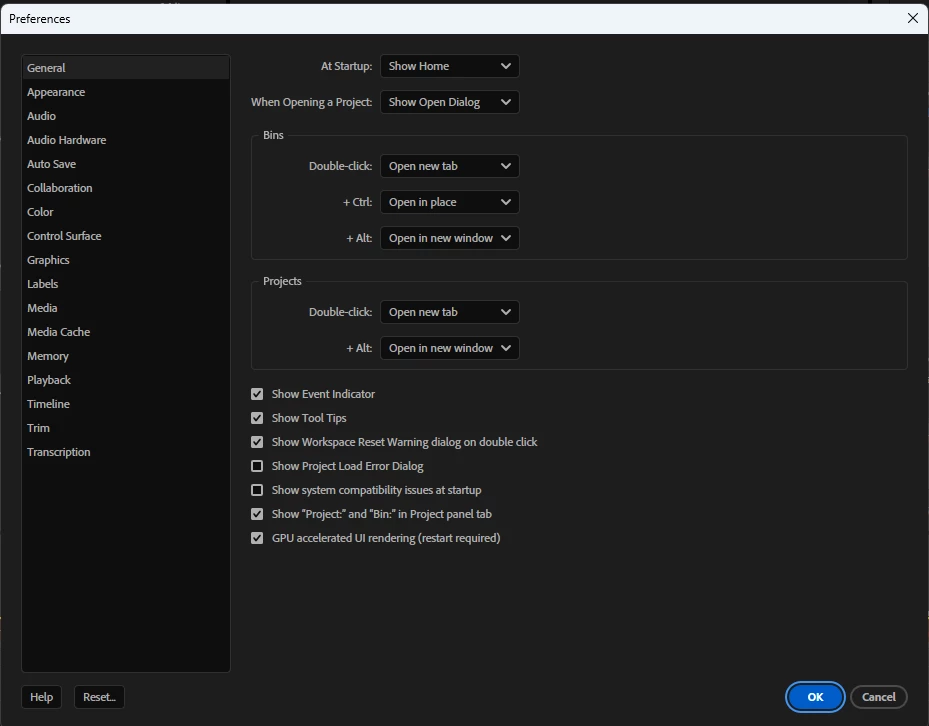
And I have the warning messages turned off here:
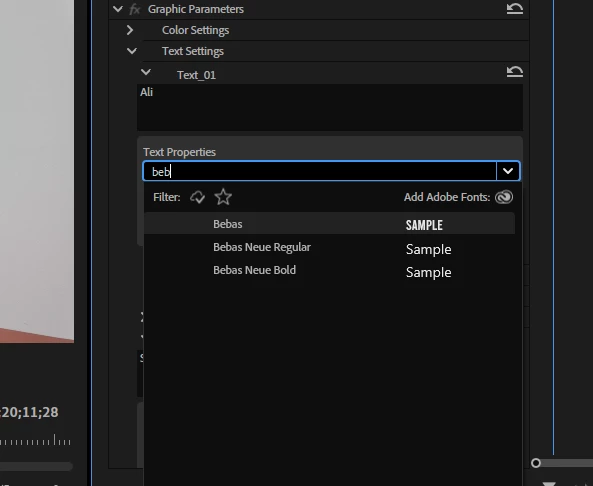
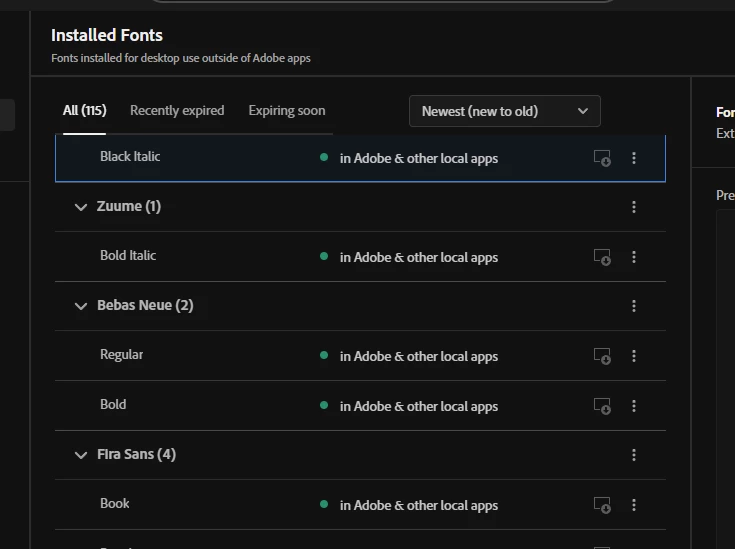
But the most interesting thing is that I do have those fonts and Premiere Pro shows them and lets me work with them:
So what the hell? Why does Premiere Pro have to warn me about missing fonts on every load? Isn't it time to add an option to completely turn off this warning message if the person has set the default font anyways?
PS: I know how to fix it, I just don't want to have to do it or see this message about it.
Oh, yeah, and for those who will ask this - yes, I do have the fonts in CC too
 AdChoices