Hi Scotty_Oz,
Thank you for reaching out, and sorry for the trouble caused.
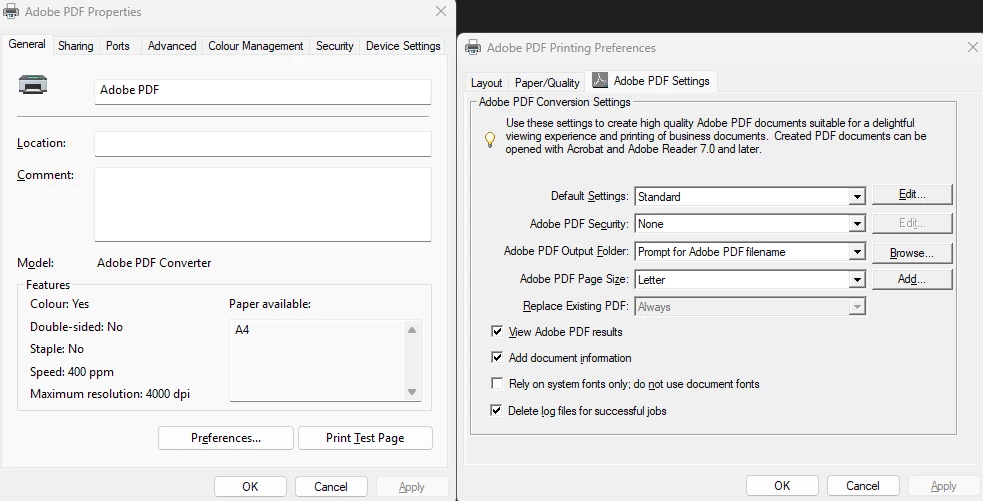
Please confirm if the document prints in letter size. If you have not tried printing, please try to confirm. We are just trying to confirm if it is an issue only with the size visible in the print window after making the changes.
Try changing the paper size in the Page Setup option in the Print window of Acrobat. Here are the steps to follow:
Open the PDF in Acrobat.
Click on the Print icon.
In the Print window, locate the Page Setup option at the bottom left.
In the Page Setup window, select “A3” from the Paper size drop-down menu.
Click on the OK button to save your changes.
Adjust any other settings as needed, and then try printing again.

Let us know how it goes.
Thanks,
Meenakshi





 AdChoices