Happylife2689
Participant
May 13, 2021
Question

Digitally sign greyed out, worked 2 weeks ago :-(

  • May 13, 2021
  • 1 reply
  • 292 views

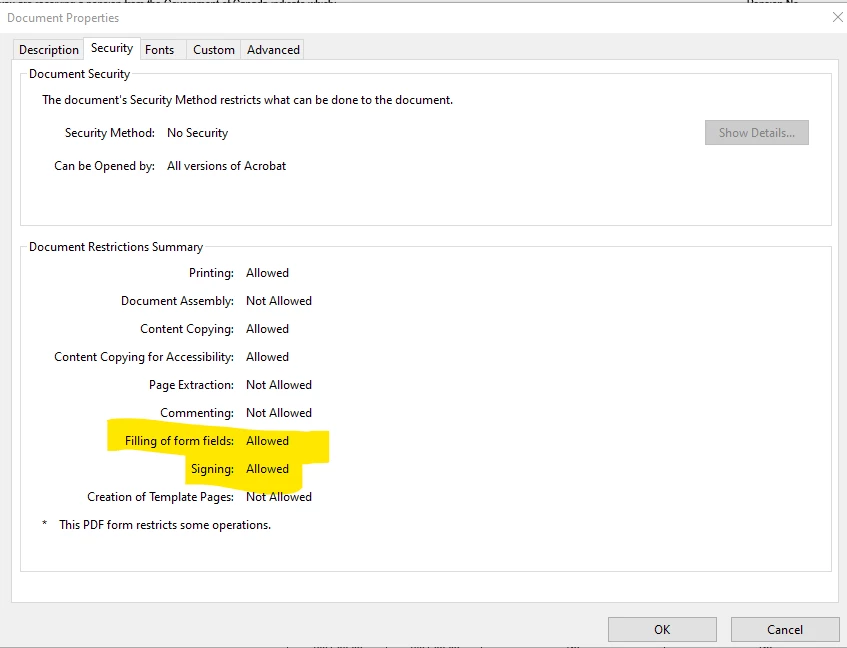
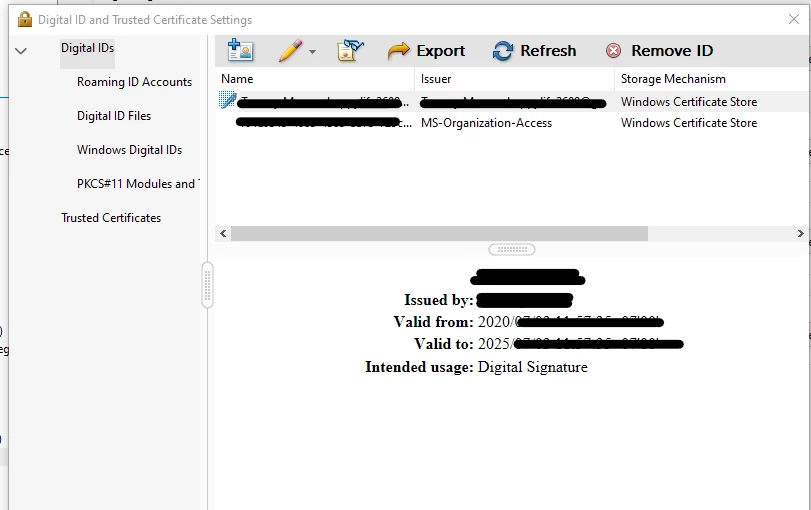
Trying to digitally sign a PDF doc. I was able to do this 2 weeks ago, but can't now.  I've tried using the trusted certificates (under tools) as well as "fill & sign" and both are greyed out and won't allow me to use them.


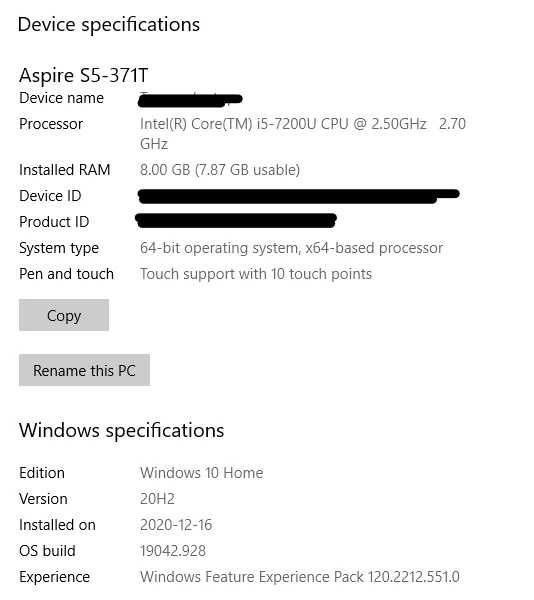
Screenshots provided of what version windows I'm using, etc.


Thanks in advance for your help
 

This topic is closed to new replies. Start a new post to keep the conversation going.

1 reply

Amal.
Legend
May 14, 2021

Hi there


Hope you are doing well and sorry for the trouble. As described you are unable to sign the PDF file as the option is greyed out


- Is this a behavior with a particular PDF file or with all the PDFs? Please try with a different PDF file and check.


- If the file is stored on a shared network/drive, please download it to your computer locally and then open it with Acrobat Reader DC and check


- What is the version of the Acrobat Reader DC application you are using? To check the version go to Help > About Acrobat and make sure you have the latest version 21.01.20155 installed. Go to Help > Check for updates and reboot the computer once


If it still doesn't work, please reset the Acrobat Preferences to default as described in the help page - https://community.adobe.com/t5/acrobat/how-to-reset-acrobat-preference-settings-to-default/td-p/4792082  and check


You may also try to create a new test user profile in windows with full admin rights or enable the root account in Mac and try using the application there and check.


Regards

Amal