
Question
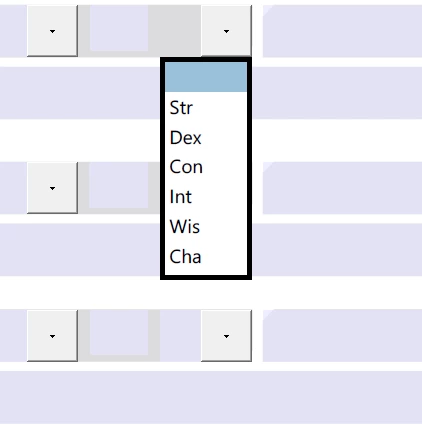
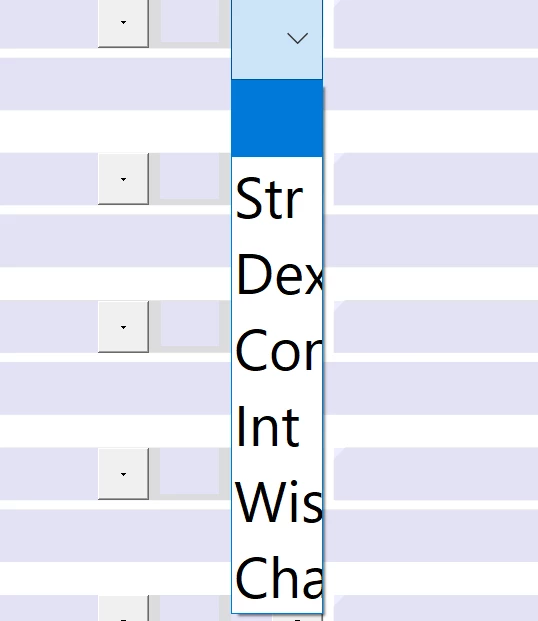
Drop down list larger than before and no longer fit
I recently downloaded Acrobat Reader DC in order to view and fill documents with drop down menus. The first instance I used the program, it worked great; however, the second time I booted the program, the drop down menus were much larger and more finicky to select. I reinstalled the program, and the same situation happened, second time booting the program yielded the same results. How do I fix this??? The picture on the top is the first boot and the bottom is the second boot. (yes this is copy pasted from another post, that post never got a solution as the problem "fixed itself" Im having no such luck)


 AdChoices