
PDF Document opens in print mode
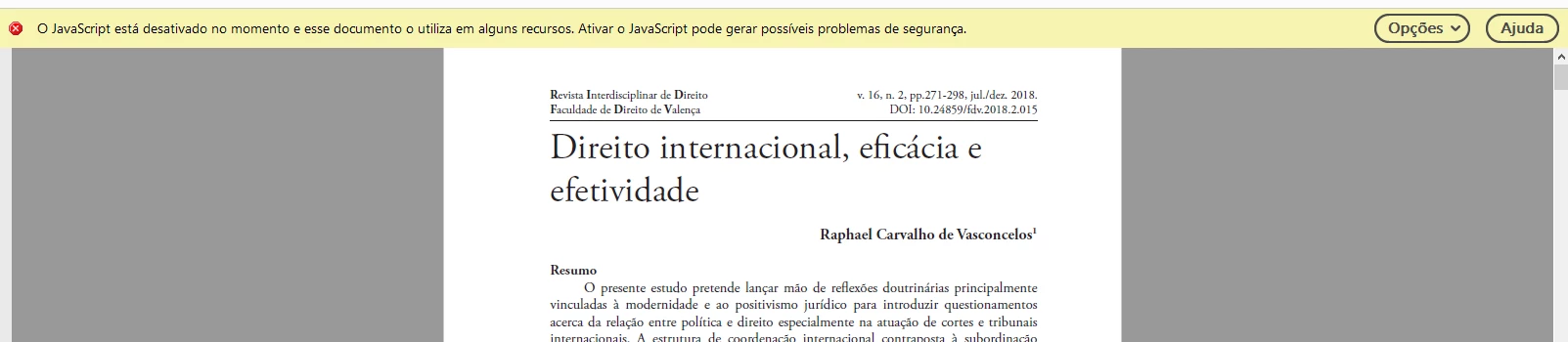
Hello. I have a problem which i can't solve: when i open a pdf file using adobe reader, a print dialog automatically opens, and i have to close it every time i open a document. I've read that i should disable javascript so adobe reader could function properly ( as seen here https://community.adobe.com/t5/acrobat/document-opens-in-print-mode/m-p/4121824?page=1 ), and i did. It worked, but right now a warning pop up comes every time i use the reader. It says something in the lines of "Java script is deactivated in this moment and this file uses some of it's resources. Activating Java scrip may cause security problems"( i had to translate it"). Both of these only happen in some files. Can anyone help me? I'd really like to get rid of both of these messages. I've annexed some pictures so you can see what is happening.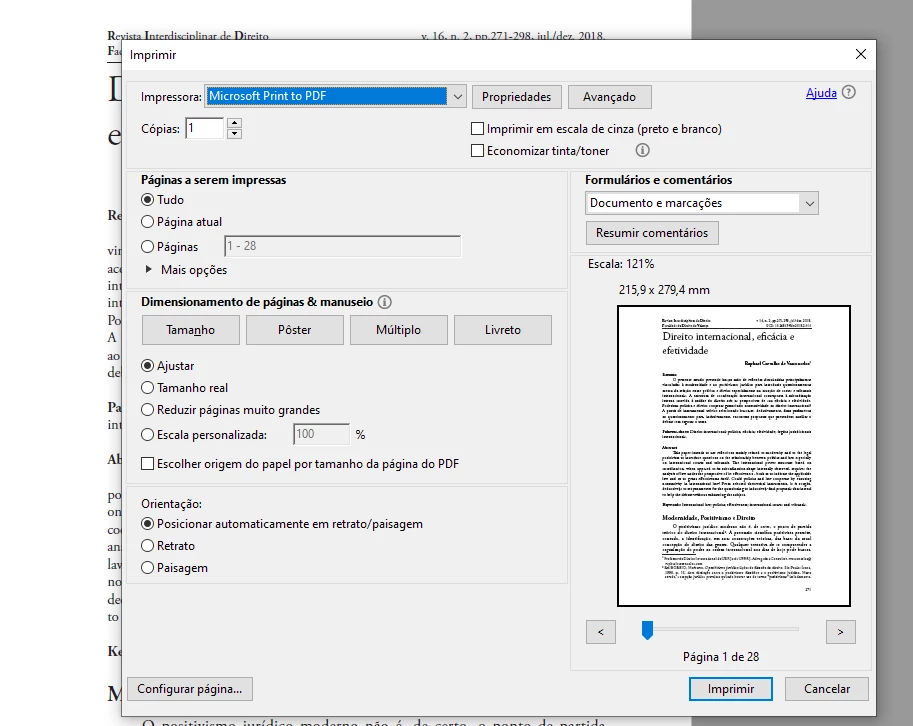
 AdChoices