
Participant
April 2, 2022
Question

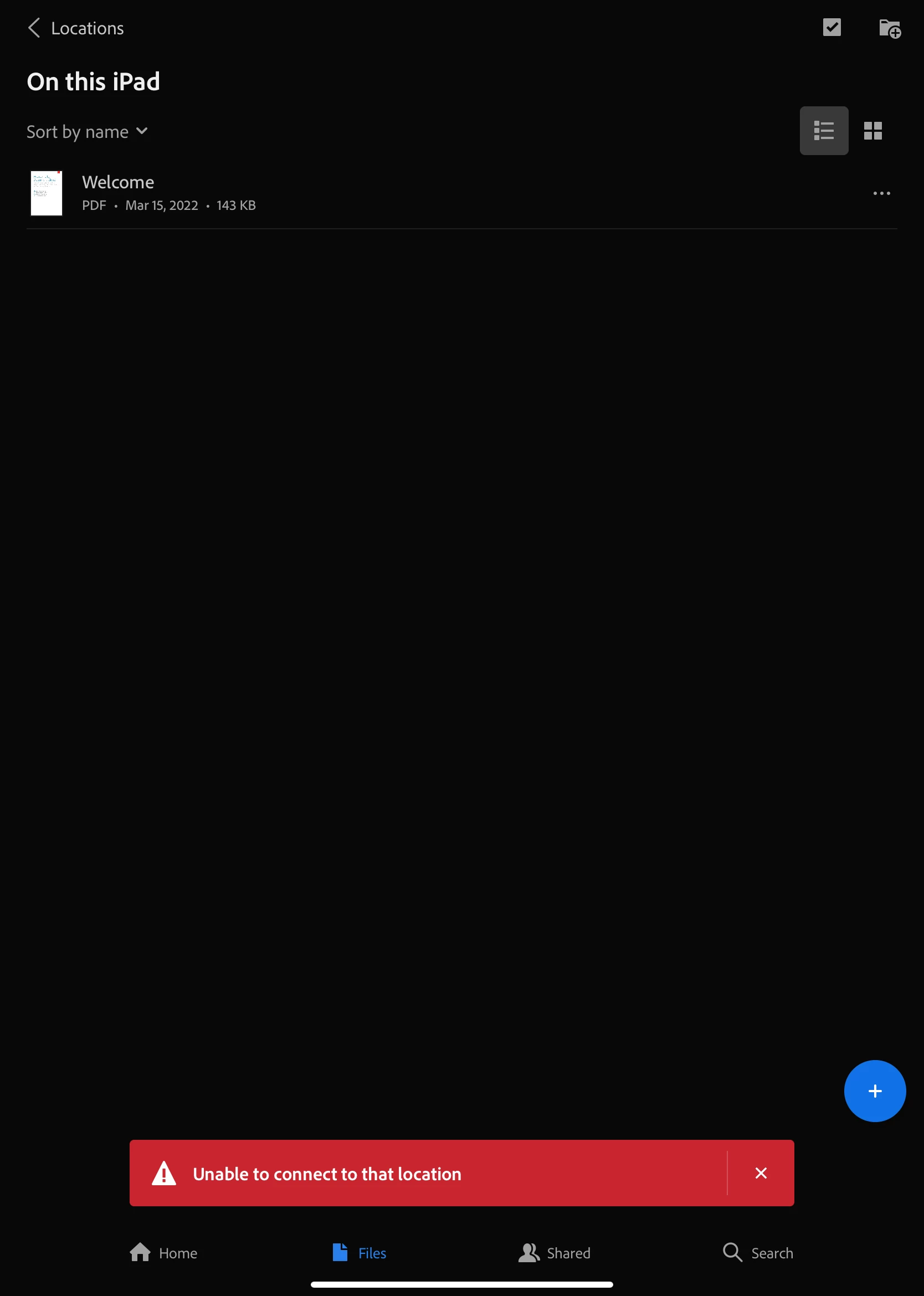
Acrobat Ipad can't connect to Google Drive

  • April 2, 2022
  • 2 replies
  • 2616 views

I've been having receiving this same error message everything I attempt to connect Acrobat to Google Drive. The Ipad software version is 15.3.1. I've tried deleting the apps and reinstalling them again. I've also tried shutting the iPad down and then restarting it again to no avail. For reference, I have an Adobe Cloud student subscription... if that is relevant. I've never had this problem before. Please help, I'm at my wits end. 😞
 

This topic has been closed for replies.

2 replies

Harsh Vardhan Pareek
Community Manager
Community Manager
April 4, 2022

Hi @aftercosmos 


As mentioned that you are getting the error while trying to connect to the Google drive location. Provide us a few more details to understand the issue better.

1. Application version?

2. iOS version?

Make sure that both iOS and the app are up to date.


Thanks,

Harsh

Participant
April 9, 2022

Hi there,


It's currently up to date. Software version 15.4.1. App is version 22.03.00.


Thank you for your help!

Harsh Vardhan Pareek
Community Manager
Community Manager
April 12, 2022

Hi @aftercosmos 


Thanks for sharing the details. Could you please share a video that shows the issue clearly? 


Thanks,

Harsh


Participant
April 2, 2022

You know I'm really having problems when I can't form proper sentences lol