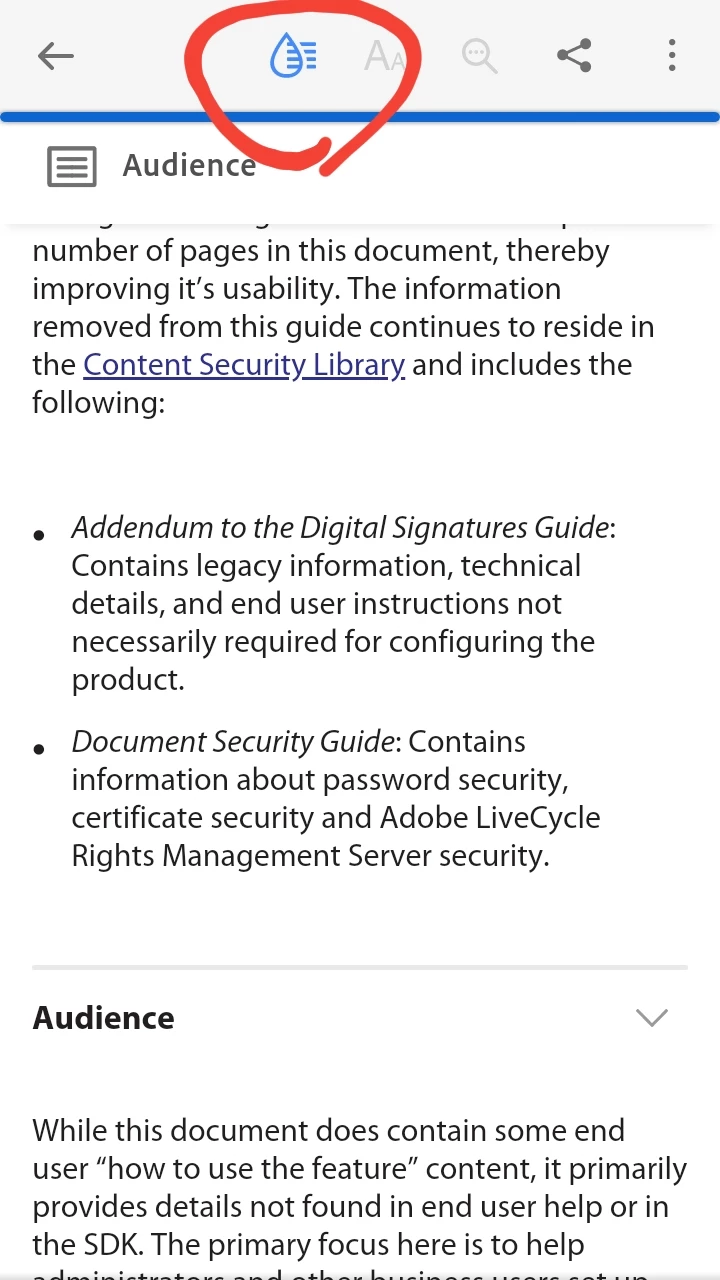
If that document is less than 200 pages you can activate Liquid Mode.
Liquid Mode is a new reading mode feature that was released with the last update.
It will allow you to scroll the page up or down, with left or right thumbs, in a continuous page fashion.
It also provides the user with a searchable content feature similar to bookmarks (in the context that you can advance a search straight into another section quickly when reading long documents).
See slide below:
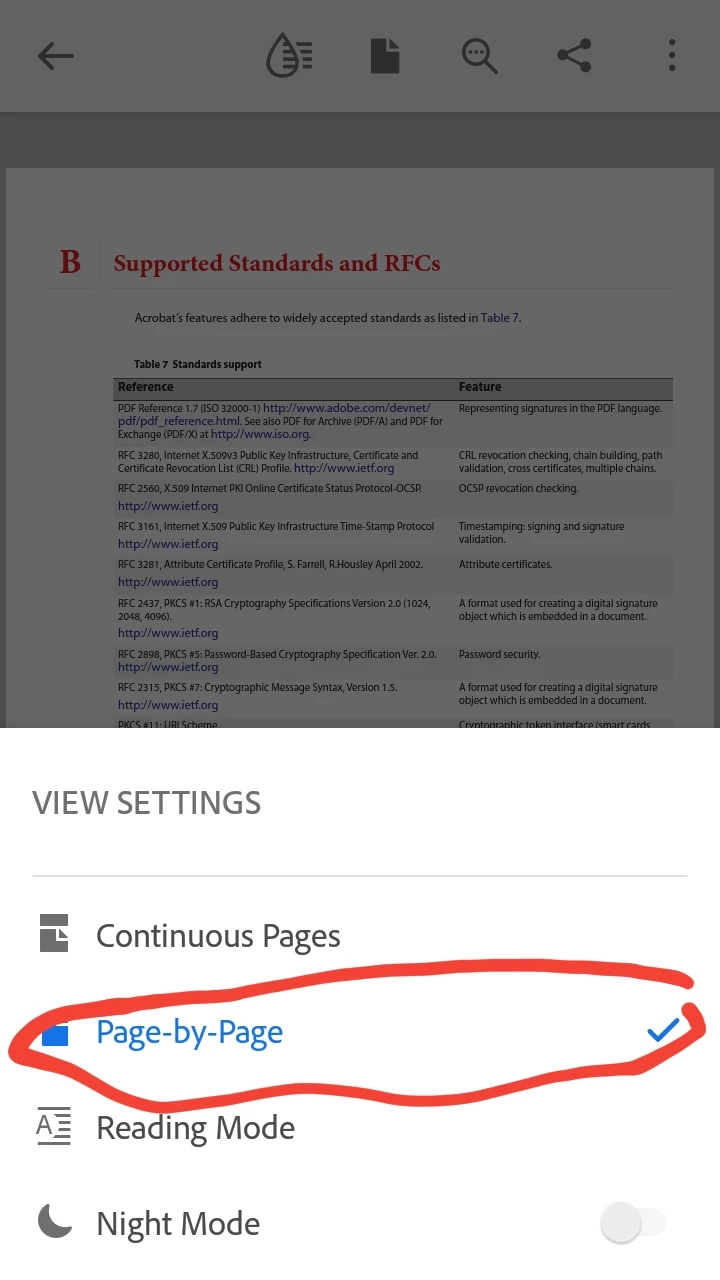
As a consolation prize, you may also want to change the reading mode to "Page by Page".
In "Page by Page" mode, notice how the UI element, better known as the Scrolling Tab, is now positioned at the bottom of the screen, also allowing the user to use left or right thumbs.
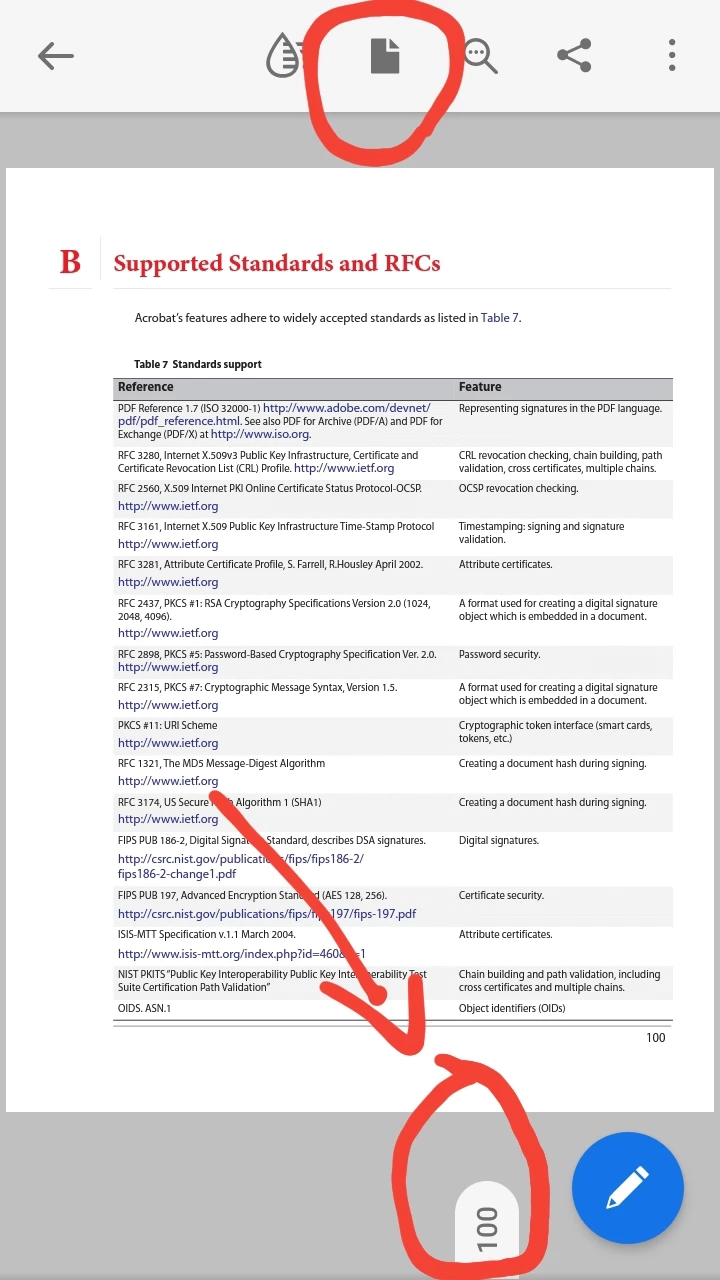
This may not be the answer that you're looking for, but in my personal opinion, it is better than not having page scrolling options at all.
Also, for a best user experience, use this app in mobile devices that have big screens, like a tablet, for example.
Although trying to read a PDF document in a pocket-size mobile device is possible, it is wortht noting that the user may run into content reflow issues, provided that the dimensions of the mobile device's tap screen is too small and limits the document's working space.




 AdChoices