hi lindamariez,
Could you please try following steps,
#1. Restart your device and make sure you have stable network connection
#2. Go to AppStore to download current version of "Adobe Acrobat Reader"
#3. Please be patience during the download process and once Acrobat is successfully installed, you should see the "Open" button next to the "Adobe Acrobat Reader" as below,
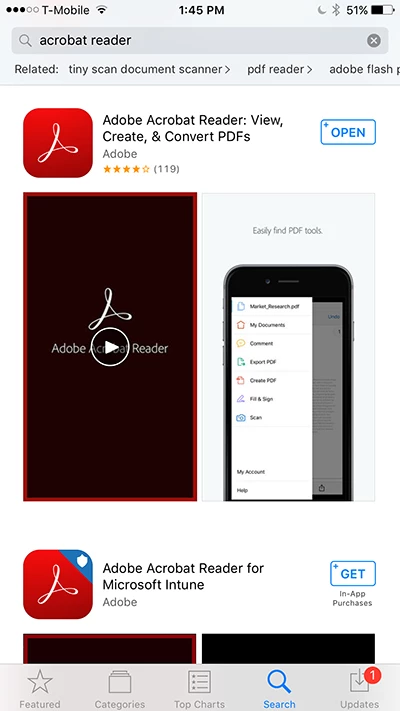
#4. Tap "Open" to run Acrobat
#5. Use Swipe-to-left gesture to get through 3 "First Time Experience" cards
#6. At the last card, "Get Started" button should be there as below,
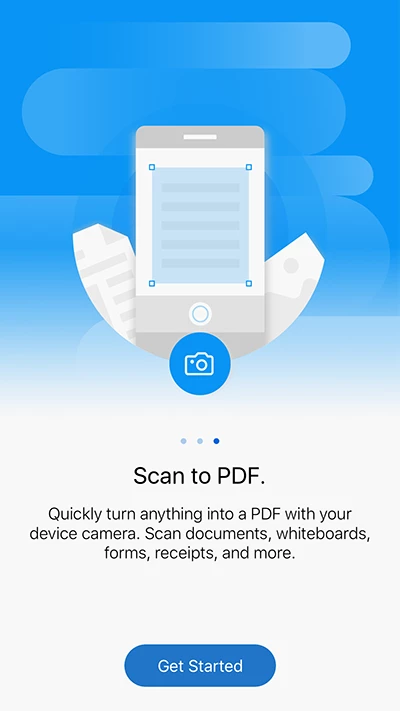
#7. Tap "Get Started" button
#8. Now go the links below for how to open PDF from Mail or Safari,
How to open PDF documents in Adobe Acrobat Reader for iOS (iPhone version)
How to open PDF documents in Adobe Acrobat Reader for iOS (iPad version)
Thank you for your patience,



 AdChoices