



Attroll
Inspiring
July 27, 2020
Answered

Android Acrobat erroring

  • July 27, 2020
  • 1 reply
  • 932 views

It seems like this started from the last update.

I can not get Android Acrobat to open any pdf's on my Samsung Note 9. 

I have tried rebooting my phone with no luck. 

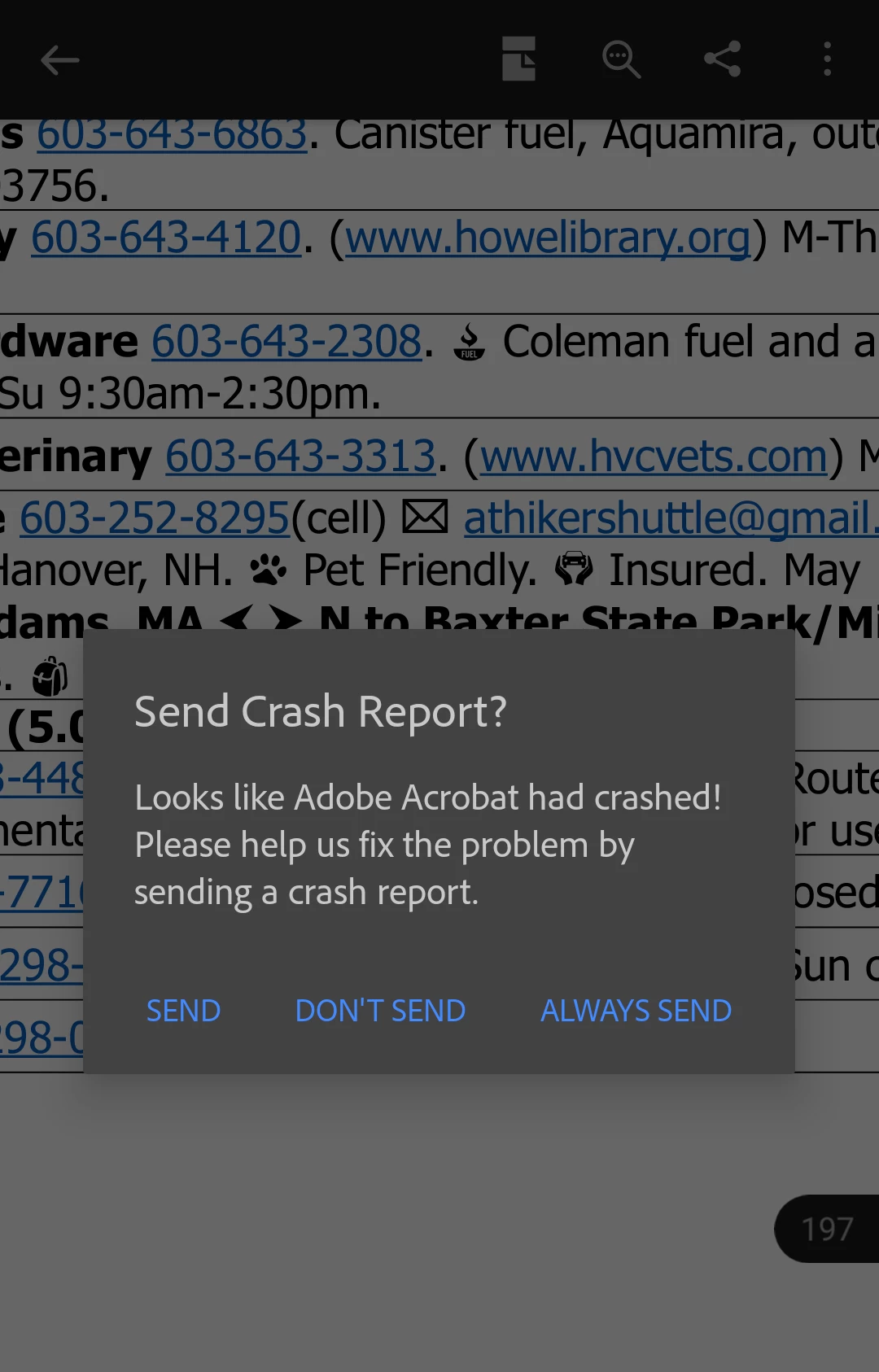
I keep getting the following message:


Send Crash Report?

Looks like Adobe Acrobat had crashed!


Can someone help me get this resolved?
This topic has been closed for replies.
Correct answer Attroll

I was able to get this working again.

I had to uninstall it and reinstall it. 

1 reply

ls_rbls
Community Expert
Community Expert
July 30, 2020

If the app was working before it is possible that you may need to also perform an update of your AndroidOS in that device.


I would also check if there are too many apps running in the background and put them to sleep, clear caches and temporary folders, etc. with the Device Maintenance app that should be built-in with Android. 


I would also perform a hard reboot, take the battery out after shutting down, just for a few seconds. Then turn on the device back on and  try again.

Attroll
AttrollAuthorCorrect answer
Inspiring
July 30, 2020

I was able to get this working again.

I had to uninstall it and reinstall it. 

ls_rbls
Community Expert
Community Expert
July 30, 2020

Ok, great!


Don't forget to mark your answer as correct.