

App Converting & iCloud Icon
Hi. I'm having issues with converting images to PDF from my iPhone. The conversion starts then sits in the cloud '
loading' but doesn't actually convert. I can't access or delete it... when I click on it says that it can't be opened whilst conversion is taking place. In order to delete document I have to delete and reinstall the app.
In addition, an annoying visual userface issue - the app icon in iCloud Drive is missing. It just has a white square box rather than the acrobat logo it usually has. I've tried uninstalling and reinstalling app - many times due to the first issue as well as turning on and off my phone, removing acrobat from iCloud and adding it again and logging in and out of iCloud itself.
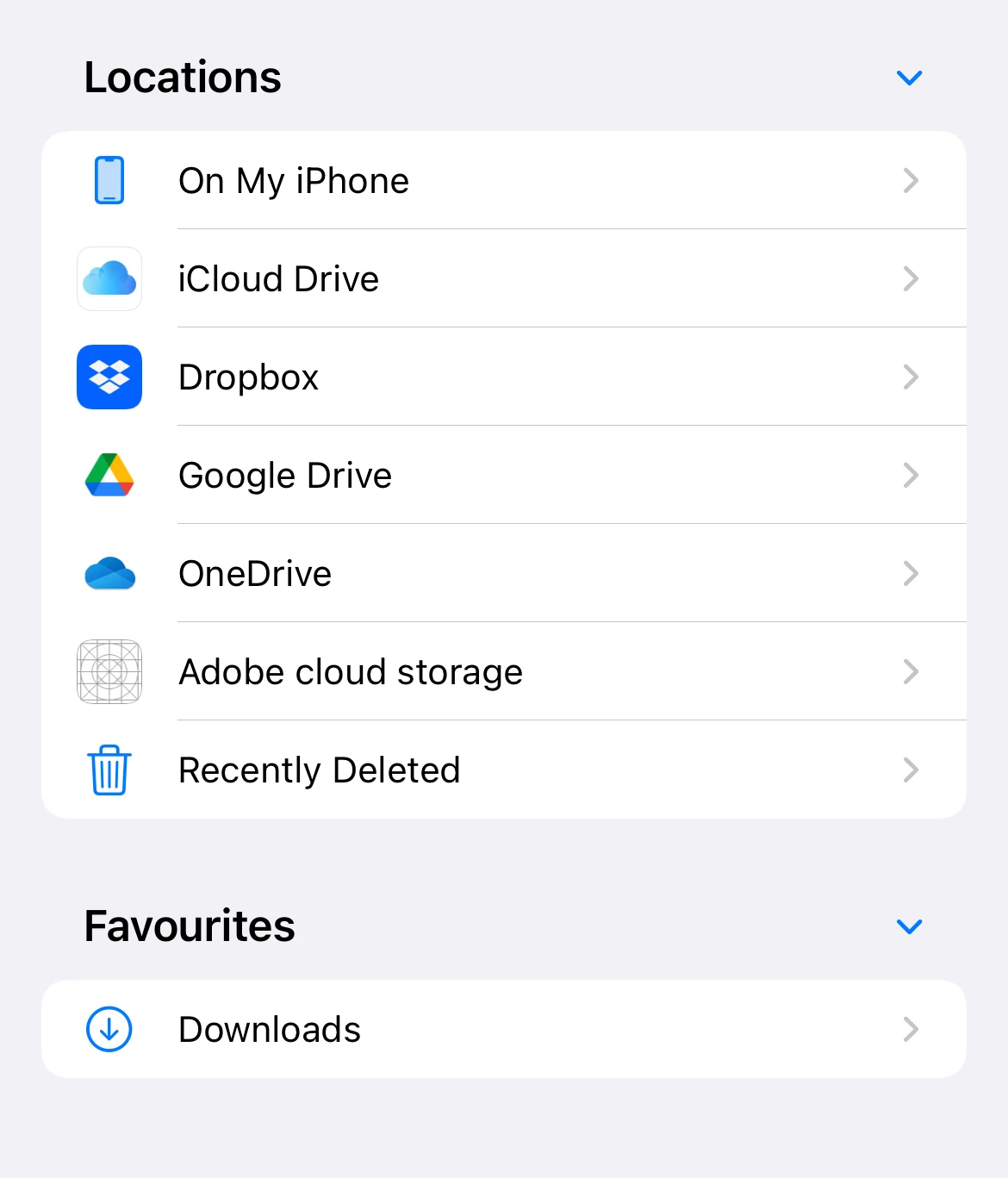
I currently have version 22.06.00 installed and I am a Pro User.
As I have automatic updates I'm unsure the exact versions where the issues started however the conversion issue is only recent - perhaps since the last update. The app icon disappearing has been an issue for a bit longer - possibly 2-3 updates ago.


 AdChoices