
Participant
November 12, 2025
Question

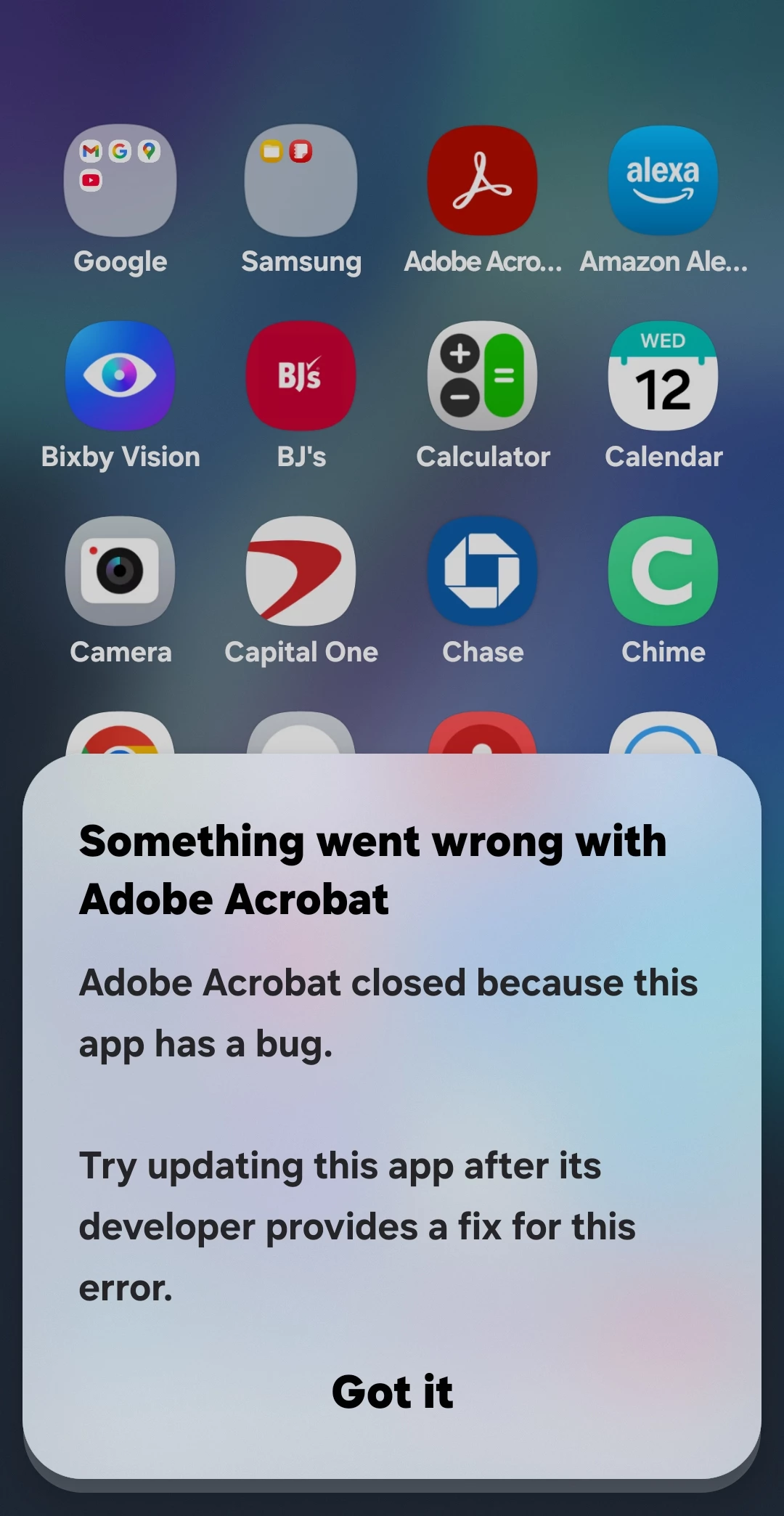
App crashing after update Android S21

  • November 12, 2025
  • 1 reply
  • 54 views

Ever since the last update this app Now crashes on my Android S21. I emailed Adobe but I am a Free member and they only seem to care about paid members. I've deleted my cache, still doesn't help. Google says it should be put in deep sleep but I dont have that option either. Its worked great for years, now, nothing good at all, ANY SUGGESTIONS? Thank you in advance 
1 reply

Amal.
Community Manager
Community Manager
November 13, 2025

Hi there,


Hope you are doing well and sorry for the trouble. 


What is the workflow/steps you are taking when the Acrobat App crashes? Is it crashing when you try to open the PDF file or when you use some App functions? A small video recording of the steps you are taking and the issue as it occurs would be very helpful. 


Is this an issue with a particular PDF file or with all the PDFs? Please try with a different PDF file and check. Also share a sample PDF file so we can try to investigate the issue further at our end.


~Amal

Participant
November 14, 2025
I am trying to fill a form out on a Legal Court house document, one I have
done at least 11 times before the last update. I will attach a screen
Recording of what is happening. Hope this helps
S_S
Community Manager
Community Manager
November 14, 2025

Hi @innovative_niceness4239,


Yes. That would be great! 


Also, when you do attach the recording, please ensure you are logged in to the community and use the reply feature.


If you are responding through the reply button on the email, it doesn't publish on the response.


Look forward to hearing from you.


Regards,
Souvik.