
Participant
January 26, 2023
Question

Bug Iphone Adobe reader iphone 12, 14 pro max

  • January 26, 2023
  • 1 reply
  • 576 views

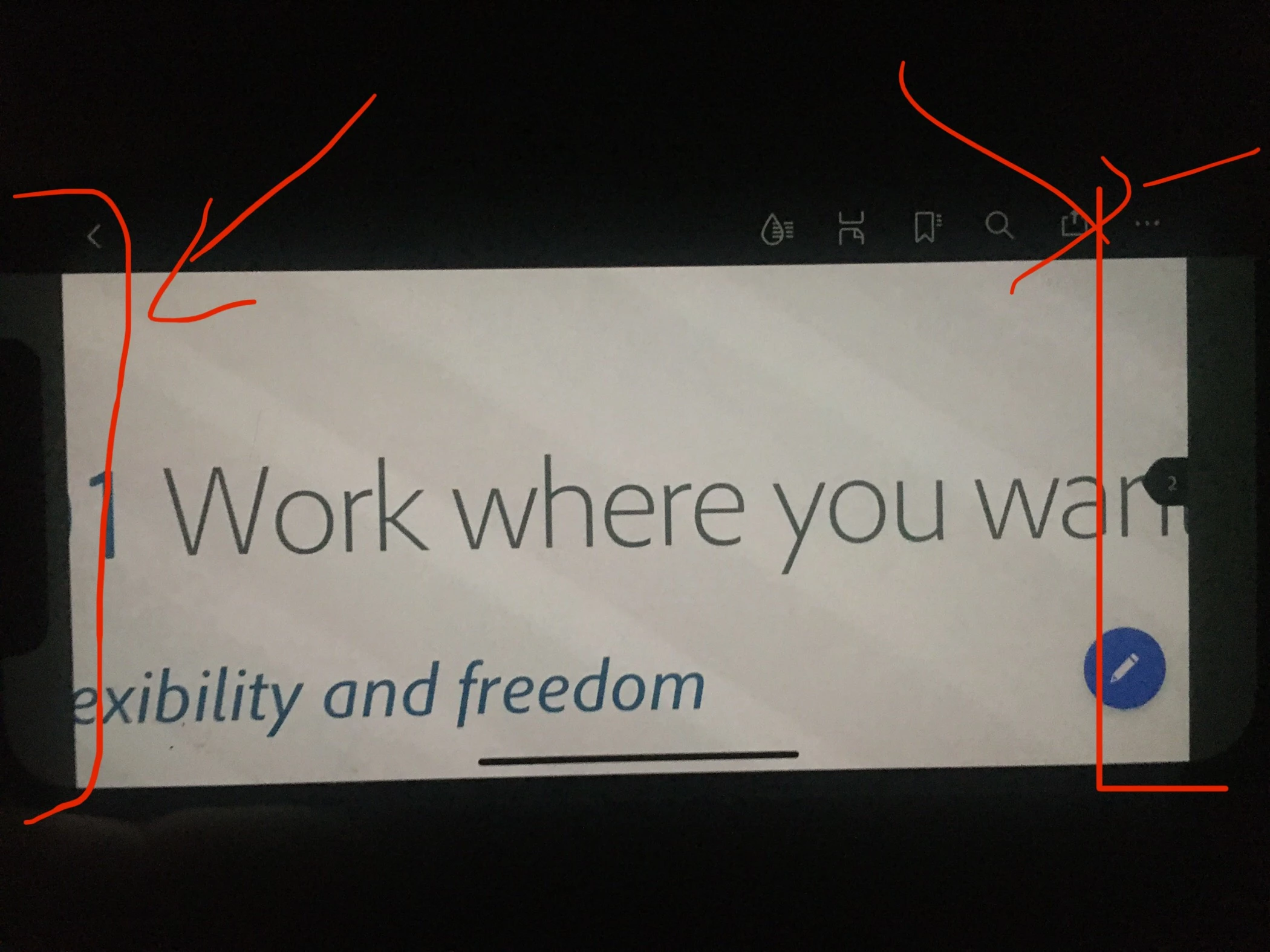
1/ Doesn’t work on landscape mode screed edges always gray cannot look on full screen 
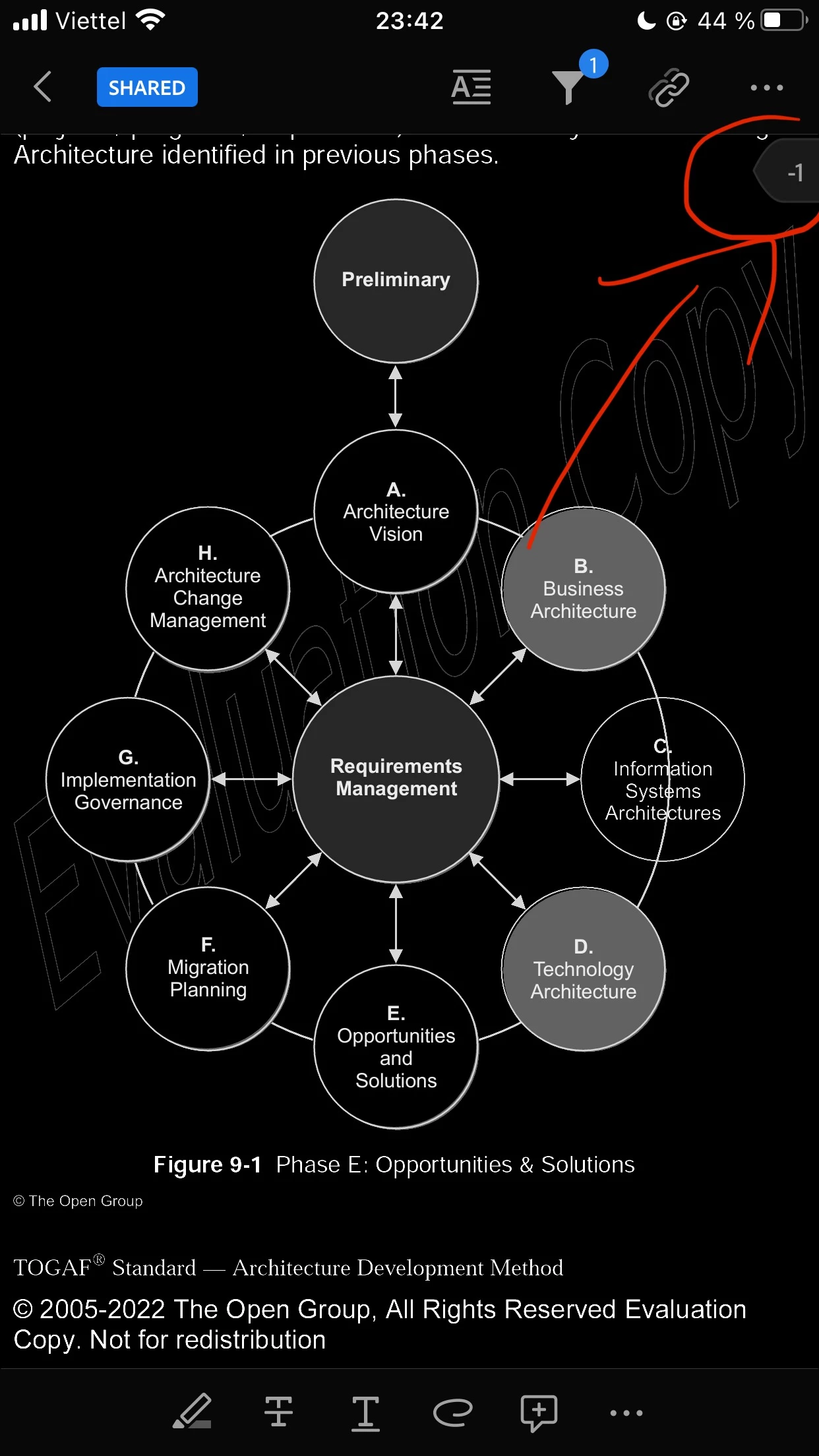
2/ Read mode show page number “-1” always
I checked on iphone 12 & iphone 14 pro max


when can we expect the fixes

This topic has been closed for replies.

1 reply

S_S
Community Manager
Community Manager
January 27, 2023

Hi @ALEKSANDAR24422584iq8j,


Hope you are doing well. Sorry for your experience with Acrobat Reader Mobile.


For the first part, those are the boundaries that the application should have. This is not limited to Acrobat, but to all the applications you might have observed. This is to keep the aspect ratio of the applications intact.


For the second part, is it related to a particular file? I tried reproducing this on my end, and everything worked fine. Could it be a case where the page numbers are put in manually? I tried with files saved on my local drive and shared files, but everything was fine.


If you experience the issue with all the files, please share the below pieces of information so we can investigate further:

1. The application version of Acrobat Reader Mobile you are using;

2. The OS [Android/iOS] and its version;

3. A screen recording of the issue.


Also, you might want to check if the application is updated.


Look forward to hearing from you.


-Souvik