Participant
December 4, 2021
Question

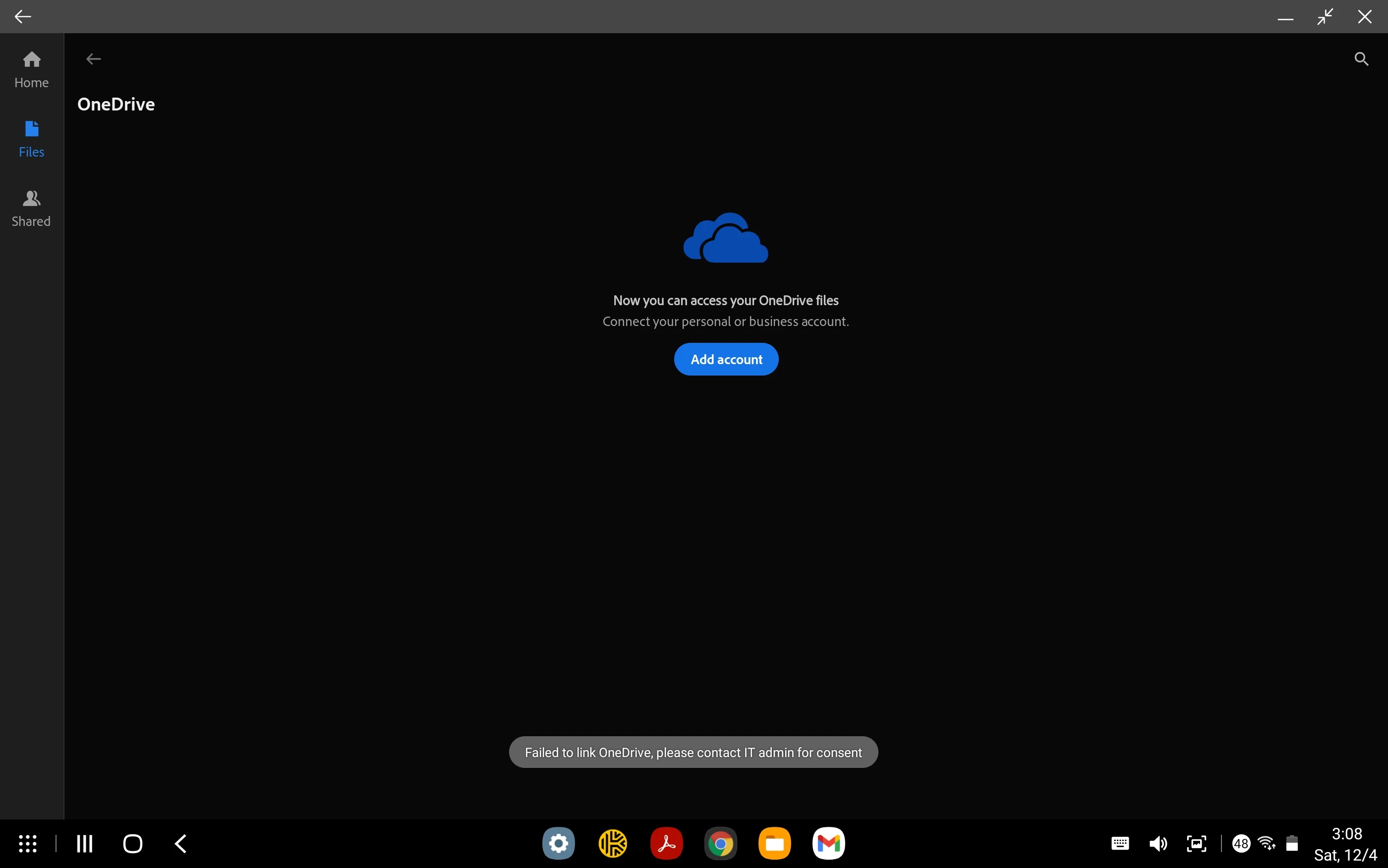
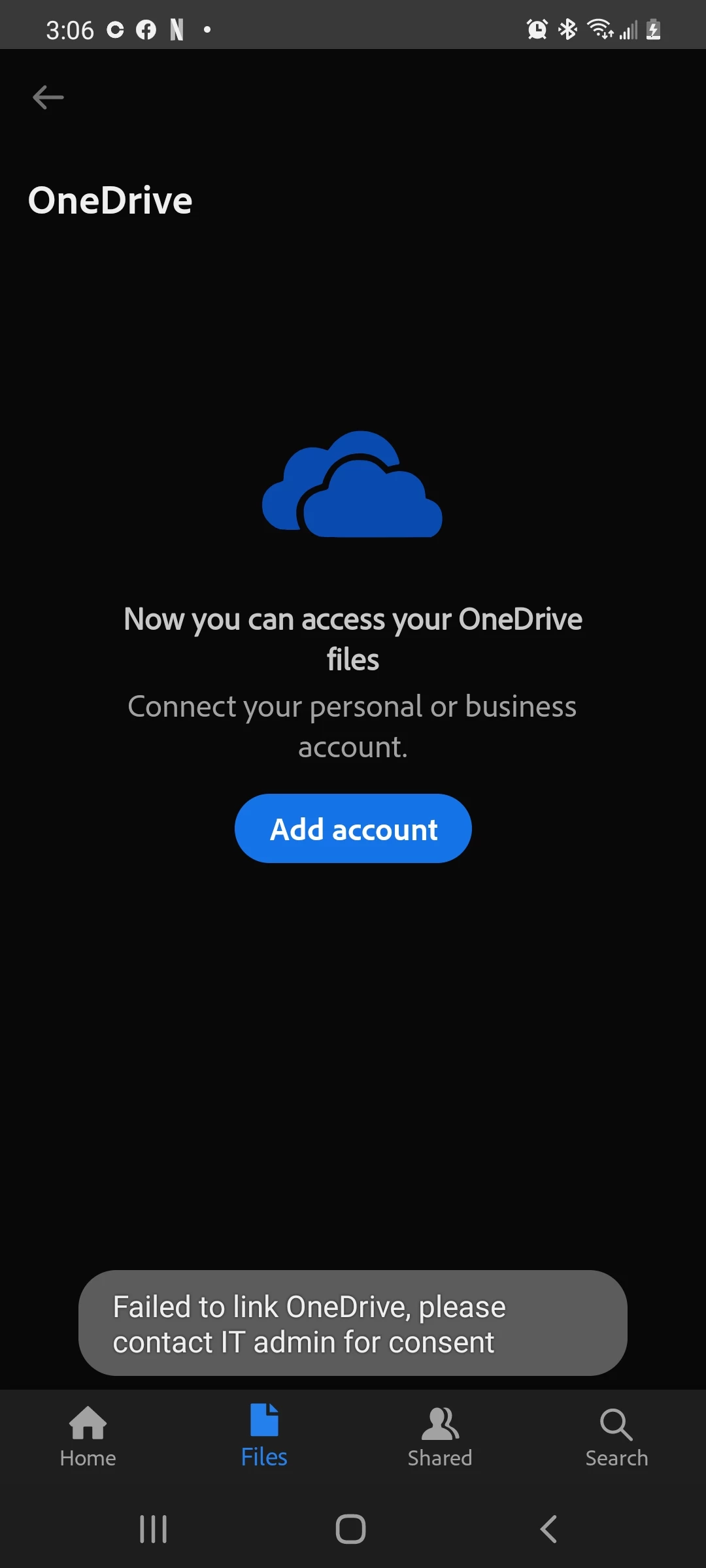
Can not connect my account with OneDrive.

  • December 4, 2021
  • 2 replies
  • 580 views

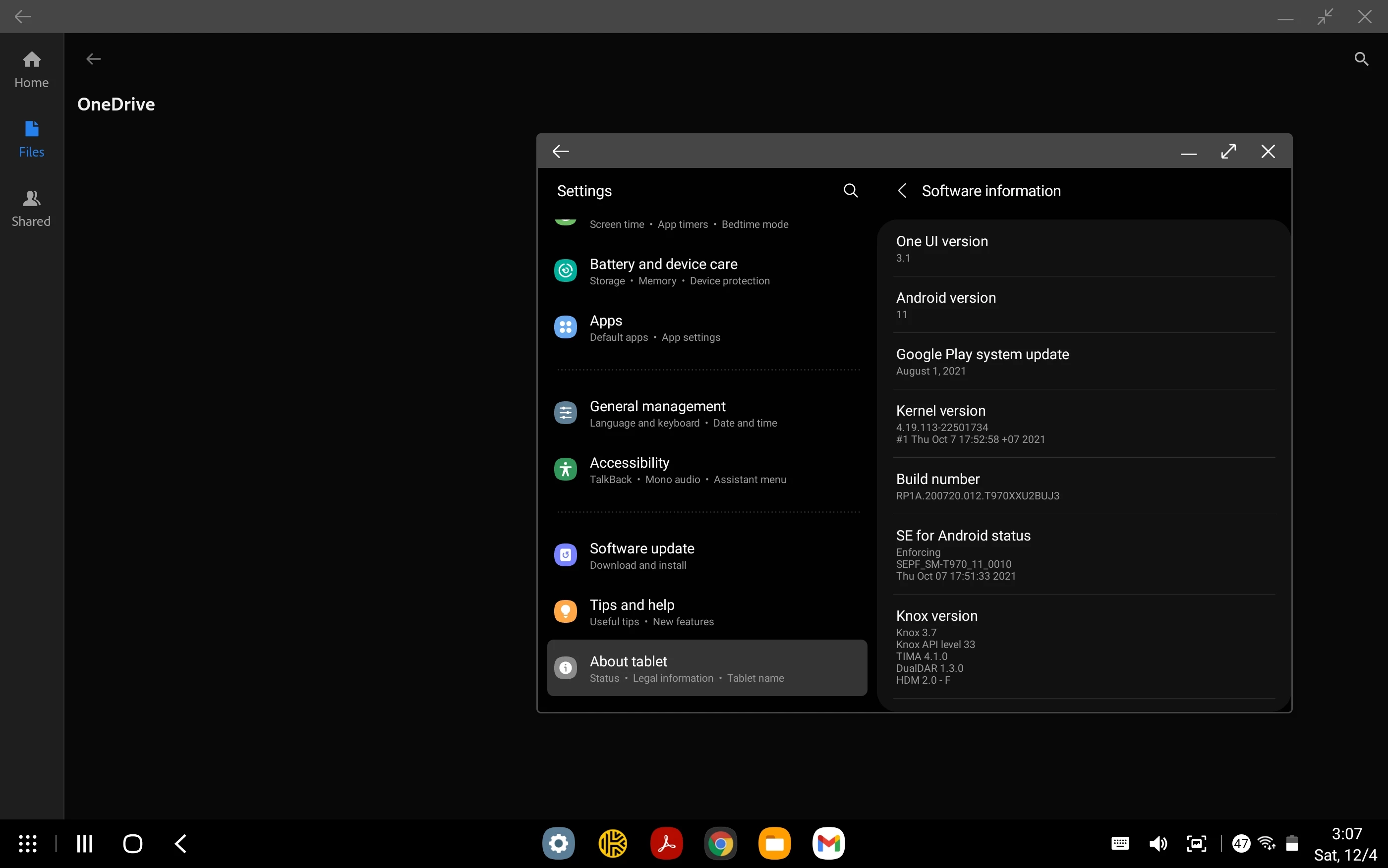
Read through the community forums on similar questions.  Saw that it was asked for photos and information on current versions.  I just downloaded the most current version of Acrobat to both devices, as well as made sure they were both updated.  I've read that some people experienced a fix after Acrobat was updated to version 27.10.0.  My version is currently 21.10.0.19961.  I've already linked them from my desktop just fine.  Is there a setting in the Microsoft 365 Admin center I need to change?
 

This topic has been closed for replies.

2 replies

Participant
April 4, 2022

I have the same problem, have anyone a solution on this?

Ria Tagra
Inspiring
December 15, 2021

Hi ,
Hope you are doing well.

We are sorry, you're having difficulties. Please help me with few details to understand your issue better.

  1. Make and model of your device?
  2. Application version?

We did try to replicate the behavior on our end, however, it is working fine. Make sure your application is updated. Do save your work then try to sign out and sign in back. Reboot your device.

Note: Ensure you are connected to the internet. Try to check on Microsoft forums for more permission related troubleshooting.


For more help refer to:

*iOS- https://www.adobe.com/devnet-docs/acrobat/ios/en/troubleshooting.html


*Android- https://www.adobe.com/devnet-docs/acrobat/android/en/troubleshooting.html#get-help-and-find-answers


Let us know how it works at your end. If you have any further queries please feel free to reach us.

Regards

Ria