


Participant
April 5, 2018
Question

can not set adobe to be default app.

  • April 5, 2018
  • 1 reply
  • 2497 views

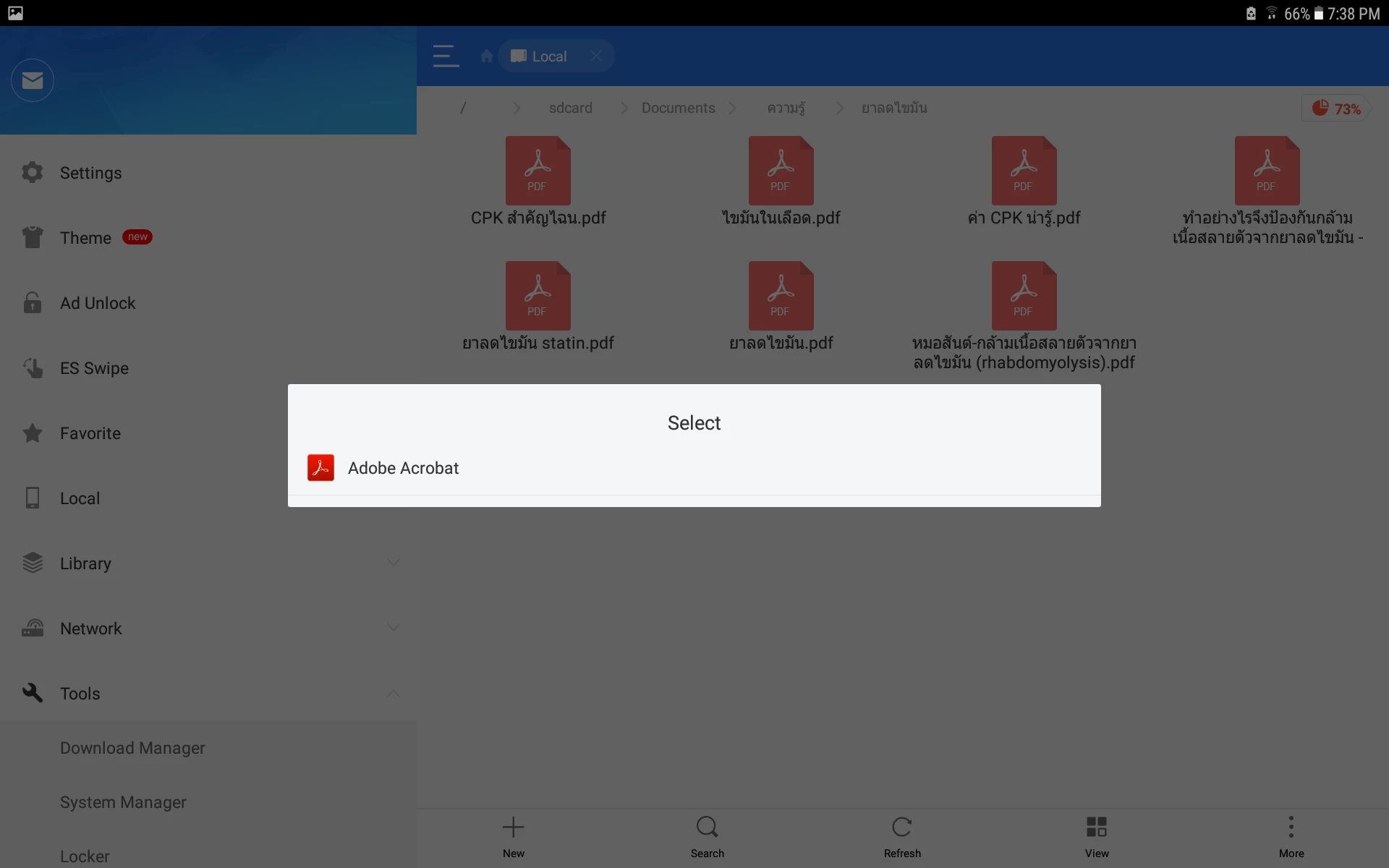
My tabA 10.1 (2016) with Android 7.0 suddenly can't set this app to be default app. Everytime I open the pdf.file it always ask me to shose between Adobe and Word,which I already set Adobe to be my default for pdf. It's been worked perfect before,I try to disable Word but when open pdf. it still ask me to open with Adobe? every single time. So I try clear the default inAdobe app.but now I can't set it back to be a default app. try to tab it but no can do.Any suggestion?
Pat.

This topic has been closed for replies.

1 reply

AkanchhaS8194121
Legend
April 5, 2018

Hi  Pat,

As per the information shared above, it seems that even after uninstalling the other app the Adobe Reader still isn't setting up as default application?

In android application, when you open the document first time it should ask whether you want to open Just Once or Always. But in the screenshot shared above it doesn't seems to be the option available.

Acrobat Reader Help for Android: Opening PDFs

  • You must check the application's update if any pending.
  • Or uninstall and reinstall the application to again reset it as default. 

Hope this helps.

Regards,

Akanchha

Pat_SFO99Author
Participant
April 6, 2018

Hi Akanchha

I did try to uninstall and reinstall Adobe but it still shows the same,no option for me to set it as default app. for pdf.file.Not only that but also when I try to go to set it in the app.itself ,still can't set it like in the screenshot that I attach.

u

You can see that even in the app.the clear defaults tab is untabable.It's in grey.

Pat