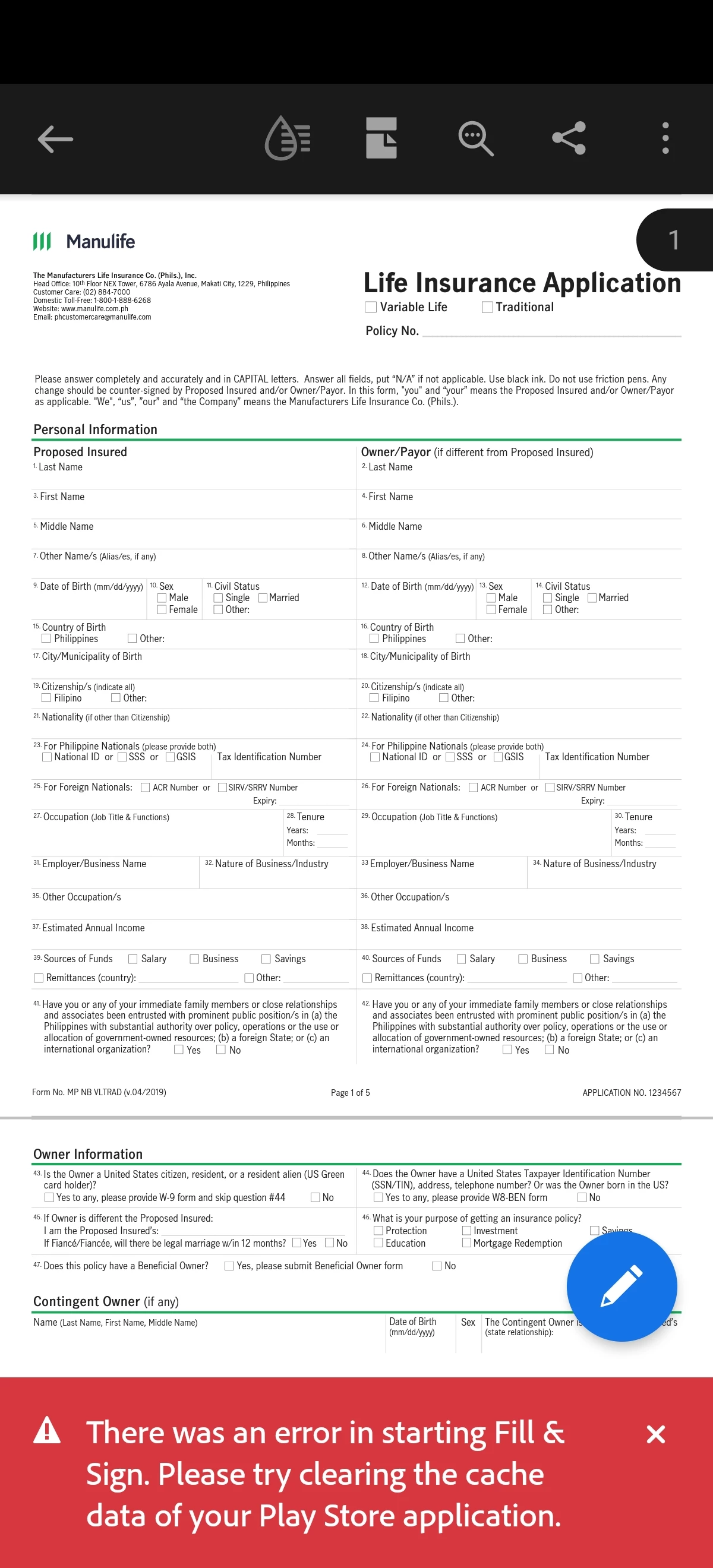
Amal.
Amal.Correct answer
Legend
Dec 12, 2024 2:07 PM UTC

Hi there


Hope you are doing well and thanks for sharing the details. Please give us some time to get this checked further by our product team. We will share the update as soon as we get any information to share.


Hi there


Hope you are doing well. We have got the update from the team,

Acrobat Reader Mobile is currently available for download exclusively through the Google Play Store and the Samsung Galaxy Store. The app relies on core services provided by Google and Samsung to enable various features and functionalities. These services include user authentication, in-app purchases, cloud integrations, and notifications, which are essential for delivering a seamless and feature-rich user experience.

However, due to Google’s suspension of business operations with Huawei in 2019, access to Google Mobile Services (GMS) on Huawei devices was blocked. This restriction has a direct impact on Acrobat Reader Mobile because it depends on these services for core operations and functionality https://support.google.com/android/thread/29434011/answering-your-questions-on-huawei-devices-and-google-services?hl=en


Hope this information will help.



11 replies

Participant
Aug 29, 2024 11:24 AM UTC

Did you solve this problem? I get this problem on my huawei matepad too

Translate
Amal.
Legend
Aug 30, 2024 5:58 AM UTC

Hi @maz_5359


I hope you're doing well, and thanks for reaching out!


Could you please let me know which version of the Acrobat Reader mobile app you're using? You can find this by tapping the profile icon and selecting "About Adobe Acrobat." Also, if you haven't already, try updating the app through the Play Store (for Android) and then restart your device to see if that helps.


If you're still having issues, you might want to clear the app data as mentioned in the earlier message.


~Amal

Translate
Participant
Oct 5, 2024 3:22 PM UTC

I get this problem on my huawei matepad too.

Acrobat ver 24.10.0.35812.Beta


Translate
Adobe Employee
Dec 6, 2020 3:56 PM UTC

Hi,
Thanks for contacting us.

We apologise for the inconvenience faced by you. Can you please try clearing the app’s data ? To clear app data Open Settings app -> Apps -> Adobe Acrobat -> Storage -> Clear data. Do remember that clearing data would reset your local Settings of reader app.
Let us know if this helps.
Thanks
Acrobat Android Team

Translate