
Participant
November 20, 2024
Answered

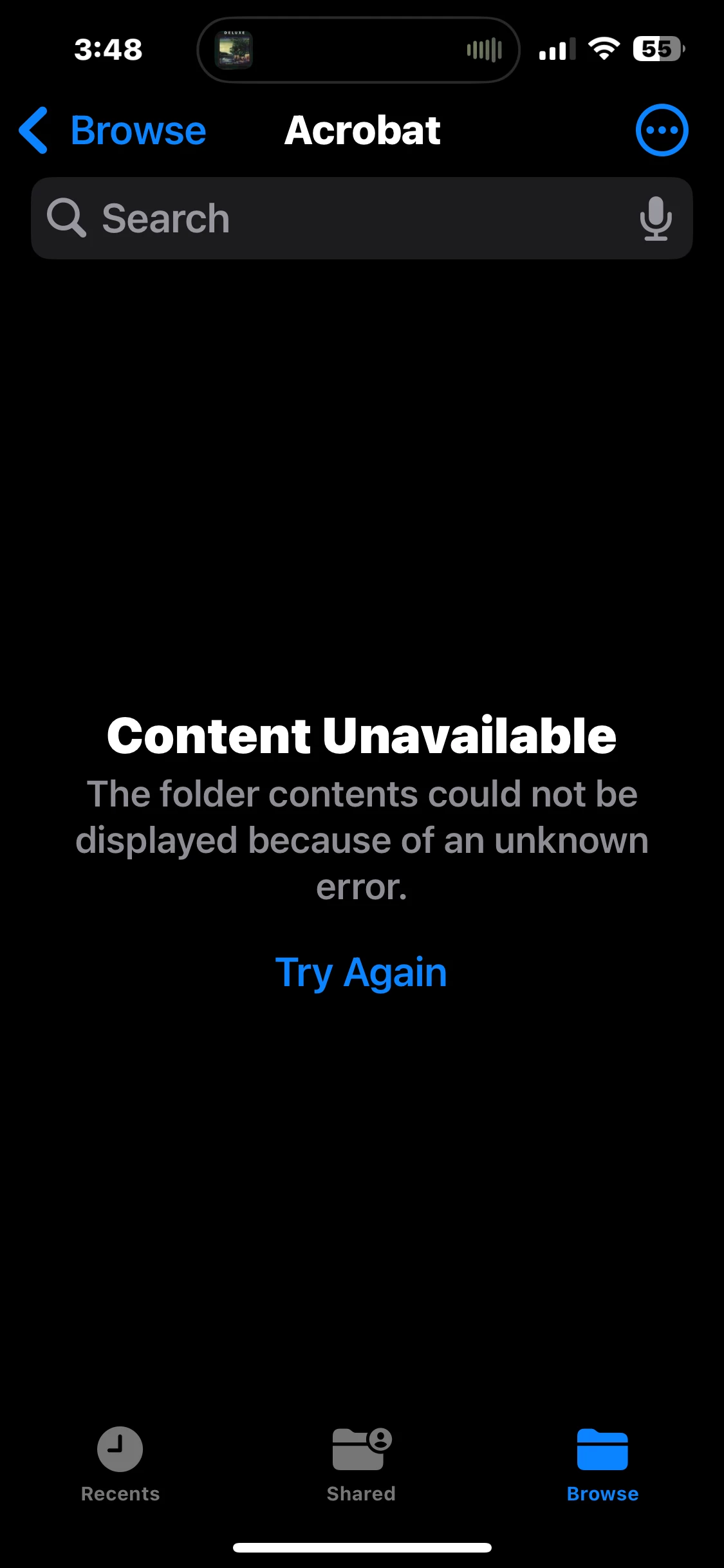
Content Unavailable

  • November 20, 2024
  • 1 reply
  • 860 views

When attempting to access the Adobe local folder on iPhone 14 Pro Max IOS version 18.1, Adobe Acrobat Reader Version 24.11.00 I receive the following error message: Contents Unavailable - The folder contents could not be displayed because of an unknown error. Is there anyone that can tell me why I am getting this error message?
This topic has been closed for replies.
Correct answer RandyC.

Good morning. Thank you for reaching out and thank you for the advice. Yes restarting/rebooting my iPhone fixed the problem. Thank you again and I hope you have a wonderful day. 

1 reply

Amal.
Community Manager
Community Manager
November 20, 2024

Hi there


Hope you are doing well and thanks for reaching out.


Are you trying to access the Adobe local folder on your iPhone using the Files App? If yes, please try the steps given below and see if that helps.

  1. Restart Your Device:

    • Reboot your iPhone and check if the issue is resolved.

  2. Check for Updates:

    • make sure that your iPhone is running the latest version of iOS.
    • To check for updates, go to Settings > General > Software Update and install any available updates.
    • Similarly, ensure that your Adobe app is updated to the latest version via the App Store.

  3. Verify App Permissions:

    • Open Settings > Privacy > Files and Folders and make sure that the Adobe app has access enabled for the Files App.

Additionally, You may also take a look at a similar discussion on Apple support page (https://adobe.ly/4fvnw2q ) and see if that works.


Regards

Amal

RandyC.AuthorCorrect answer
Participant
November 20, 2024

Good morning. Thank you for reaching out and thank you for the advice. Yes restarting/rebooting my iPhone fixed the problem. Thank you again and I hope you have a wonderful day.