Answered
Disable AI Assistant popup in Android app
Is there a way to disable this window from popping up every time I open a PDF? I have disabled AI features in Preferences, but it still pops up every time I open any PDF.
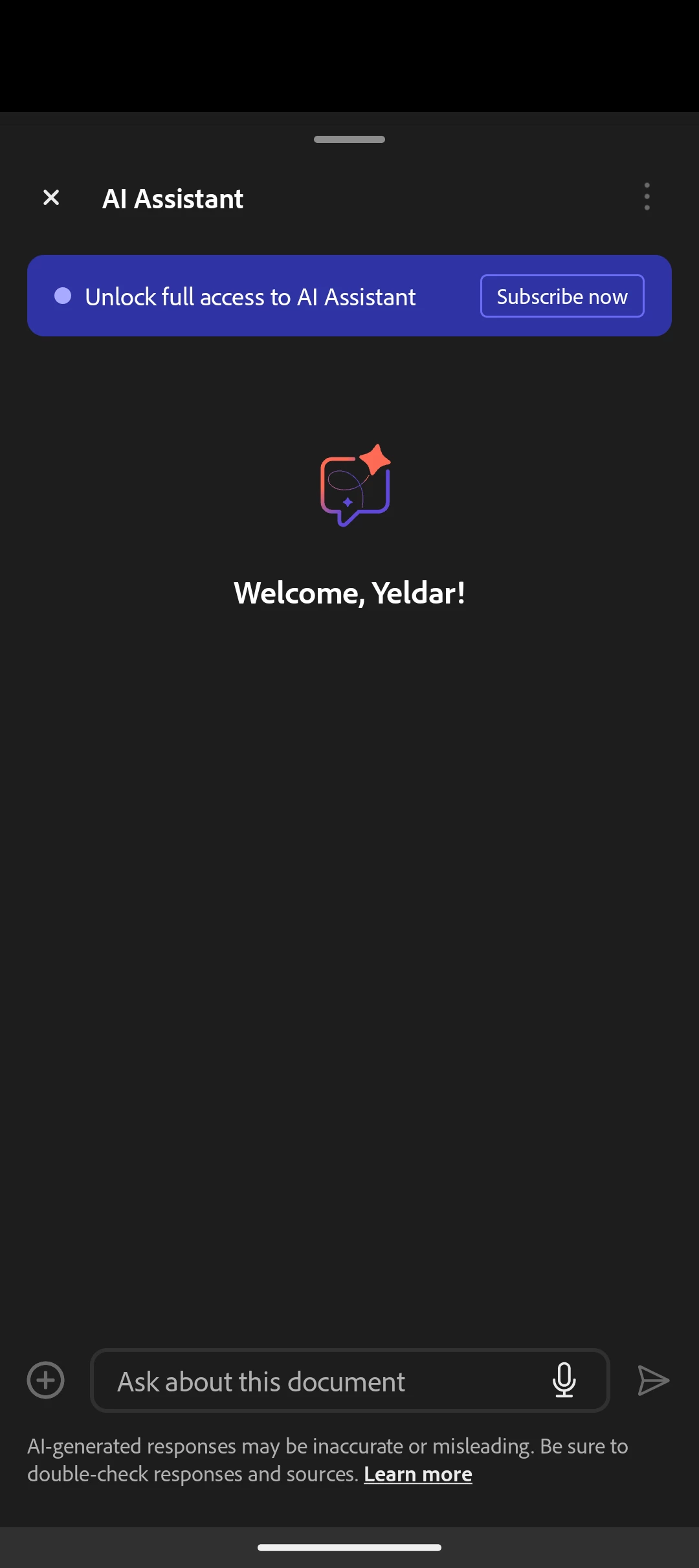

Is there a way to disable this window from popping up every time I open a PDF? I have disabled AI features in Preferences, but it still pops up every time I open any PDF.
Hi there
Hope you are doing well and thanks for reaching out.
As described, you have disabled AI features in Preferences, but still getting the pop-up every time you open any PDF file.
Could you please confirm if you have selected GenAI as the default in the “Open with” option and if you are now landing on the assistant?
If you have set the Acrobat AI assistant as the default, please try to follow the steps below to clear the default settings:
- Long press on the Acrobat icon and click on “App info.”
- In the “Open by default” option, you can reset the settings.
Let us know how it goes.
Already have an account? Login
Enter your E-mail address. We'll send you an e-mail with instructions to reset your password.


 AdChoices