Answered
Documents disappeared
My documents have just disappeared out of the blue. Although I can see and open them from the ‘Files’ app, I can’t see any document from the Adobe Acrobat Reader app.

My documents have just disappeared out of the blue. Although I can see and open them from the ‘Files’ app, I can’t see any document from the Adobe Acrobat Reader app.
Hi,
Sorry for the inconvenience caused by the compatibility issue with Acrobat and iOS 12 Beta.
We are actively investigating the problem. Here's what we know so far.
We'd highly recommend against uninstalling Acrobat. You will lose all your local documents and other app data if you uninstall Acrobat.
As a workaround, you can access your local documents using the Files app on iOS 12.

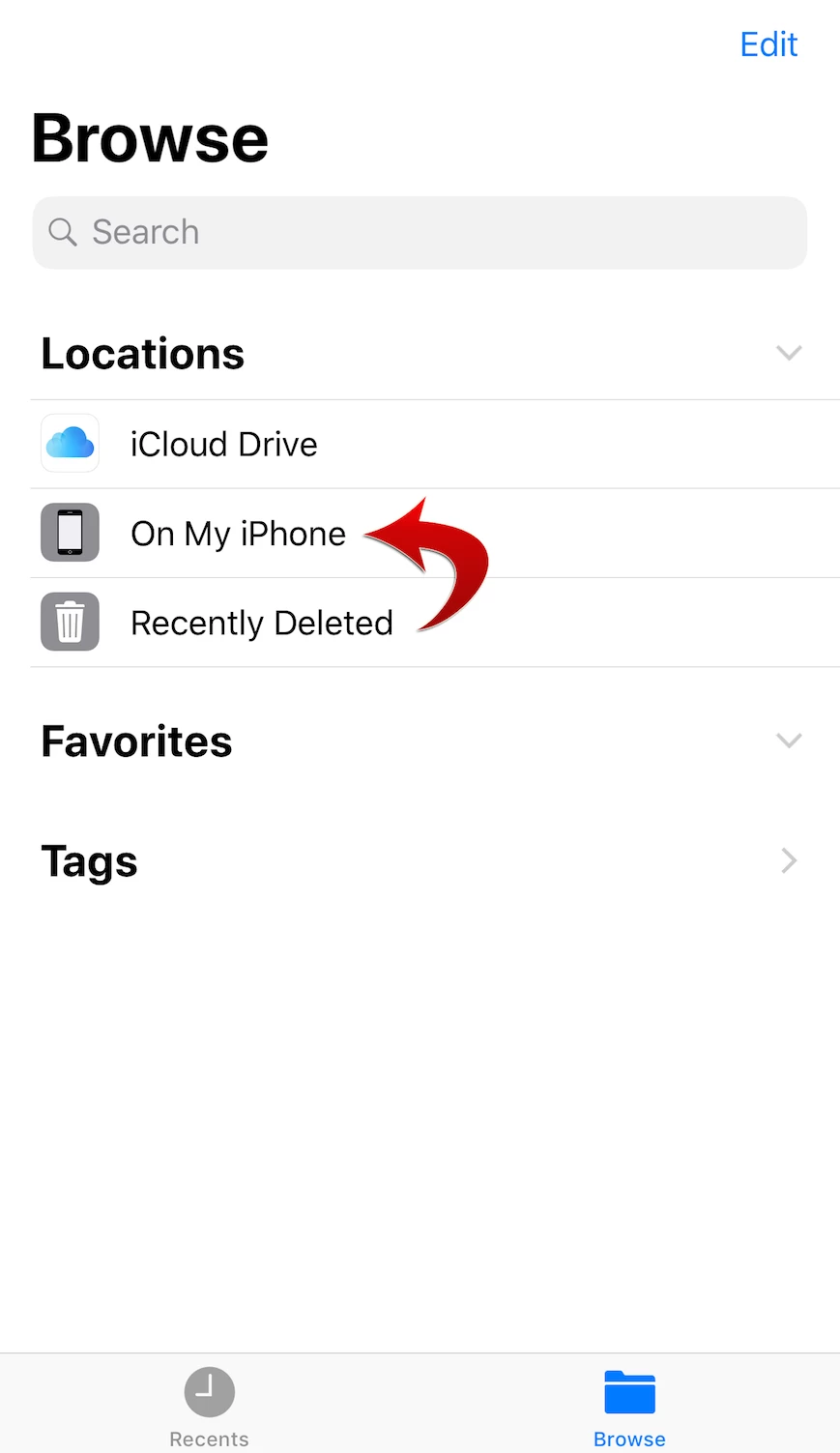
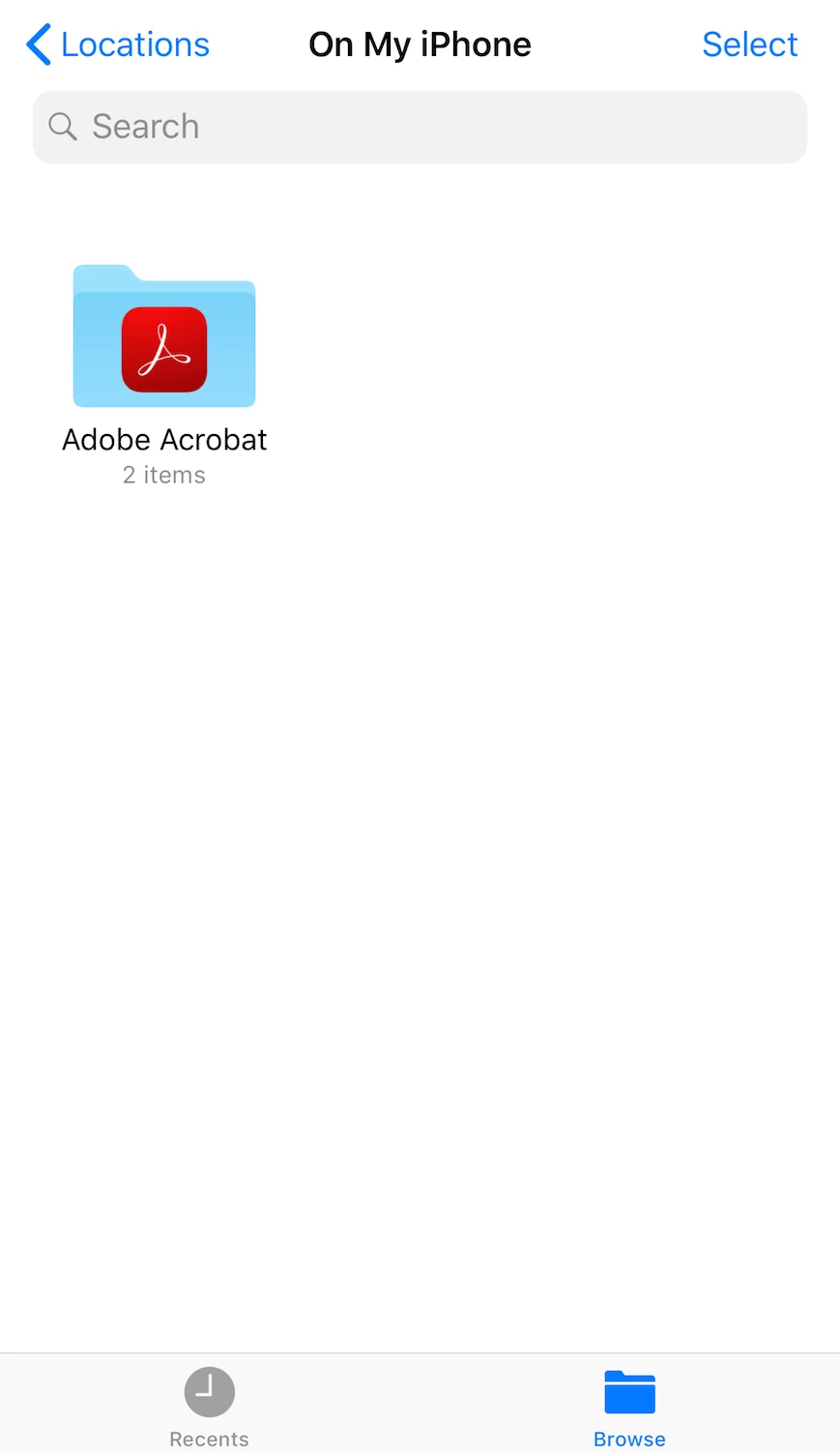
Please note that you can open the documents that are stored on your iPhone/iPad using the Files app. To open the documents stored in Document Cloud or Creative Cloud, please use the web interface in the meantime.
We will post again when we have a fix for the problem.
Thank you for your patience.
Hi everyone,
We just released Acrobat Reader 18.07.30 to the App Store on July 23, 2018.
This version contains the fix for the display glitch that occurred only on iOS 12 Beta. All of your existing documents should reappear in Recent, Local, Document Cloud, and Dropbox.
Please let us know if it works for you.
We apologize for the inconvenience caused.
Already have an account? Login
Enter your E-mail address. We'll send you an e-mail with instructions to reset your password.


 AdChoices