Hi mikamico,
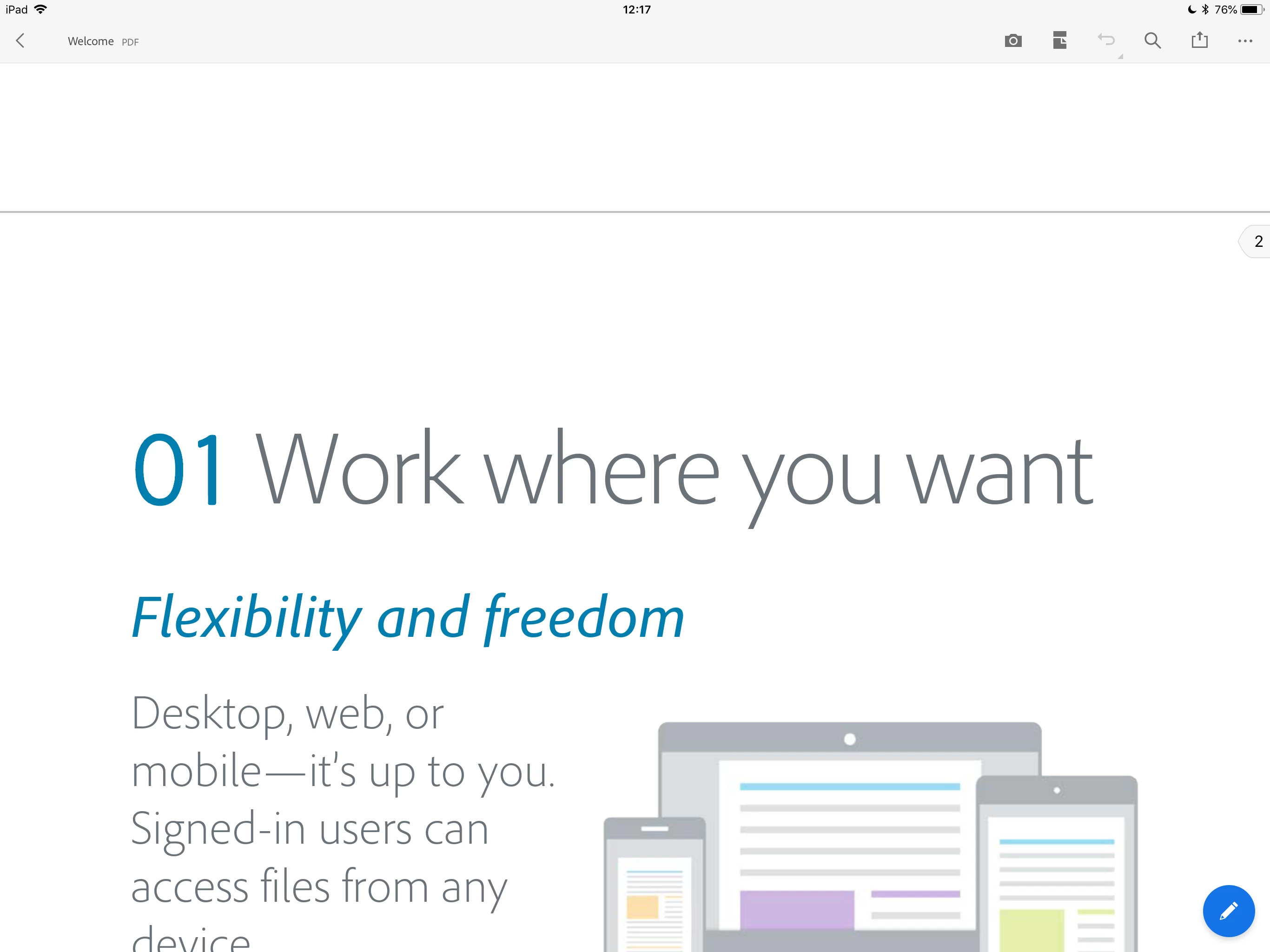
Acrobat Reader does not show the edit button (the blue round button with a pencil icon), if the opened PDF document is not editable.
It means that it is not possible to add comments/annotations (including Freehand Drawing) or use the Fill & Sign tool to modify the particular PDF document.
Your PDF document is not editable because it is encrypted for one or more reasons.
- The author of the PDF document set its document properties to disallow some operations (e.g. "Commenting", "Filling of form fields", "Changing the Document", etc.)
- The document is password-protected.
In the desktop version of Acrobat Reader, please open the same PDF document and bring up the Document Properties dialog by pressing Command-D for Mac or Control-D for Windows.
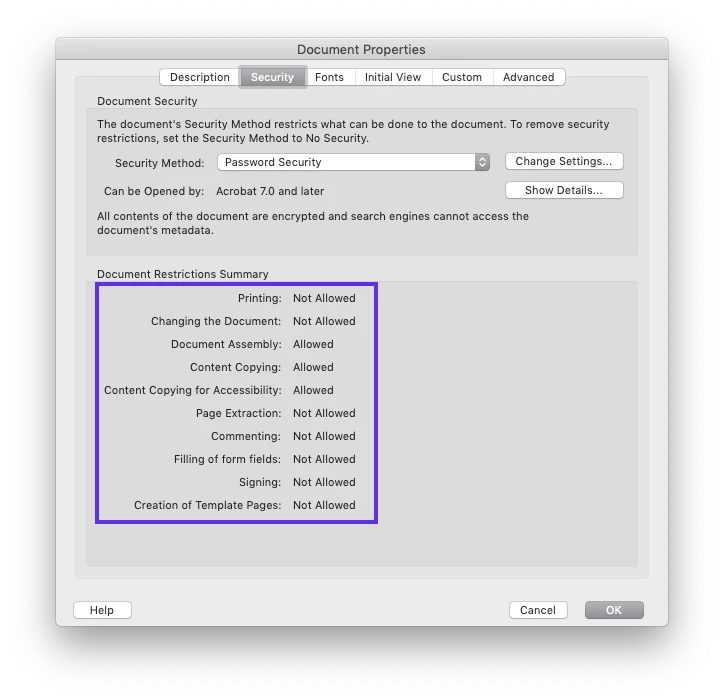
The mobile Acrobat Reader apps for iOS and Android have the limitation where they cannot save changes to encrypted PDF documents. Therefore, Acrobat Reader disables/hides the tools that can modify PDF documents.
We apologize for any inconvenience this may have caused.




 AdChoices