Participant
June 15, 2025
Answered

Eraser tool missing.

  • June 15, 2025
  • 1 reply
  • 652 views

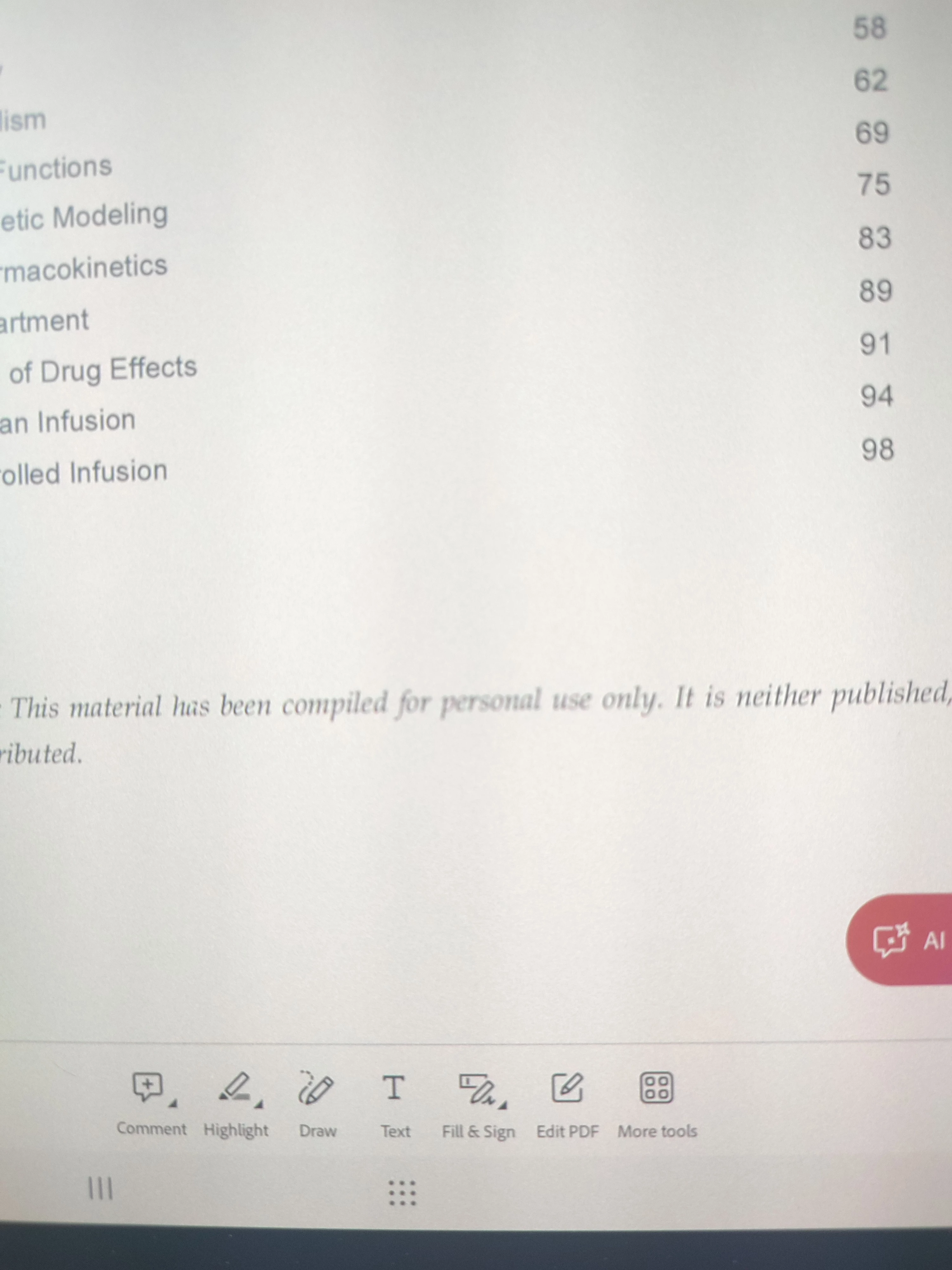
I  noticed that my adobe acrobat pro has no 'erase a drawing' tool

I downloaded this app in samsung galaxy tab s10+.

However if i opened the web version of adobe, the eraser tool is there.
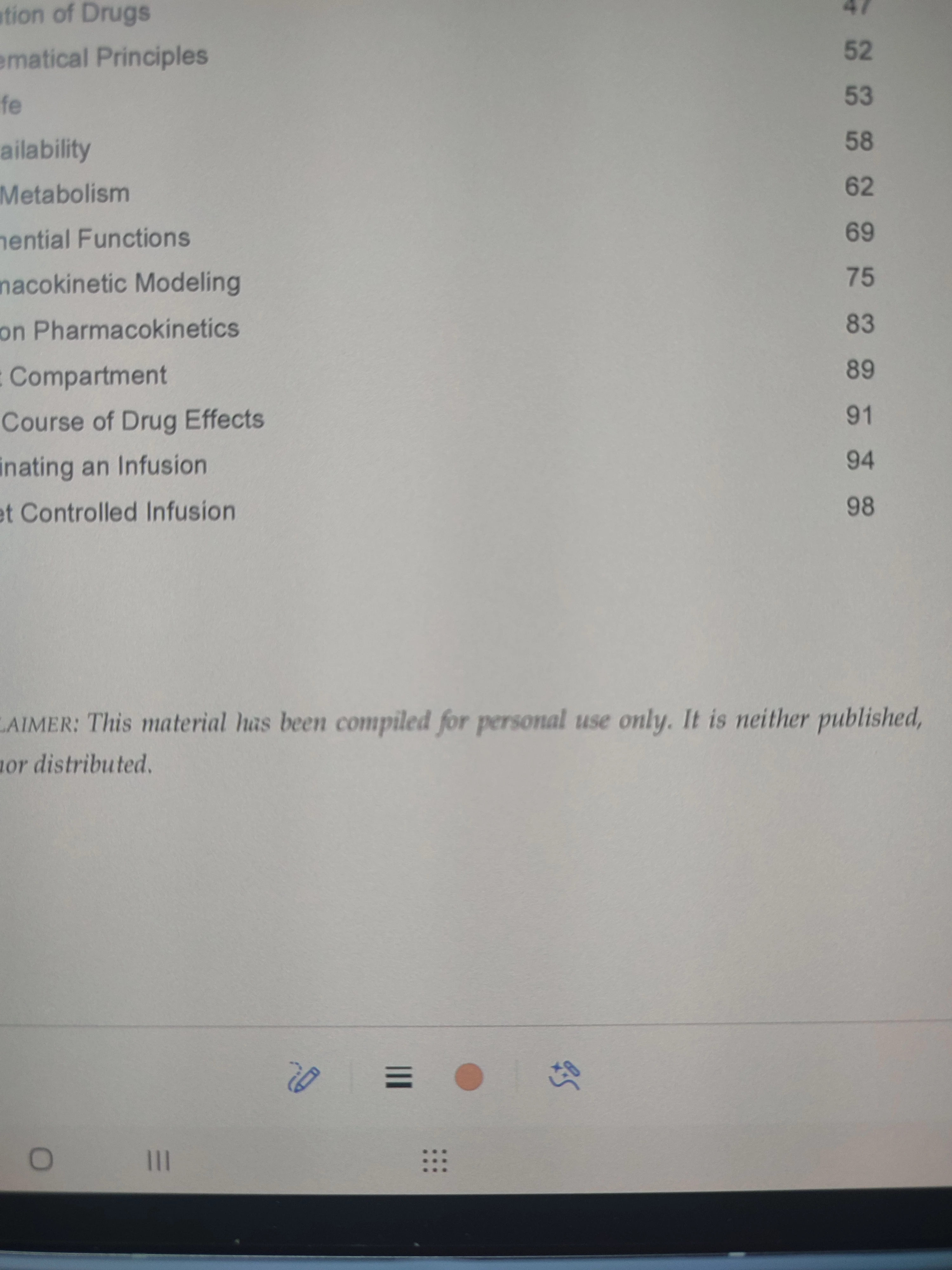
 

why is that so? is that any solution to this?

    Correct answer S_S

    Hi @MrBRatcliffe,


    Hope you are doing well. Thanks for writing in!


    The Undo option appears on the top menu of the screen when you are in the process of making the drawing.

    If you have already made it and want to remove the annotations, you can click on them. The comment menu should pop up, allowing you to select and erase the writing you did.


    More info here: https://adobe.ly/40fw0oI.


    Hope this helps.


    Regards,
    Souvik.

    1 reply

    jane-e
    Community Expert
    Community Expert
    June 15, 2025
    quote

    I  noticed that my adobe acrobat pro has no 'erase a drawing' tool

    I downloaded this app in samsung galaxy tab s10+.

    By @Elizaadira


    Your screenshots show Acrobat Reader for mobile, not Acrobat Pro for desktop.


    I've moved your post from Using the Community to the Acrobat Reader for mobile forum. If you were actually using Acrobat Pro for desktop, please let us know so we can move your post again


    Jane


    Participant
    June 23, 2025

    Haing the same issue. On adobe acrobat for mobile running on a tablet, how do I erase something I have written with the draw tool?

    S_S
    Community Manager
    S_SCommunity ManagerCorrect answer
    Community Manager
    June 23, 2025

    Hi @MrBRatcliffe,


    Hope you are doing well. Thanks for writing in!


    The Undo option appears on the top menu of the screen when you are in the process of making the drawing.

    If you have already made it and want to remove the annotations, you can click on them. The comment menu should pop up, allowing you to select and erase the writing you did.


    More info here: https://adobe.ly/40fw0oI.


    Hope this helps.


    Regards,
    Souvik.