Hi @Lavish_Twinkle3af2 ,
Hope you are doing well, and thanks for reaching out. We are sorry for the trouble you are experiencing.
A few quick questions so we can point you in the right direction:
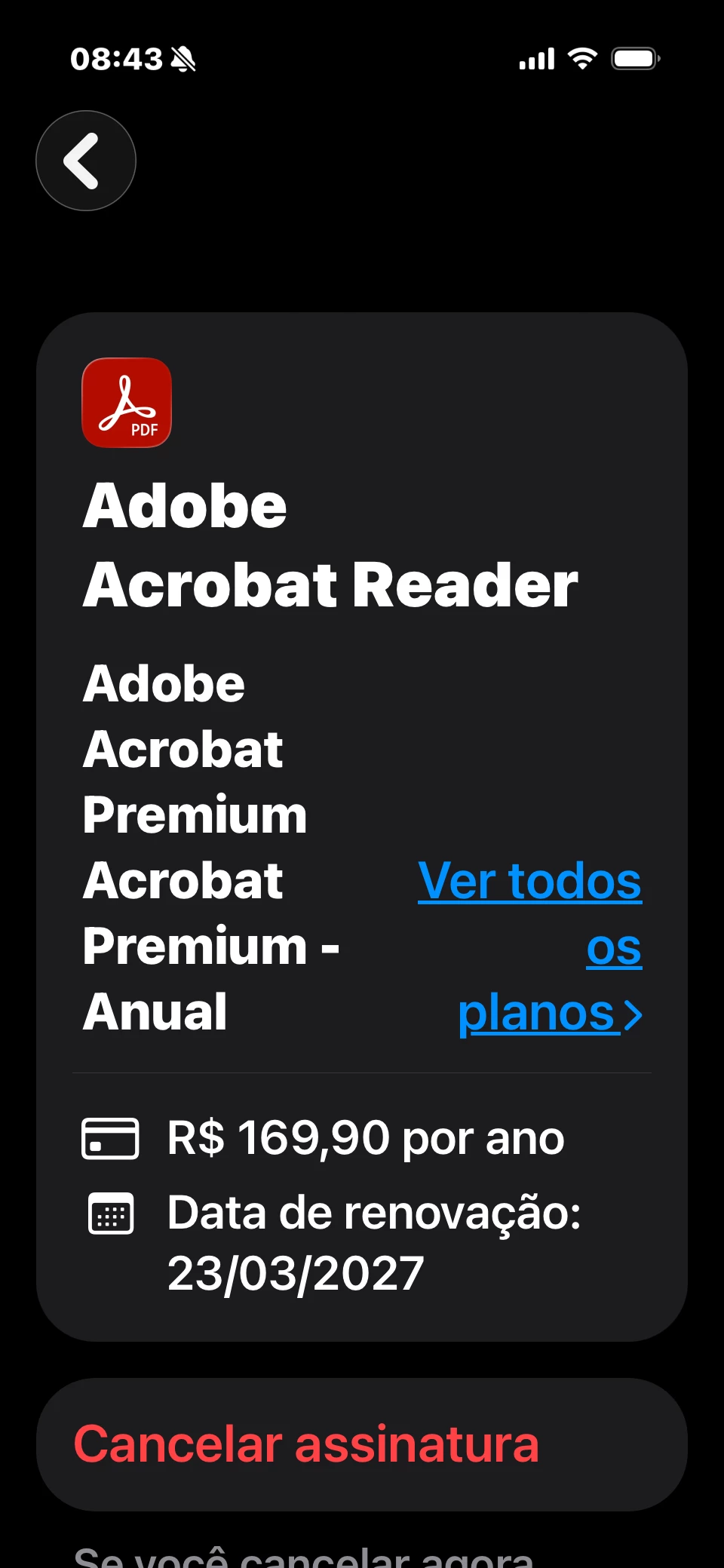
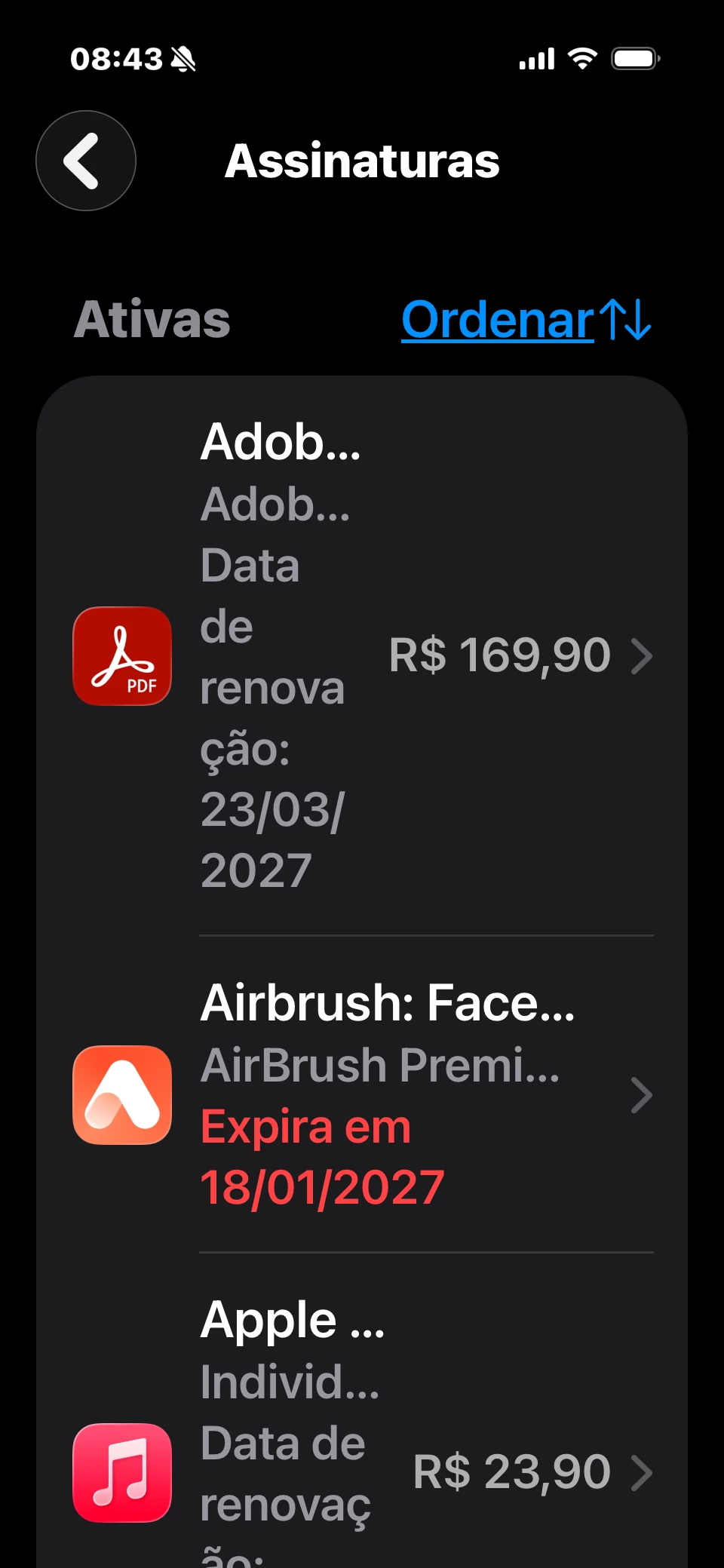
Which account are you signing into the app with: your email/Adobe ID, or an Apple ID / Google account? And is that the same account you used when you paid for the subscription?
Where did you buy the Acrobat Premium plan, through the App Store / Google Play?
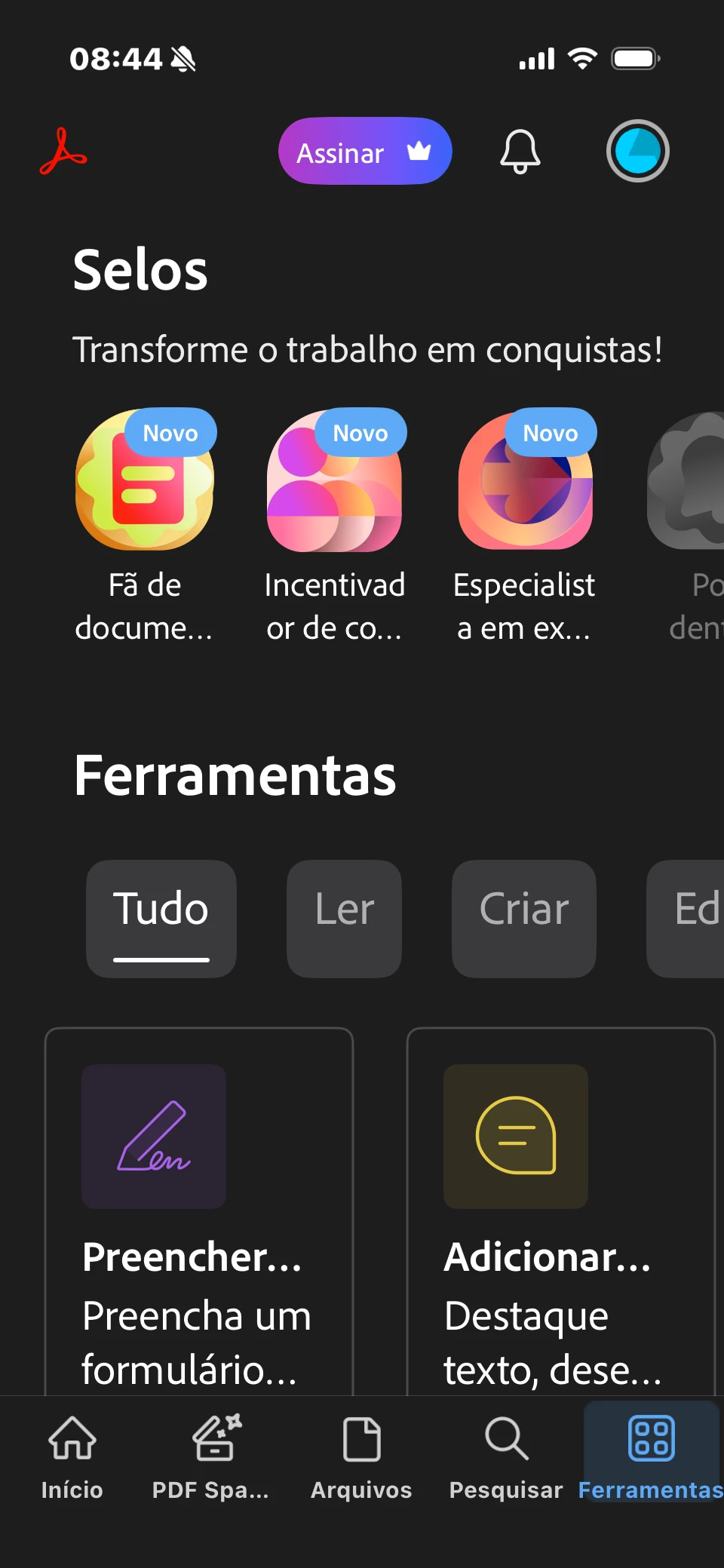
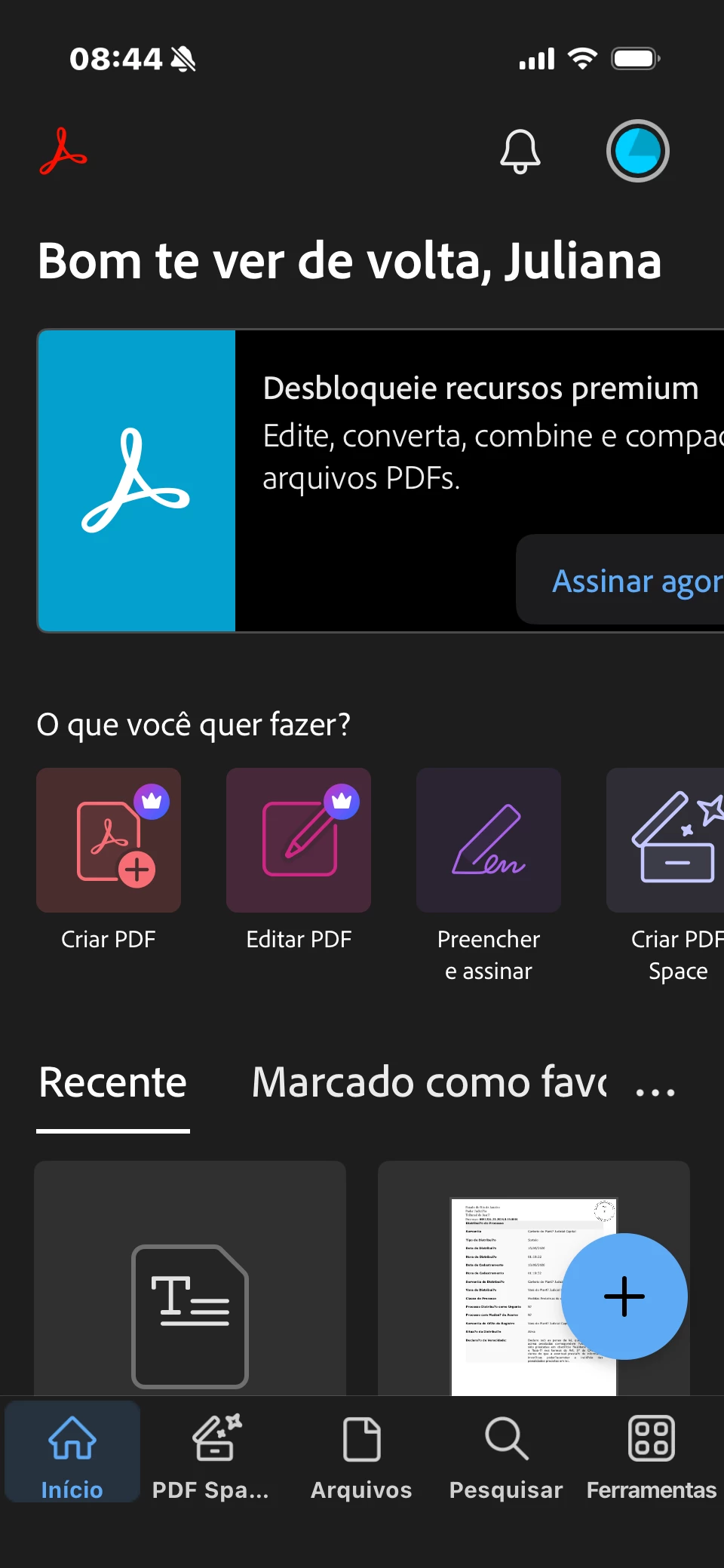
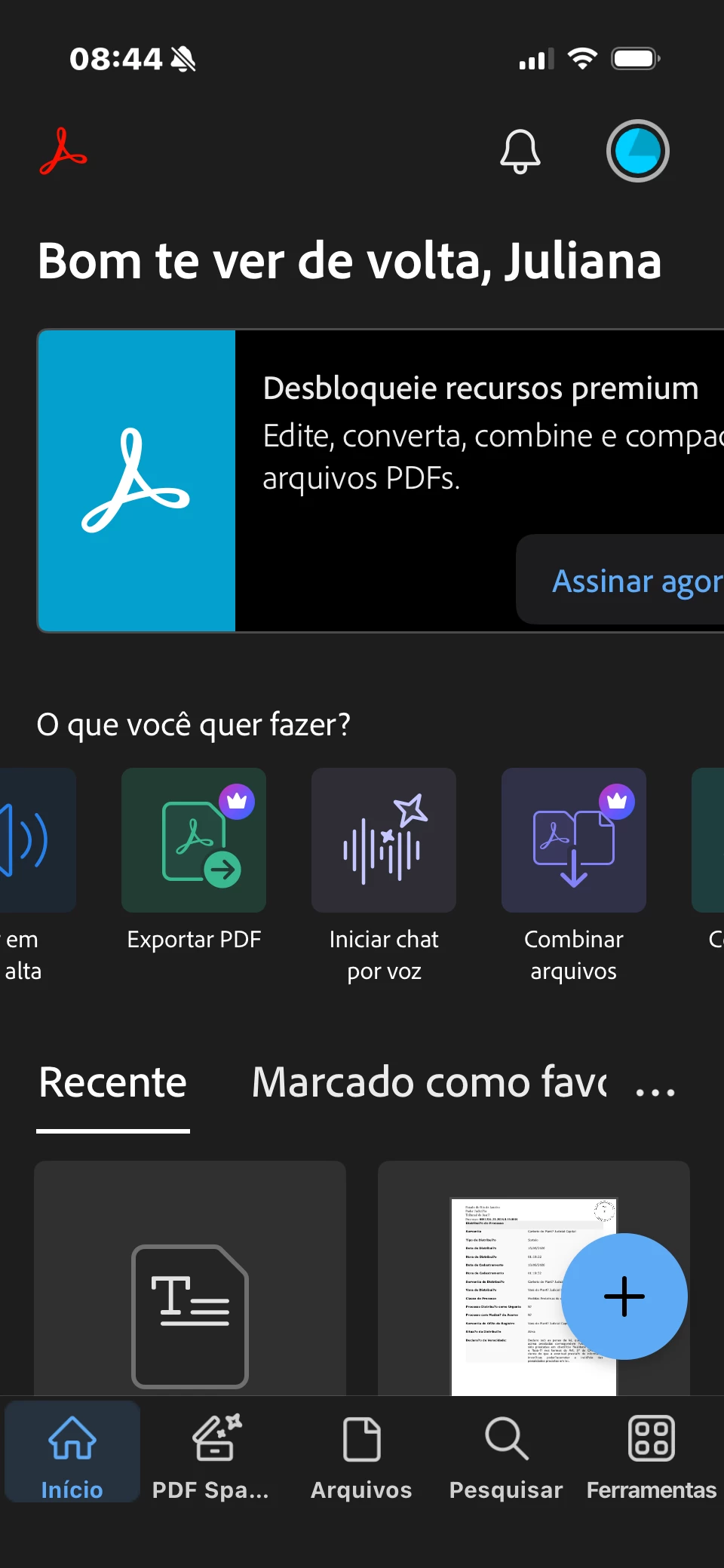
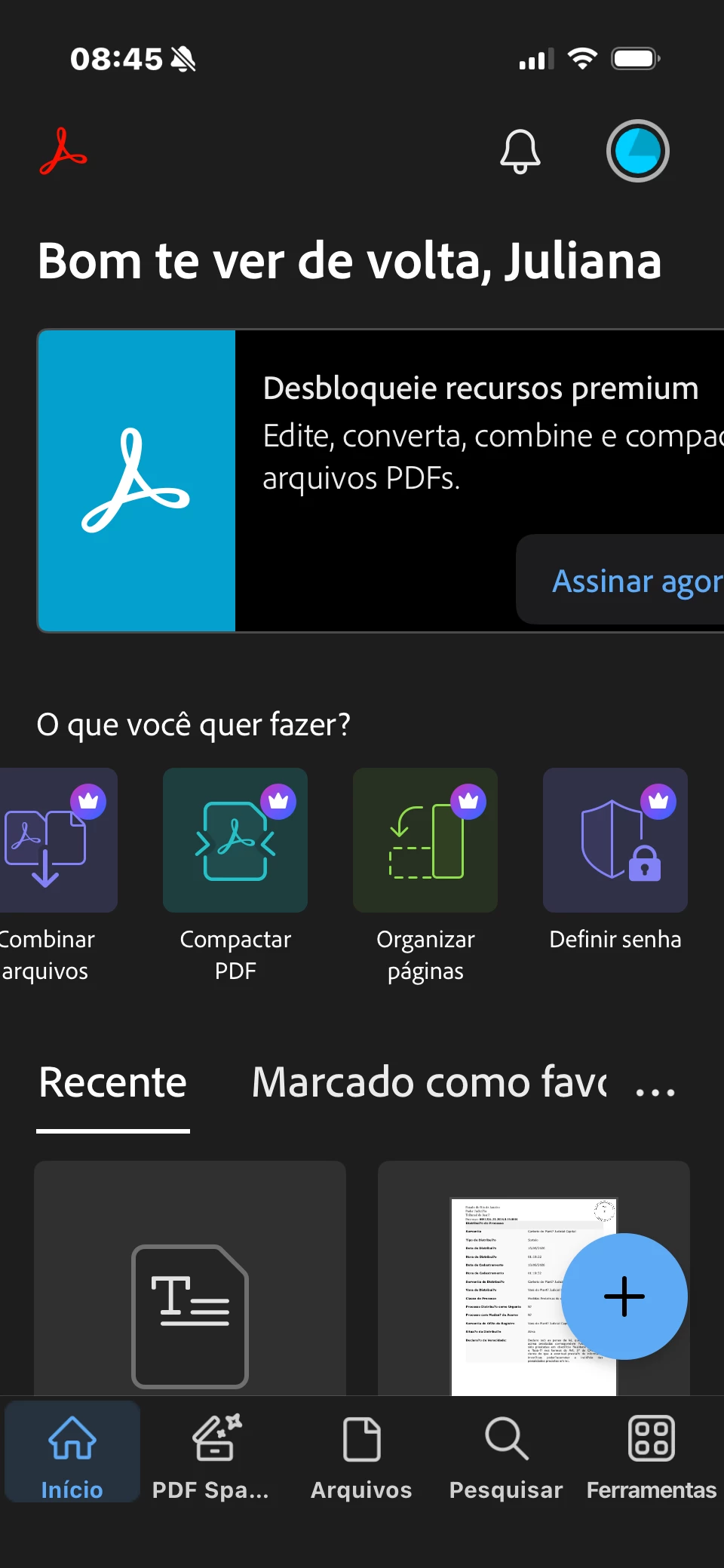
What exact message shows up when it asks you to subscribe (a screenshot, if you can, helps a lot)?
This is a known glitch where the app doesn't recognize an active subscription even though payment went through. It almost always comes down to one of these:
Signed into the wrong account. If you paid with one email/Apple ID/Google account but are signed into the app with a different one, the app won't see your subscription. Sign out completely, then sign back in with the exact account used to make the payment.
The purchase needs to be "restored." In the app, go to your profile icon > Subscriptions > Restore Purchases. This re-syncs the app with your payment.
Old cache/app version. After restoring, fully close the app (or restart your phone), then reopen it. If it's still stuck, clear the app cache
Android: Go to Device Settings > Apps > Adobe Acrobat > Storage > Clear Cache
iOS: open Settings, tap General, then iPhone Storage. Find and tap the app you want to remove, select Offload App, and confirm. Once done, reinstall the application from the App Store.
Let us know how it goes.
~Amal




 AdChoices