Hi @Passionate_friends3275 ,
Hope you are doing well and thanks for reporting this, that detail about starred files still opening is actually really useful.
A few things would help confirm what's going on:
Are you on iPhone/iPad or Android?
Also, where are the non-opening files stored: Adobe cloud storage, a third-party cloud service like Google Drive or Dropbox, or saved locally on the device?
And what exactly happens when you try to open one of them, a spinning loader that never finishes, a blank screen, an error message, or nothing at all?
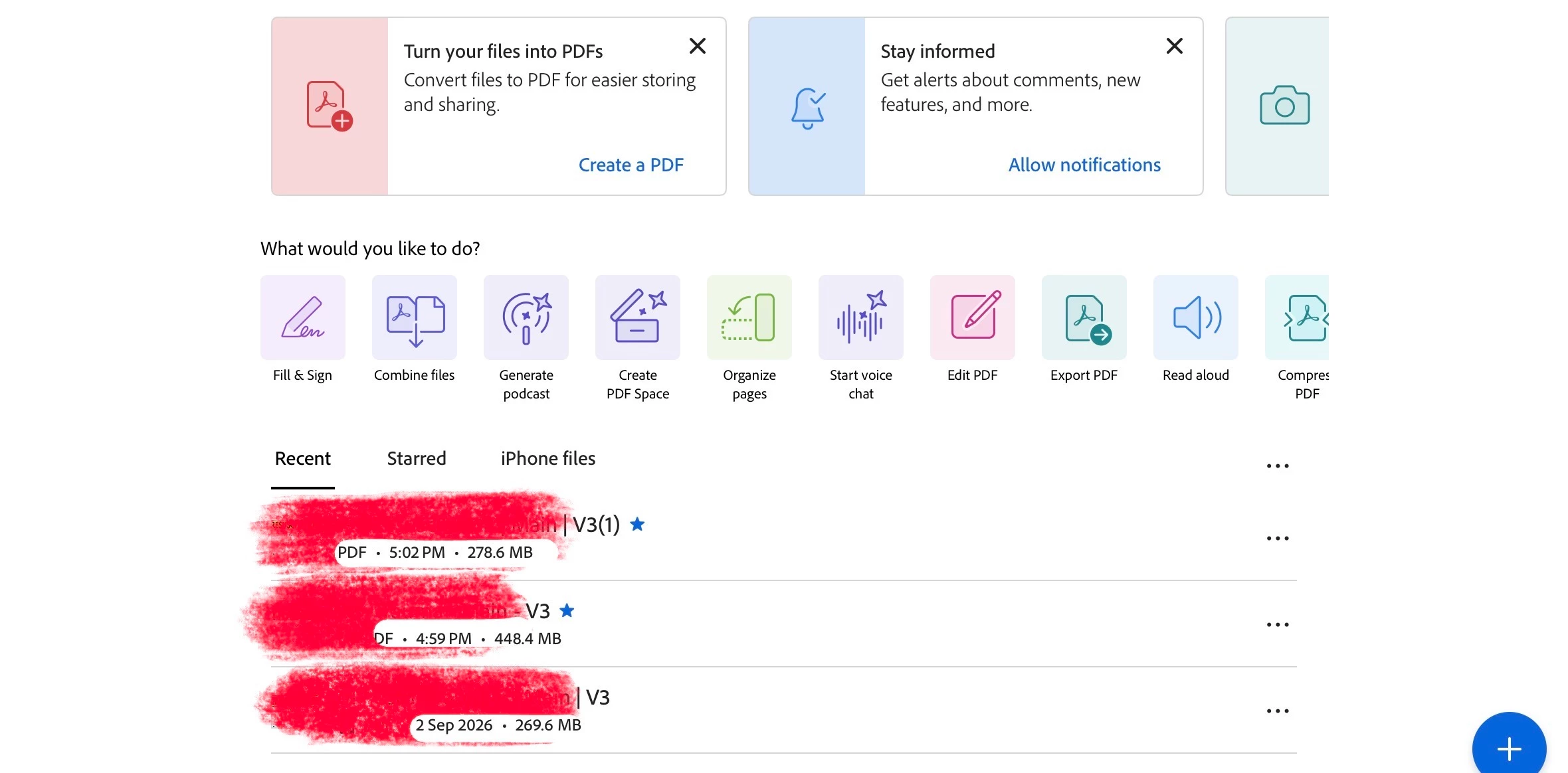
The reason this matters: starred files can be configured to be stored locally on the device rather than synced through the cloud, depending on your Starred File Location setting. If your starred files are stored locally while everything else needs to be fetched from cloud storage to open, that would point to a connectivity or account sync problem rather than something wrong with the app itself or the files.
Worth checking in the meantime:
Confirm you're still signed in to your Adobe account (check your profile icon in the app)
Try opening a non-starred file while on Wi-Fi versus mobile data, to rule out a network issue
Sign out of the app completely and sign back in
Force close and reopen the app before testing again
Let us know your platform, where the affected files are stored, and exactly what you see when you try to open one; that will help confirm the cause.
~Amal




 AdChoices