Answered
Export speaker notes from PPT without annotations
Hi,
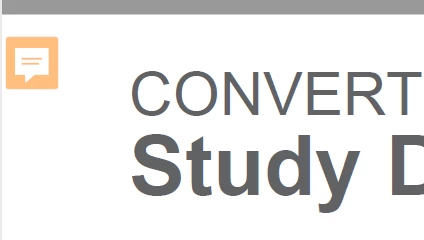
We need to export speaker notes as comments but we don't want the annotation marks in PDF. How can we do that?
(don't want these)
V

Hi,
We need to export speaker notes as comments but we don't want the annotation marks in PDF. How can we do that?
(don't want these)
V
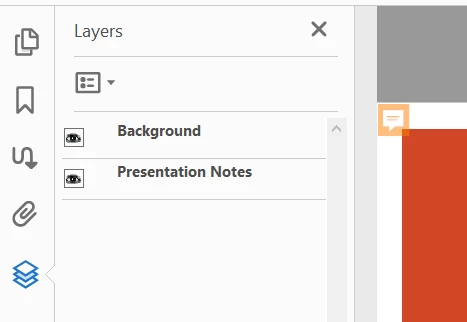
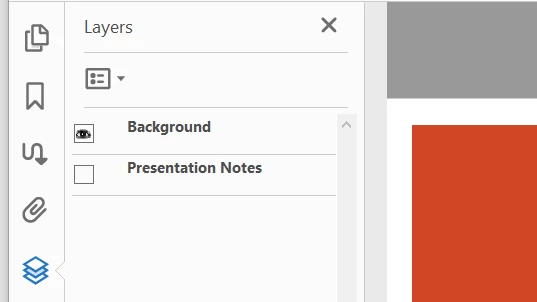
When you convert PowerPoint Notes to Acrobat Comments, Acrobat automatically creates a Layer for the Notes and puts the Layers pane in the left-hand Navigation Pane. (Or View > Show/Hide > Navigation Panes.)
Click the eyeball for the Presentation Notes layer to Hide (Show) the layer with the Comments.
~ Jane
Already have an account? Login
Enter your E-mail address. We'll send you an e-mail with instructions to reset your password.
 AdChoices