
Question
FAQ: How to print a PDF file from Adobe Reader Touch
Adobe Reader Touch for Windows 8 now supports printing.
- Keyboard Shortcut: Press Ctrl+P.
- Print Button: Bring up the toolbar and tap/click the Print button.
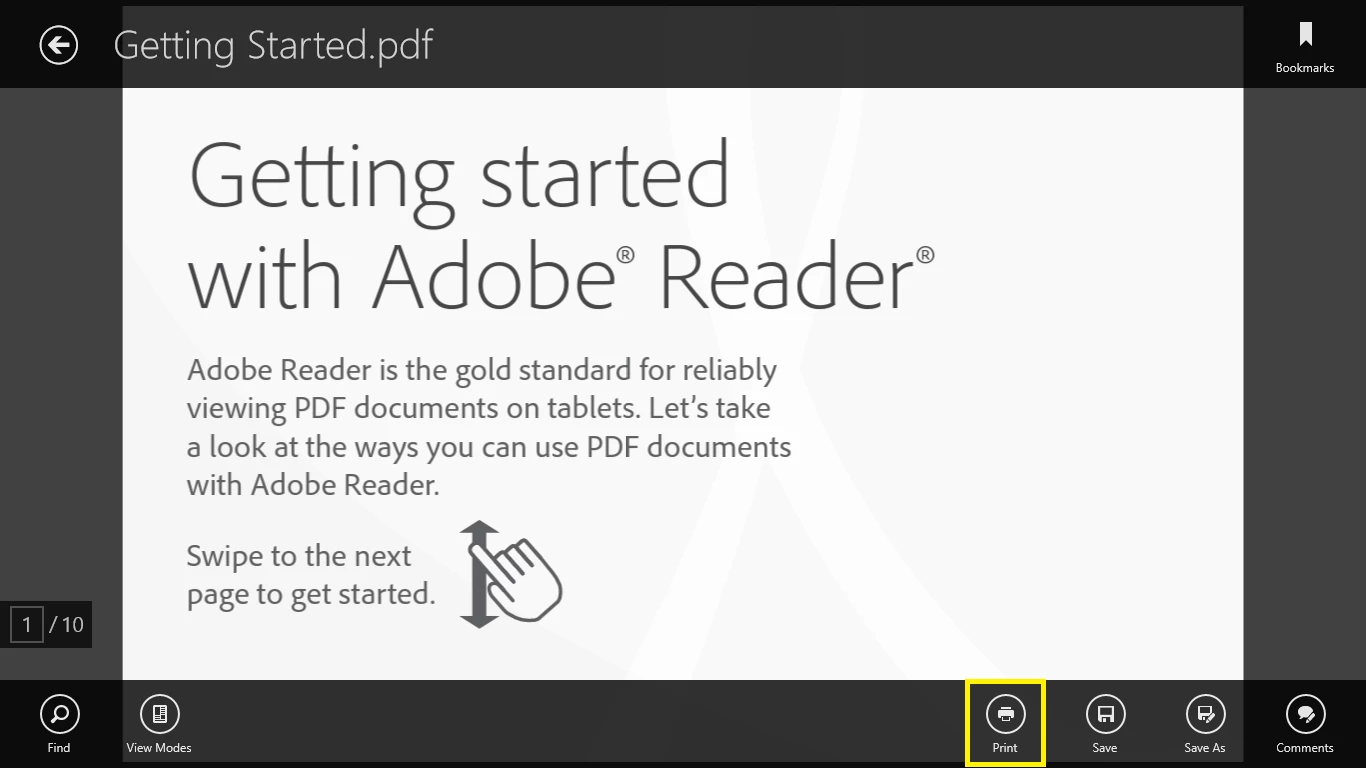
(Click the image above to enlarge)
If you do not see the Print button in the toolbar, please make sure to update to version 1.1 or later.
Please see FAQ: How to update Adobe Reader Touch to the latest version.
To set up a printer, please refer to this Microsoft page.


 AdChoices