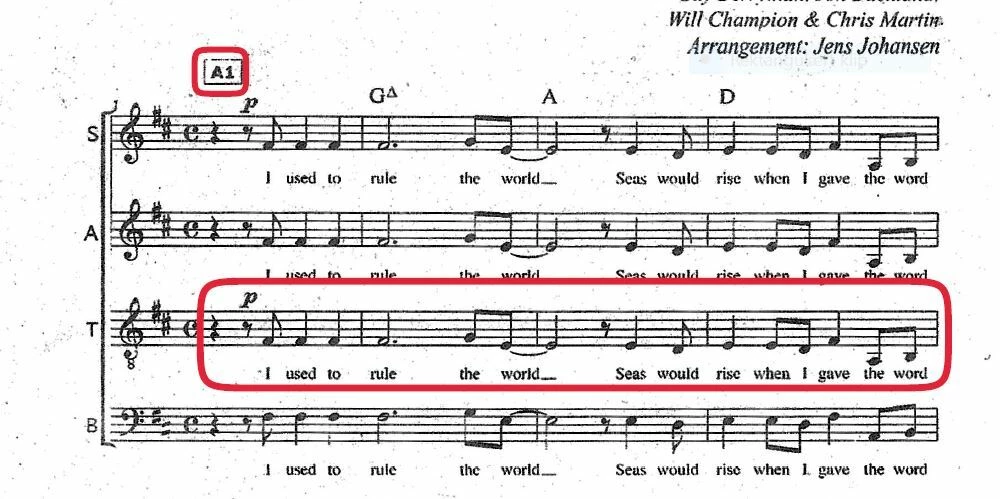
I have previously been able to apply these red boxes with rounded edges on my Android tablet. You could apply them everywhere and stretch them to the desired size and edit the lines. I believe the function was called Fill & sign. But now, after some update, the function is no longer available. I know you can make a sharp edged rectangle but I really liked the previous rounded one. I have tried reinstalling previous APKs from 2025-2026 with no succes. Any suggestions? Samsung Galaxy Tab S5e, SM-T725, Android 11

Good question Amal! I have now tried other PDFs and it seems that lates version af AAR’s Fill & sign feature can work in - at least - 3 different ways, depending of the PDF file. I did not know that PDF properties could have that effect. So I will have to find another PDF editor for those that don’t work like I want.
Gemini now suggests Print to PDF, and it seems to work on this new file now. Yes!!! So much trouble with such a simple solution. (if it keeps working 🙂)
Thank you for reaching out, and sorry for any inconvenience you may have experienced.
The function you mentioned is still available in the application. Could you please provide a screenshot of the options you see under the Fill & Sign tool? Additionally, please share the version number of Acrobat currently installed on your device.
We will review this information with our team and provide you with the correct details.
Hope you are doing well, and thanks for sharing the details.
Is this an issue with a particular PDF file or with all the PDFs? Please try with a different PDF file and check.
Since you've already tried the most common fixes (reinstall, older APK versions) without success, I'll flag this for the team with your device details (Samsung Galaxy Tab S5e, SM-T725, Android 11) and the version number so they can take a closer look at whether this is a bug in the current release.