

Participant
Oct 27, 2026 6:12 PM UTC
Question

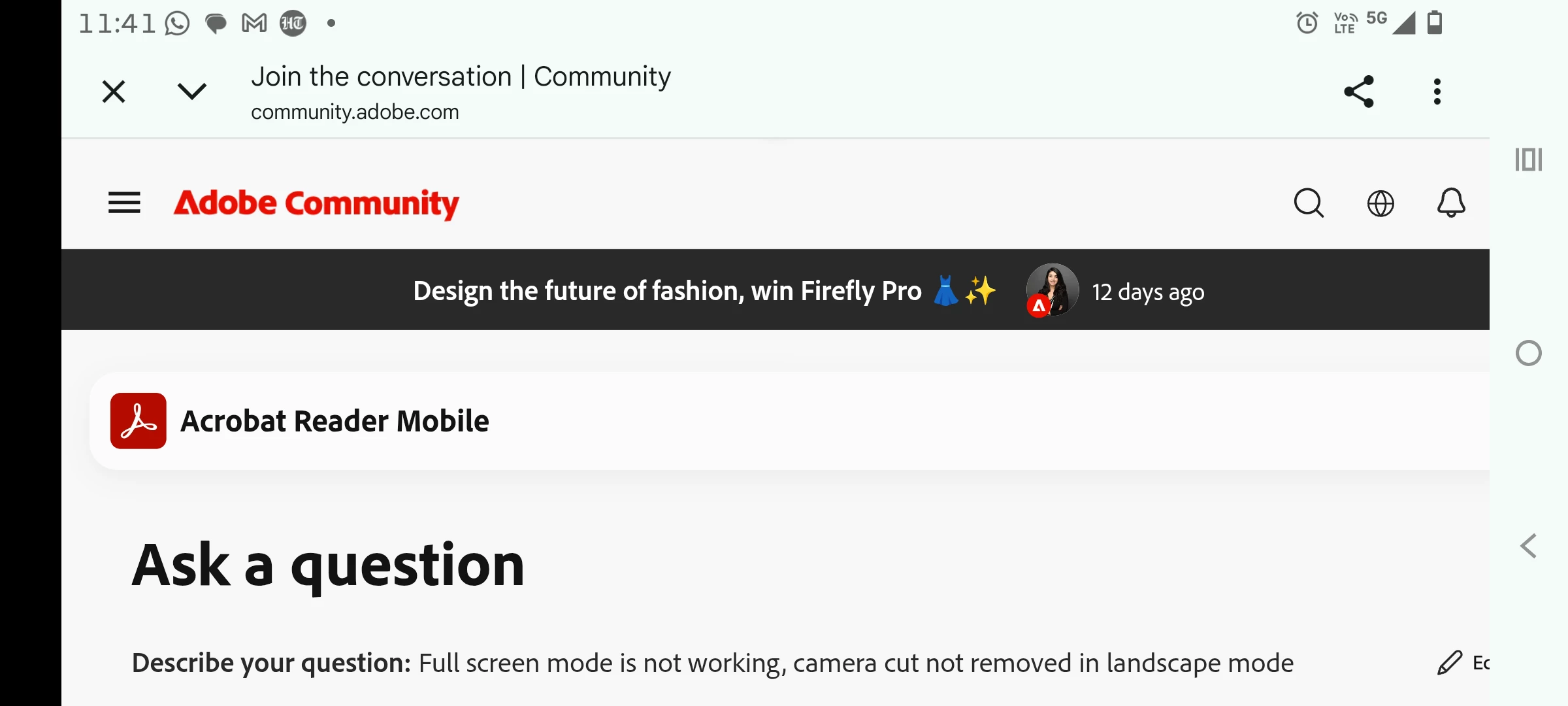
Full screen mode is not working, camera cut not removed in landscape mode

When I change my orientation this black strip along camera cut does not vanish.
 

    5 replies

    Participant
    Oct 29, 2026 1:00 PM UTC

    It's creating problem with all PDFs.

    Version 26.10.0.51145

    Translate
    Anand Sri Bhattacharya
    Community Manager
    Community Manager
    Oct 29, 2026 4:43 PM UTC

    Hi @Flawless_solutionf32d, thanks for confirming that this affects all PDFs in Acrobat version 26.10.0.51145. That helps narrow the issue to the app or device’s display handling rather than a particular document. Sorry for the trouble you had.

    Please share your device make and model, Android version, and a screenshot showing the black strip in landscape mode, with any personal information hidden. Also, does the strip remain if you rotate the device to the opposite landscape direction?

    If your phone offers a per-app Full screen apps or Camera cutout setting, please check which option is selected for Acrobat. The availability and name vary by device, so your model will help us provide the correct instructions.


    Also, please note that On Android, the device/OS may reserve the camera-cutout area in landscape even when Acrobat is in Full Screen mode. If the same black strip appears in other full-screen apps, this is likely device/OS behavior.


    I hope the suggestion helps, and reach out if you have any question.

    Regards,

    Anand Sri

    Translate
    Participant
    Oct 29, 2026 5:40 PM UTC

    It's moto edge 50 fusion, android version 16.

    Attaching the screenshot in landscape and portrait both. Please resolve it's very irritating.


    Translate
    PriyankaVishwakarma
    Community Manager
    Community Manager
    Oct 28, 2026 10:17 AM UTC

    Hi @Flawless_solutionf32d,


    Thank you for reaching out. I understand that a black strip beside the camera cutout prevents the PDF from displaying in full screen in landscape mode.


    As a first step, please update Acrobat Reader Mobile to the latest version, restart the device, and test again. You can follow Adobe’s update guide here: Update Acrobat on Android and iOS.


    If the behavior continues, could you please confirm:

    • Does the issue happen on all PDFs or just a specific document?
    • Does restarting the device or reinstalling the app change the behavior?
    • Please share the application version installed. To check the app version, open Acrobat > Profile > About Acrobat. For more details, refer to: Check the Acrobat mobile app version.


    We hope this helps. Let us know if you need any assistance.


    Regards,

    ^PV

    Translate
