
Participant
October 6, 2017
Question

Get rid of this restore screen and open pdf files?

  • October 6, 2017
  • 1 reply
  • 915 views

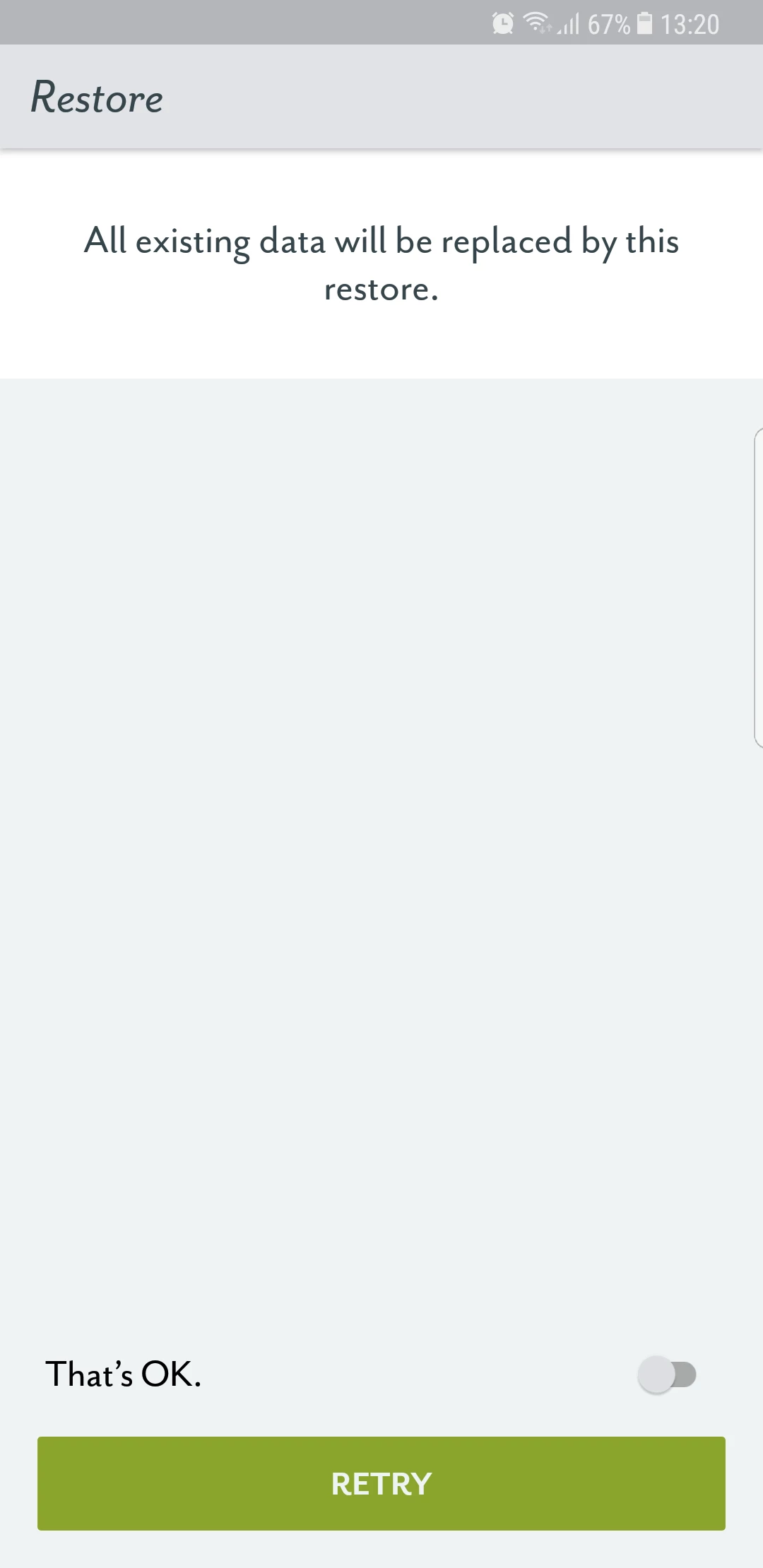
When I try to open a pdf file on my S8 plus, this screen comes up (find attached). I can not open pdf files. I uninstalled and reinstalled adobe reader but it does not work.

Please advise what do with this.

Thanks

Burcu
This topic has been closed for replies.

1 reply

Adorobat
Participating Frequently
October 6, 2017

Hi Burcu,

As per the above-mentioned description, you are receiving message about restore when opening a pdf, is that correct?

Could you please let us know if you are using Acrobat Reader to open pdf files?

What is the Android OS version and Acrobat Reader version installed on your phone?

You may refer to this link for the same: Acrobat Reader Help for Android: Troubleshooting FAQs

Thanks,

Shivam

Participant
October 6, 2017

Hi Shivam,

Please find attached screenshots showing the adobe reader version and android version on my phone.

Adobe version: 17.4.1.178813

Android: G955FXXU1AQH3/G955FOXM1AQH3/G955FXXU1AQH3

Troubleshooting FAQs don't help me unfortunately, have already gone through those.

I'd be glad if you could help me as I can not open  most of the pdf attachmentus in my emails due to this problem. Instead, I keep coming up with this screen (i had attached in my previous message).

Thanks

Burcu

Adorobat
Participating Frequently
October 6, 2017

Thanks for the info.

Could you please launch Acrobat Reader app on your phone and open any pdf in there, does this message still appears?