


Participant
October 26, 2018
Question

Having errors when opening pdf’s

  • October 26, 2018
  • 2 replies
  • 688 views

Hello,

This iPad’s version is IOS 12.0.1, Adobe Acrobat app’s version is 18.10.01 (20181022.151200).

When I open a pdf file on google drive and add some comments on it, I can no longer open it again with error message as below after I close it.
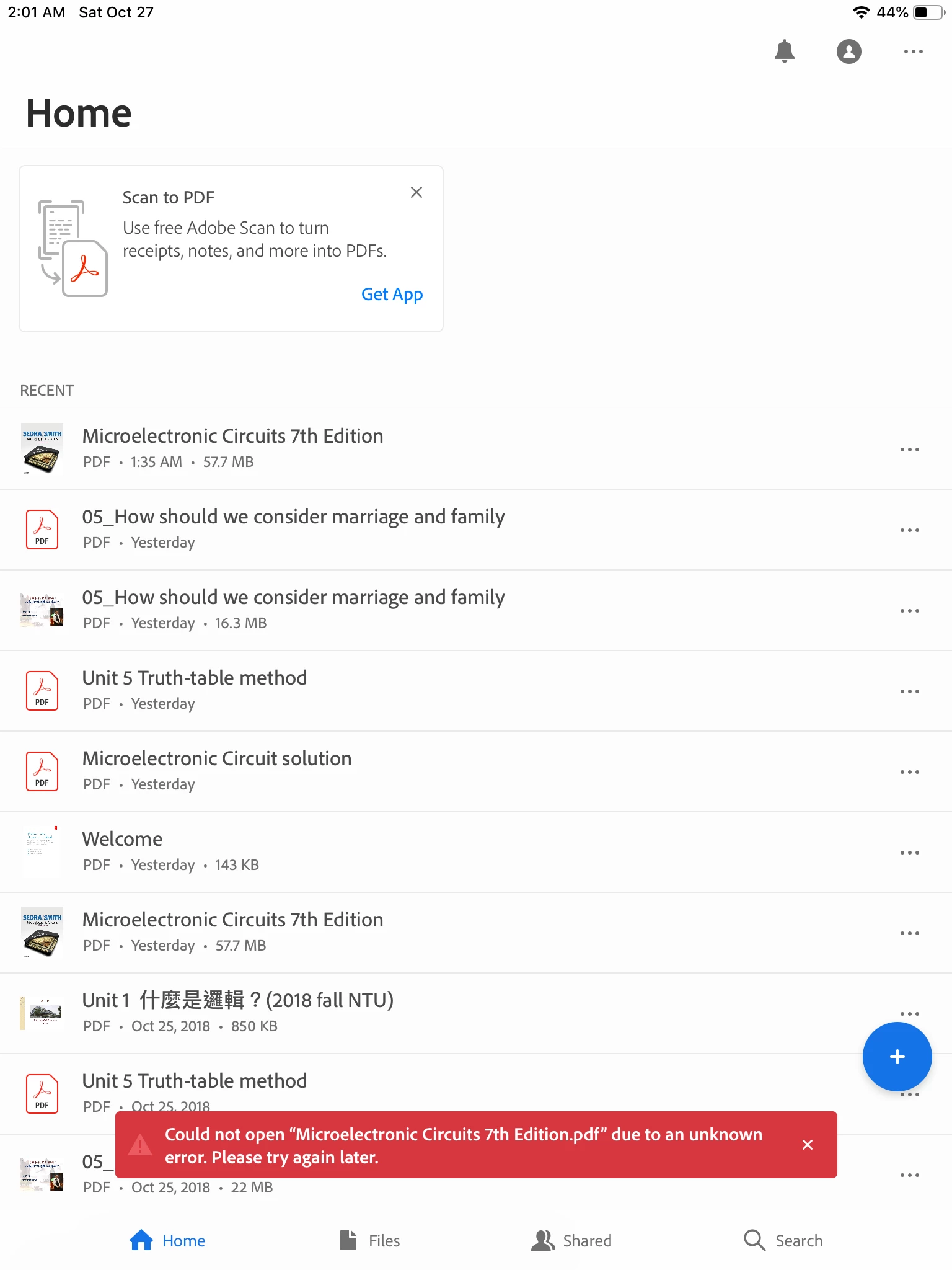
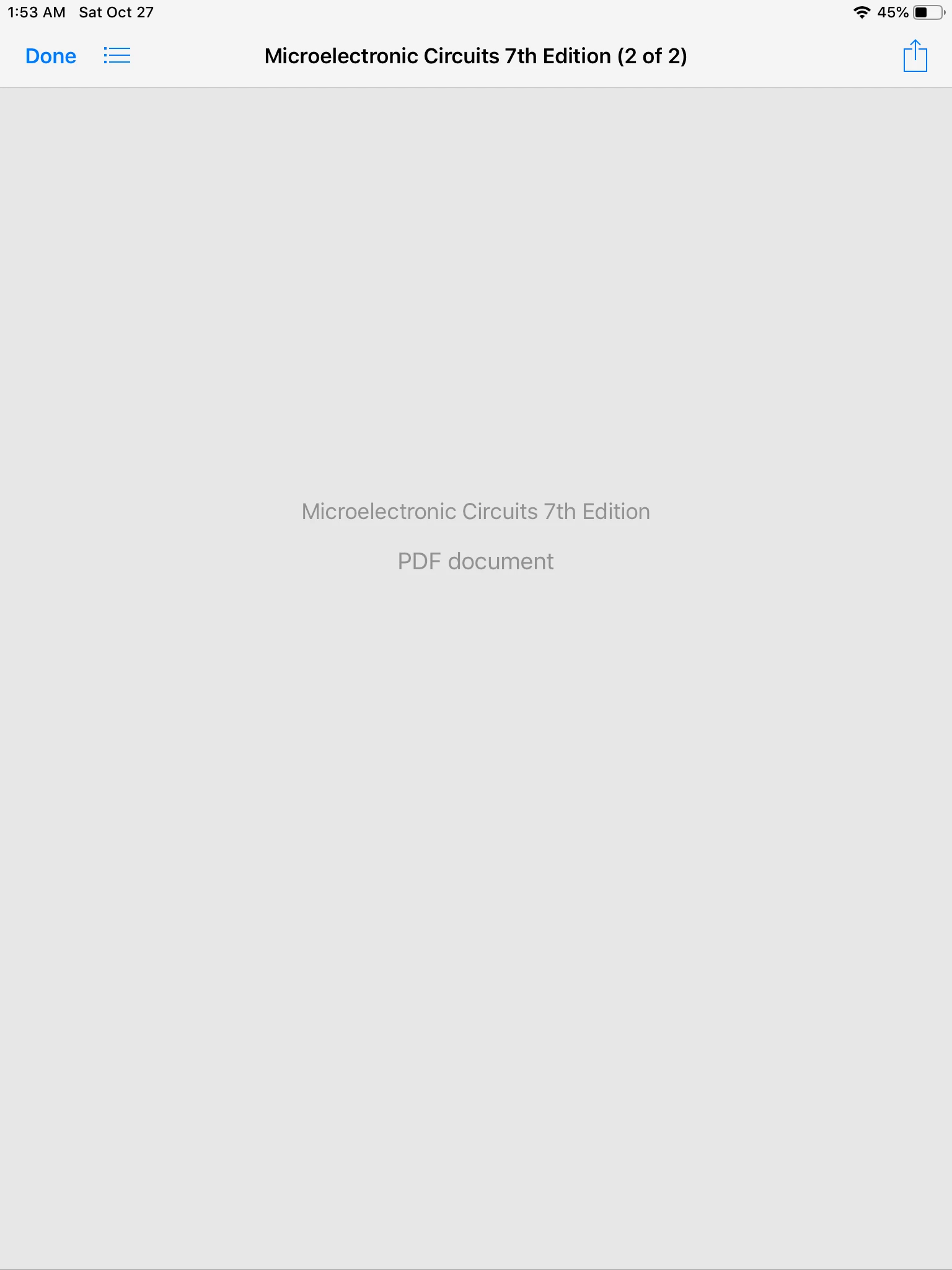
And when I open the same pdf file in Files, I can’t read it either as below.
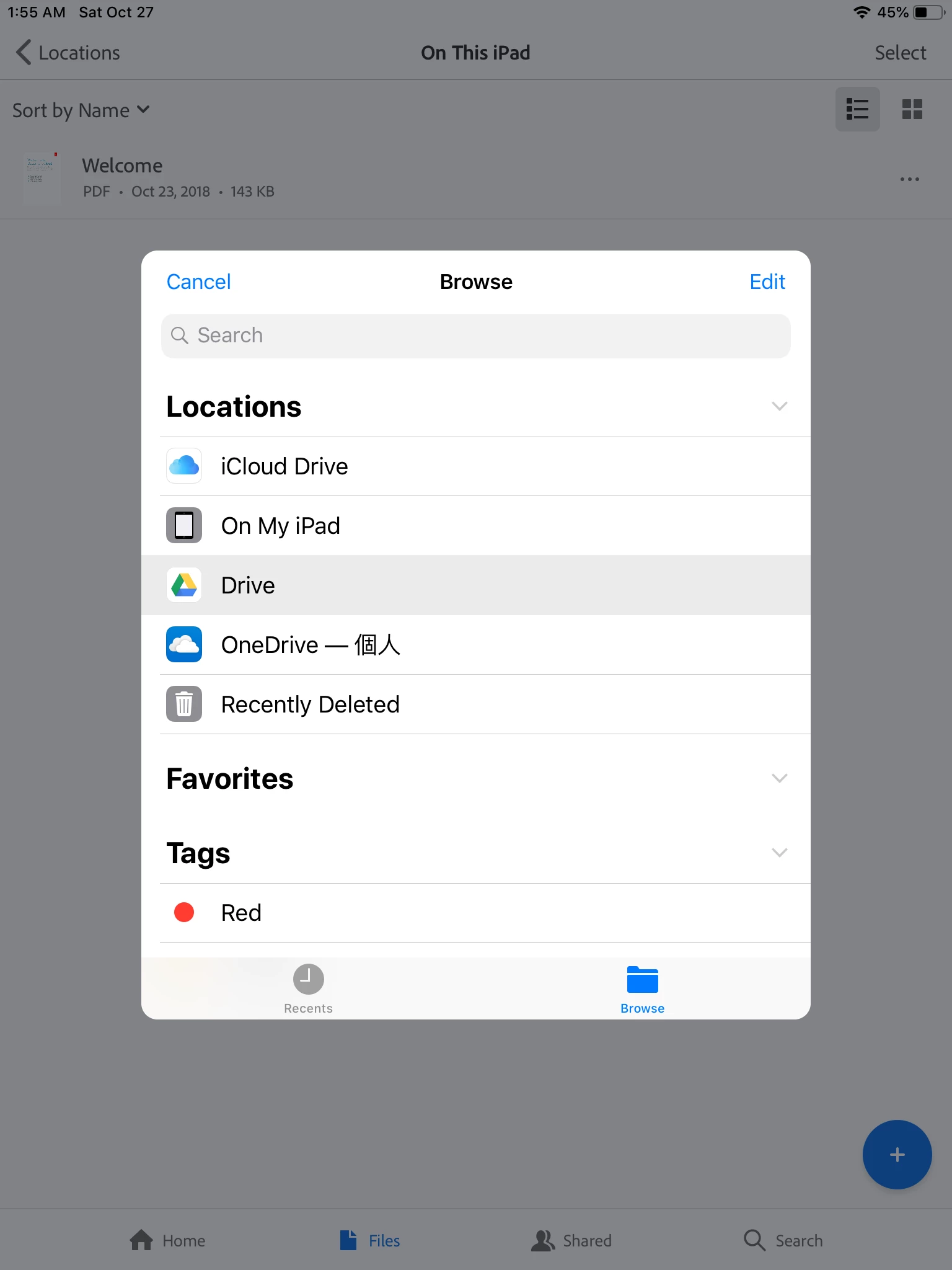
I can’t even click into my “drive” to see other files in it as below.
Acrobat showed me errors many times after I tried editing several different pdf’s. Hope that anyone can help me.

Thanks

This topic has been closed for replies.

2 replies

Legend
December 15, 2018

Hi 達緯李96956478​,

We just released Acrobat Reader 18.12.00 to the App Store.

This release includes the fix for the Google Drive problem that you've experienced.

Would you please update to 18.12.00 and let us know if it works for you.

Thank you for your patience!

Legend
October 27, 2018

Hi 達緯李96956478,

Do you have the latest versions of Acrobat and Google Drive?

As of October 27, 2018

  • Acrobat Reader 18.10.01 (released 4 days ago)
  • Google Drive 4.2018.42202 (released 4 days ago)

There is a known issue with Microsoft OneDrive.  However, I am not able to reproduce the same problem with Google Drive 4.2018.42202.

Would you please launch the Google Drive app on your iPad to see if you can open the same document ("Microelectronic Circuits 7th Edition") from the Google Drive app?

Thank you.