Participant
April 23, 2021
Question

How do I re-share an unshared file?

  • April 23, 2021
  • 3 replies
  • 662 views

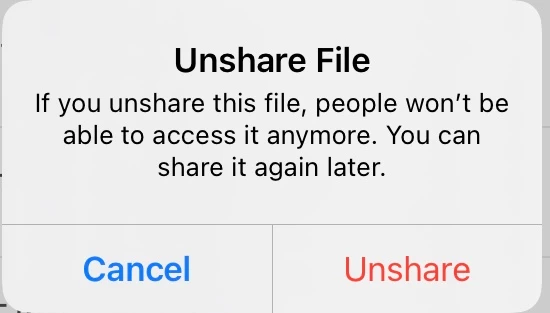
I have accidentally unshared a file on my pad that I still need to collect comments. How do I share it again? The pop-up window says I can always share it agin later but I never found the way to do it. 
 

This topic has been closed for replies.

3 replies

Harsh Vardhan Pareek
Community Manager
Community Manager
January 17, 2022

Hi @Tricia226589273zzq 


As soon as you unshare a file it stops showing in your shared file list, and then you need to go to the file's actual location (Document cloud or local storage ) then share it again the same way that you did it before. 

here is a help document on sharing files: https://www.adobe.com/devnet-docs/acrobat/ios/en/review.html#


Let us know if that helps.


Thanks,

Harsh

Bernd Alheit
Community Expert
Community Expert
January 14, 2022

Share it in the same way as the first time.

Participant
January 14, 2022

I have this same question.  Can someone help? I have a filed that I accidentally unshared.  Need to mark it back to share so I can utilize the document. I can't seem to figure out how to get it back to a shared file. Nothing is working.
