


Participant
July 3, 2020
Question

How to recover the disappeared file (google drive)

  • July 3, 2020
  • 1 reply
  • 535 views

I used google drive to store my file. I copied a file and edited the copied one on the acrobat reader mobile today (iOS). However, I could not see the copied one in my google drive. I thought that may be the Internet problem, so I opened the app again. But the file just suddenly disappeared. How can I get my file back?

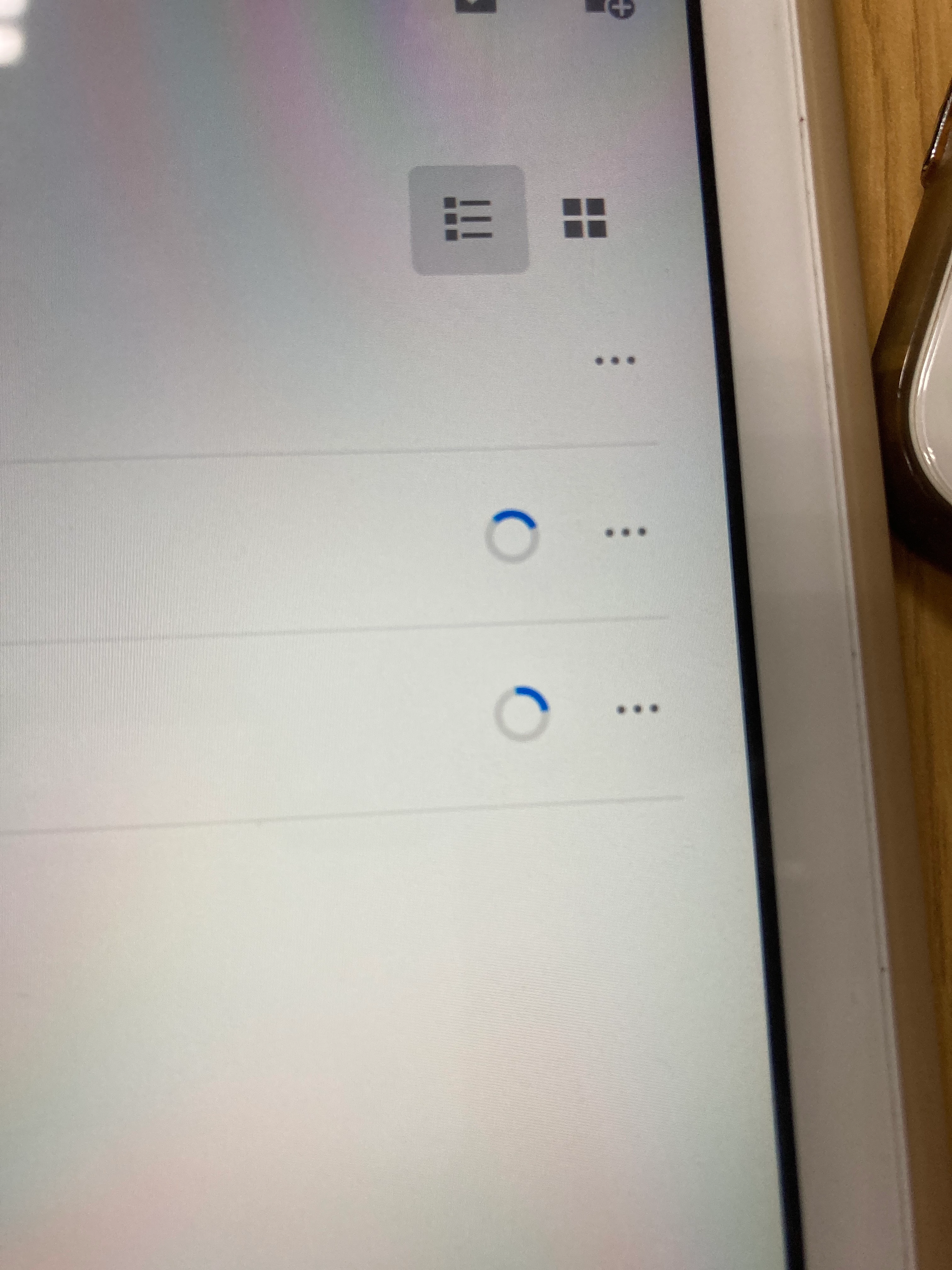
I also found the  circle didn't disappear after a long time.
 

This topic has been closed for replies.

1 reply

ls_rbls
Community Expert
Community Expert
July 8, 2020

Were you able to also go online, sign in to the Document Cloud,  and see if it is there?


Also, when you say that you copied the file, do you mean that you actually saved a copy of the original source PDF locally in your device, then opened the saved copy (also saved locally in your device), did changes to it, and instead of saving the changes locally, you were trying to "Save As" and change the location to a Google Drive cloud folder? 


If yes, where is the original PDF located ?