Thank you for posting your query here. Please help me with few details to understand your issue better.
Make and model of your device?
Application version?
Could you share the workflow you are using?
What kind of document you are trying to open?
What is the source of document, where it was created?
What is the size of document?
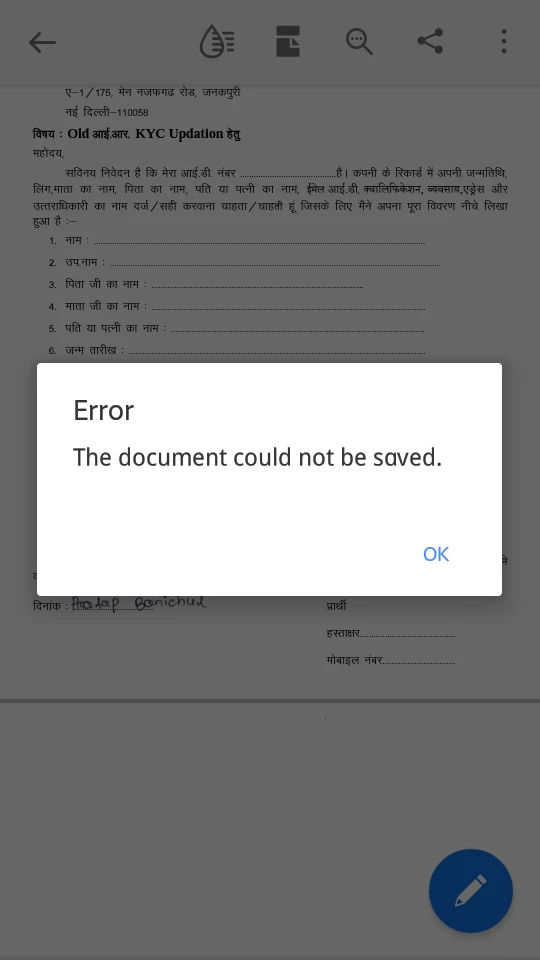
Where you are trying to save it?
We did try to replicate the behavior on our end, however, it is working fine. Make sure your application is updated. Do save your work then try to sign out and sign in back. Reboot your device.



 AdChoices