
Question
I was charged THB 266.43 (Invoice: BL3637657396). I entered a non-existent email by mistake (@gmai.com instead of @gmail.com). Please cancel my subscription and issue a full refund. I cannot access my account.
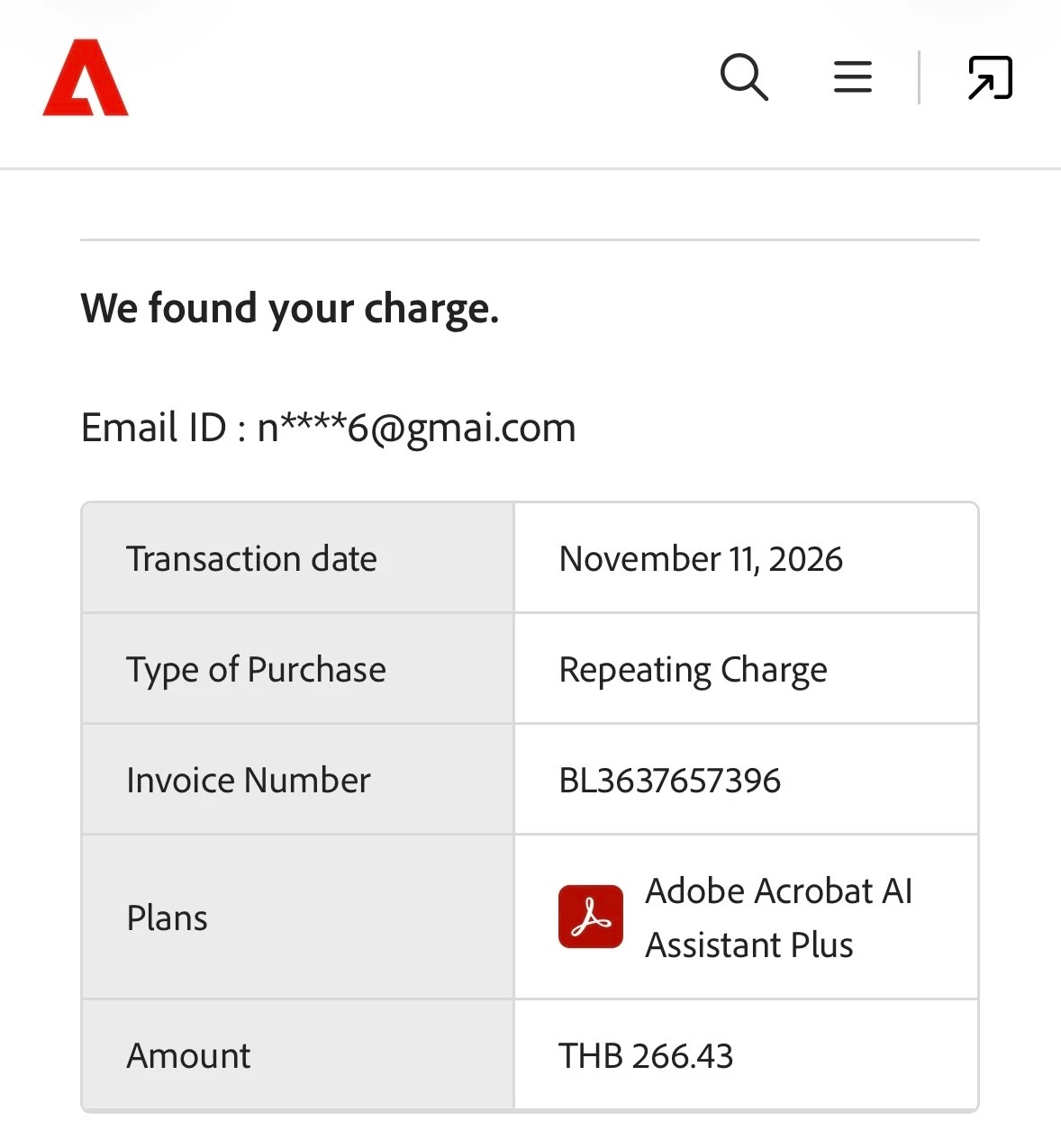
Hello, I found the transaction through Adobe Charge Finder.
My invoice number is BL3637657396.
The amount charged is THB 266.43 on November 11, 2026.
My subscription is Adobe Acrobat AI Assistant Plus.
I accidentally entered an incorrect email address when registering (@gmai.com instead of @gmail.com), The email address I entered does not exist. My correct email address is [noyyai226@gmail.com]
so I cannot access my account.
I want to cancel my subscription immediately and request a full refund.
Please help me resolve this issue without requiring access to the incorrect email address.
Thank you.
 AdChoices