
iPad-GDrive to Reader: Document has been modified
Hello,
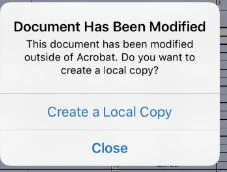
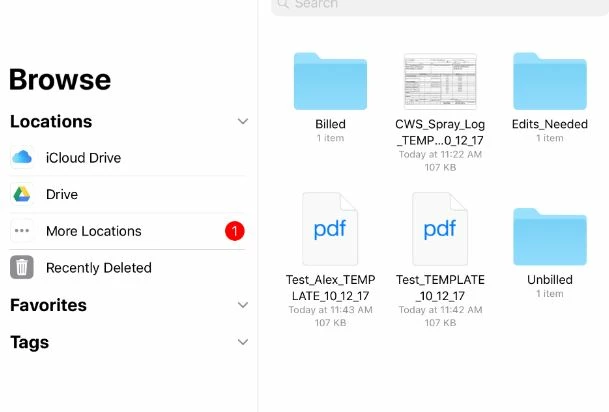
I run numerous iPads in order to edit editable PDFs in Google Drive. I have had no issue with iPad mini 4s & iPad mini 2s until now. Since the updates to IOS and the new version of Acrobat Reader most of the PDFs that we try to open in Drive display the pop up "Document has been modified: This document has been modified outside of Acrobat. Do you want to create a local copy? Options: "Create a local copy" or "close"" (Screen shot attached). Unfortunately we want to continue our work flow where no local copy is needed but they edit the document live in the Drive. When I open up the files to select in the reader, displayed by Drive there are multiple icons. Documents that possess a "Thumbnail preview" (Screen shot attached) are editable and open fine, while those with a "white page PDF" icon (Screen shot attached) are not and the pop up error is displayed. Please let me know if this is a technical issue on your end, or any steps I could make to change this.


 AdChoices