Answered
iPad pencil not working
My ipad pencil is working in all other apps on my ipad. It is NOT working in Adobe Comments as I can not hand write on pages.

My ipad pencil is working in all other apps on my ipad. It is NOT working in Adobe Comments as I can not hand write on pages.
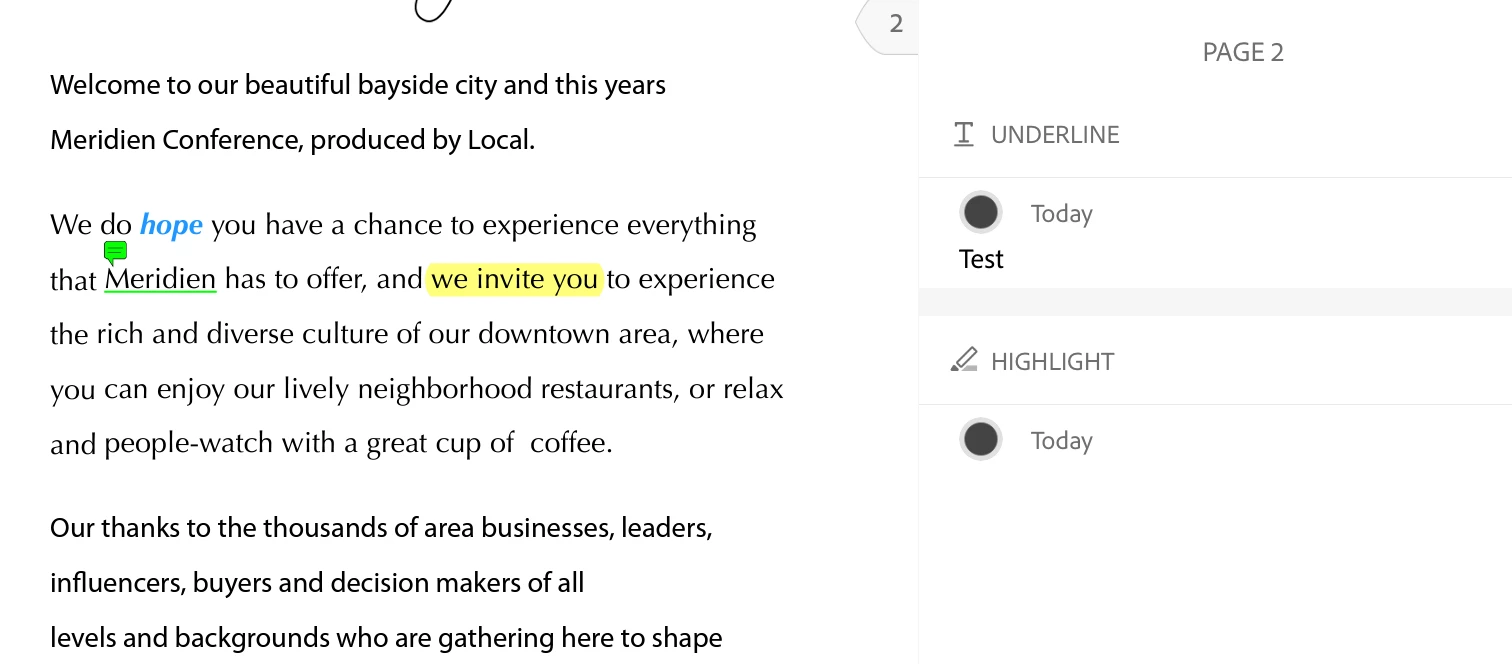
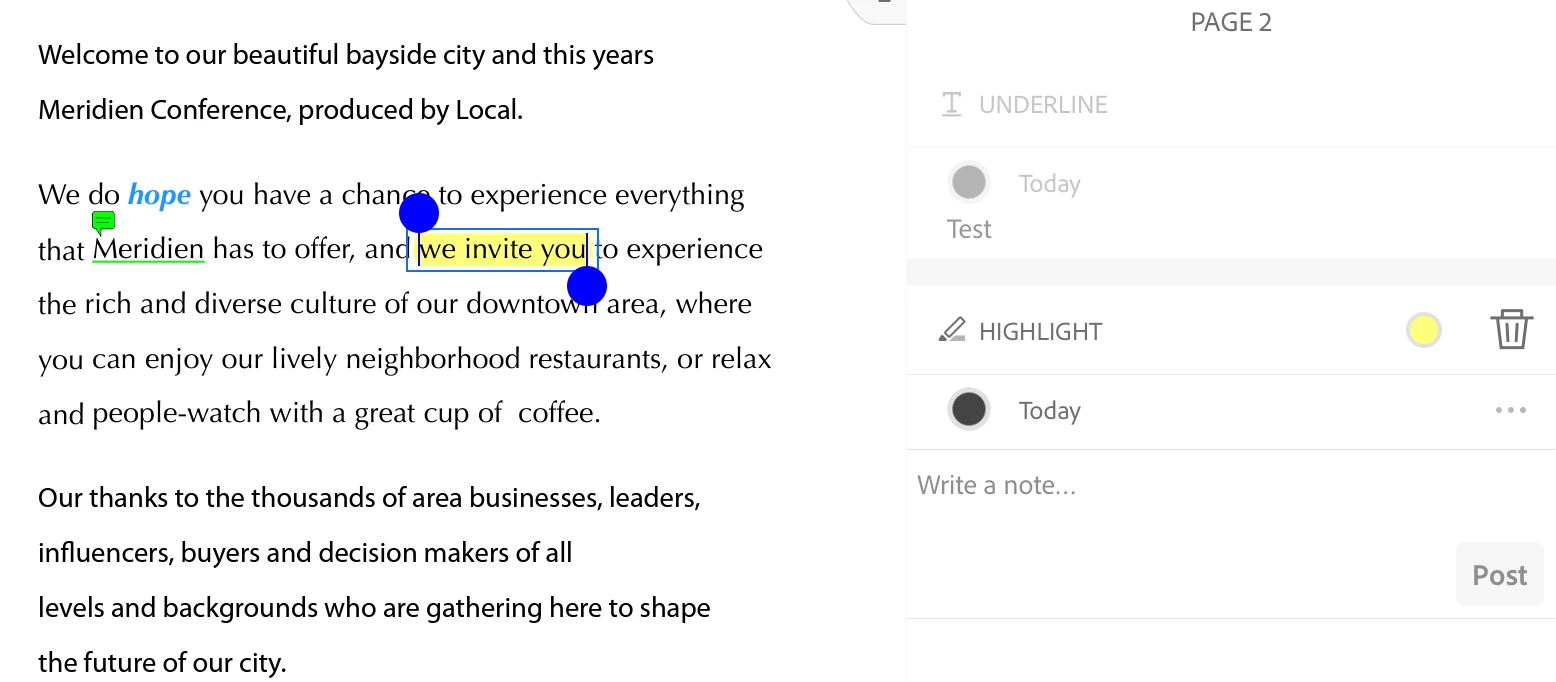
I just checked on my iPad and I can use my Apple Pencil 2 to hand-write in the Comments section in Adobe Reader on my iPad. It converts to typed text too quickly for me to get a screenshot of the Pencil scribbling.
Are you hand-writing in the area where it says, "Write a note..."?
Jane
Already have an account? Login
Enter your E-mail address. We'll send you an e-mail with instructions to reset your password.


 AdChoices