
Answered
Issue with Persistent AI Assistant Button in Adobe Acrobat on iPad (10th Gen)
Dear Adobe Support Team,
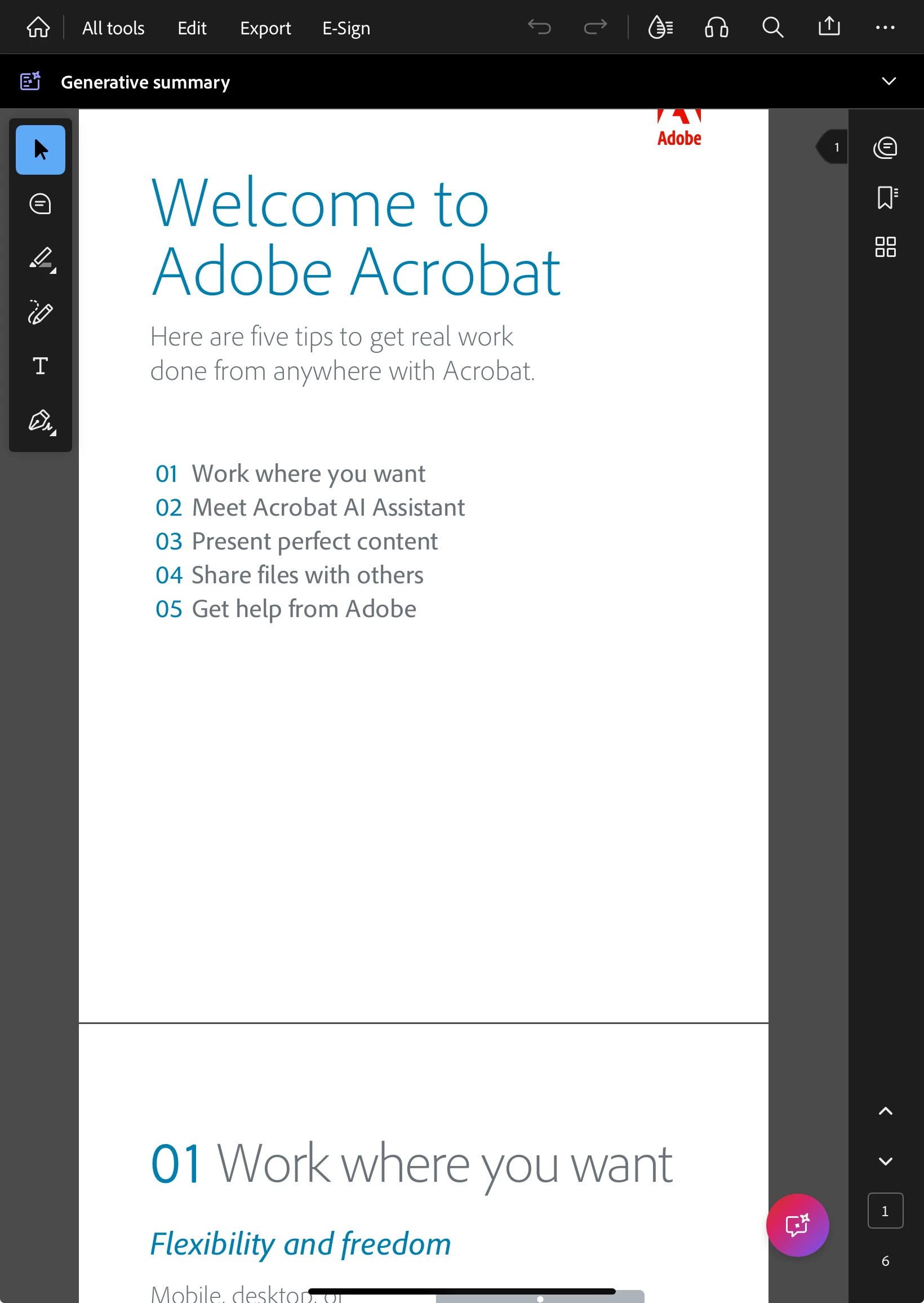
I am experiencing an issue with the AI Assistant button in Adobe Acrobat on my iPad (10th Gen). Despite disabling the feature from the Preferences menu, the AI button continues to appear and hovers over the document, obstructing the content.
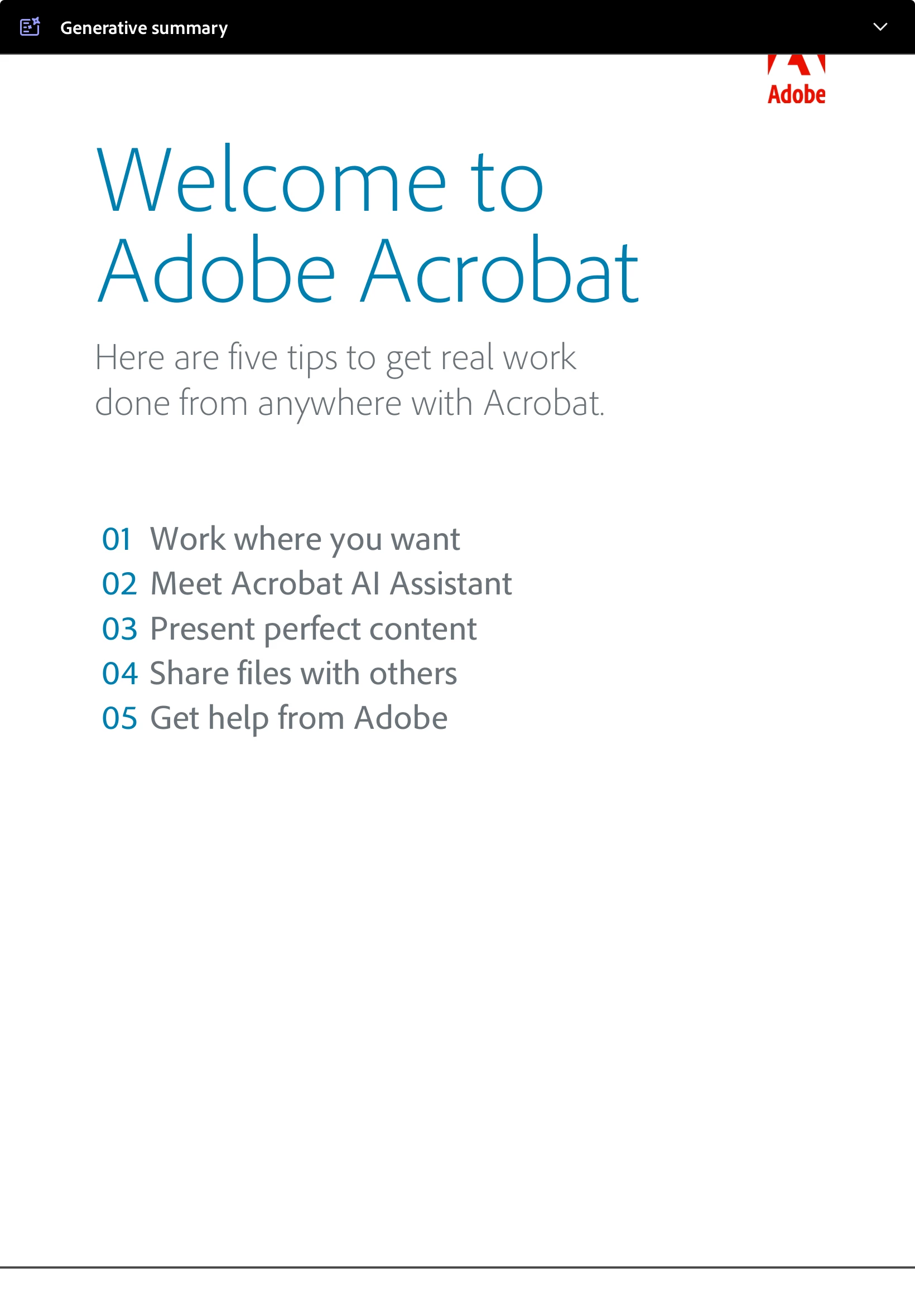
Additionally, when switching to full-screen mode, the AI Assistant button remains on top of the document, making it difficult to read or annotate properly. This issue persists even after restarting the app, making it quite frustrating to work with.
I would appreciate any guidance on how to permanently remove or hide the AI Assistant button. Is this a known issue, and are there any planned fixes for this?
Looking forward to your response.
Best regards,
Bhaskar


 AdChoices