
Participant
November 22, 2022
Answered

Keep Screen On Feature unavailable - IPad Adobe Acrobat

  • November 22, 2022
  • 1 reply
  • 1107 views

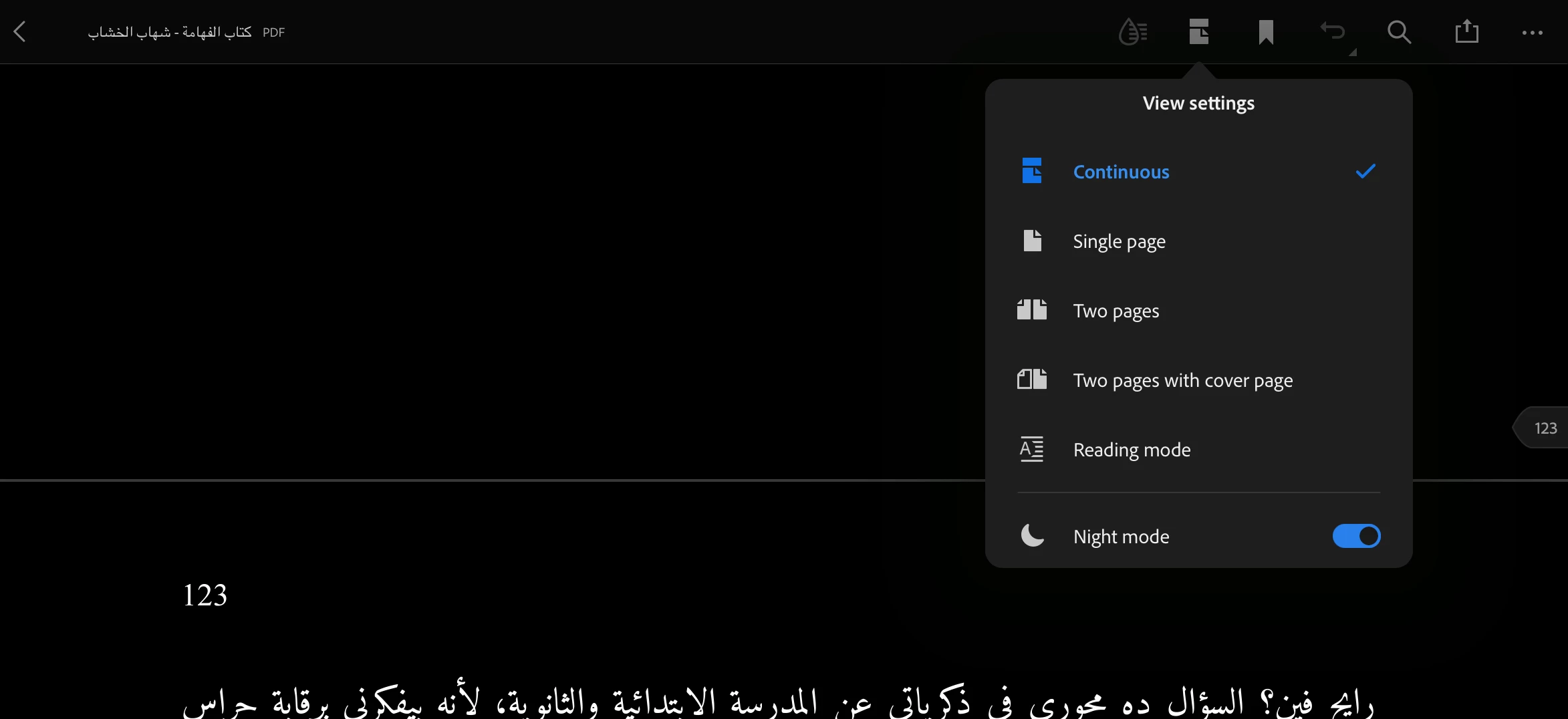
I downloaded dobe acrobat week ago and used this feature many times. Just yesterday "Keep Screen On" disappeared.


  • I tried different files
  • I restarted the app
  • The app is up to date

Thanks in advance.


This topic has been closed for replies.
Correct answer S_S

Hi @Salah272640982iuw,


Hope you are doing well. Thank you for sharing the solution here with your question .


This is a native feature of iOS where the screen dims automatically when in Power Saving mode and disabling the mode to normal power mode gets the normal features back.


You will get a better idea about it from Apple's official documentation: Use Low Power Mode to save battery life on your iPhone or iPad


Hope this further clarifies the answer.


-Souvik.

1 reply

Participant
November 22, 2022

I will leave the solution here for others:

Adobe acrobats disable this feature when iPad (and probably other iOS devices) is in power saving mode. Turn it off from Battery> Setting if you want it back immediately or wait till it turned-off after charging.

Have a nice day!

S_S
Community Manager
S_SCommunity ManagerCorrect answer
Community Manager
November 25, 2022

Hi @Salah272640982iuw,


Hope you are doing well. Thank you for sharing the solution here with your question .


This is a native feature of iOS where the screen dims automatically when in Power Saving mode and disabling the mode to normal power mode gets the normal features back.


You will get a better idea about it from Apple's official documentation: Use Low Power Mode to save battery life on your iPhone or iPad


Hope this further clarifies the answer.


-Souvik.