


Participating Frequently
July 20, 2026
Question

Missing tool

  • July 20, 2026
  • 2 replies
  • 40 views

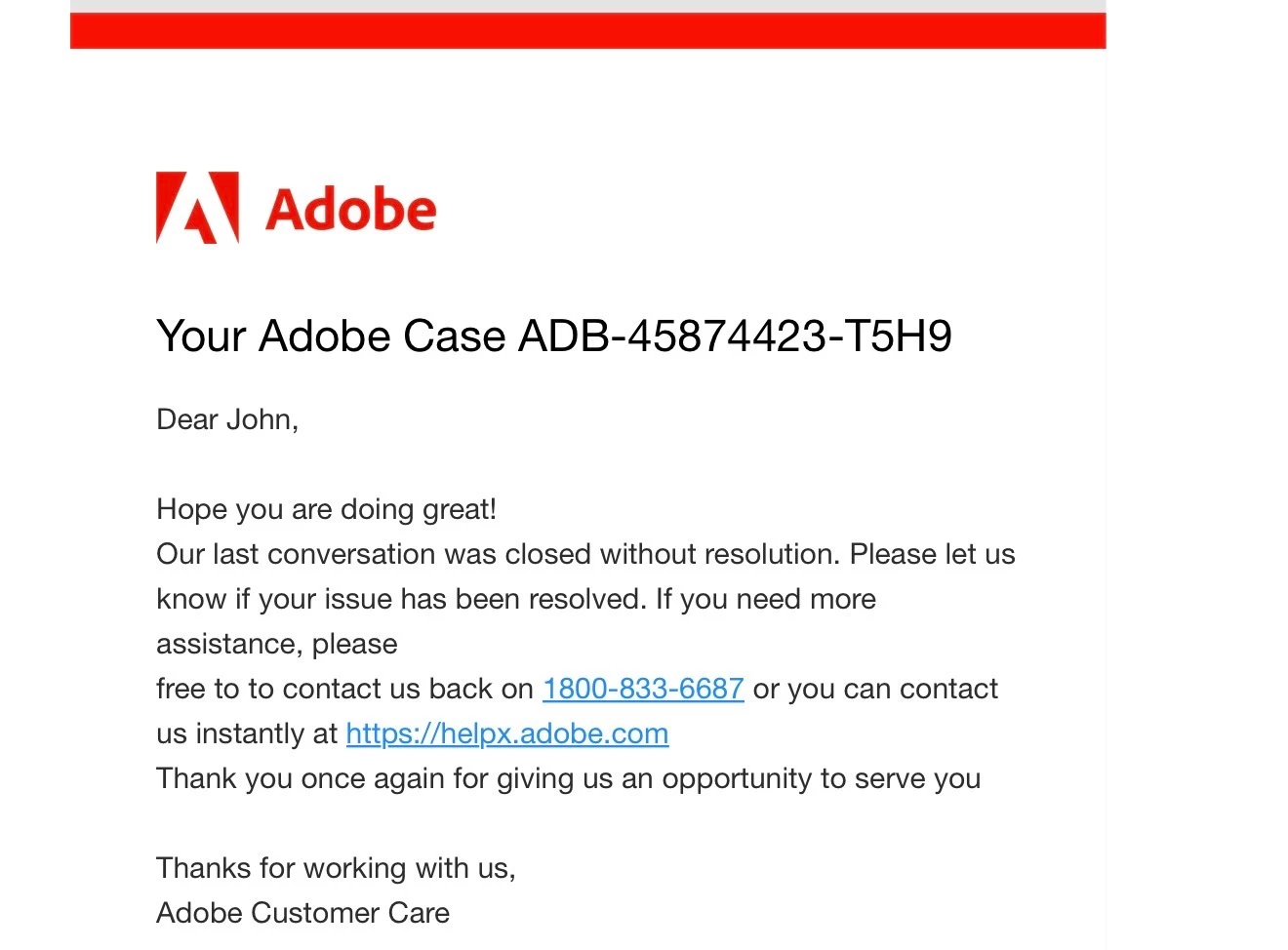
my issue started with the case number above, which seemed to be an activation issue. The tool, “Request e–signatures” was no longer available to me and I had noticed that under my account when I click my icon in the upper right hand corner, it stated that I was a free user. I have paid a subscription to Acrobat Pro for many many years. The above case was a result of my phone call and waiting hours on the phone and finally speaking with someone that was unable to resolve the issue. Then I get that email above. Tell me the case was closed without resolution.

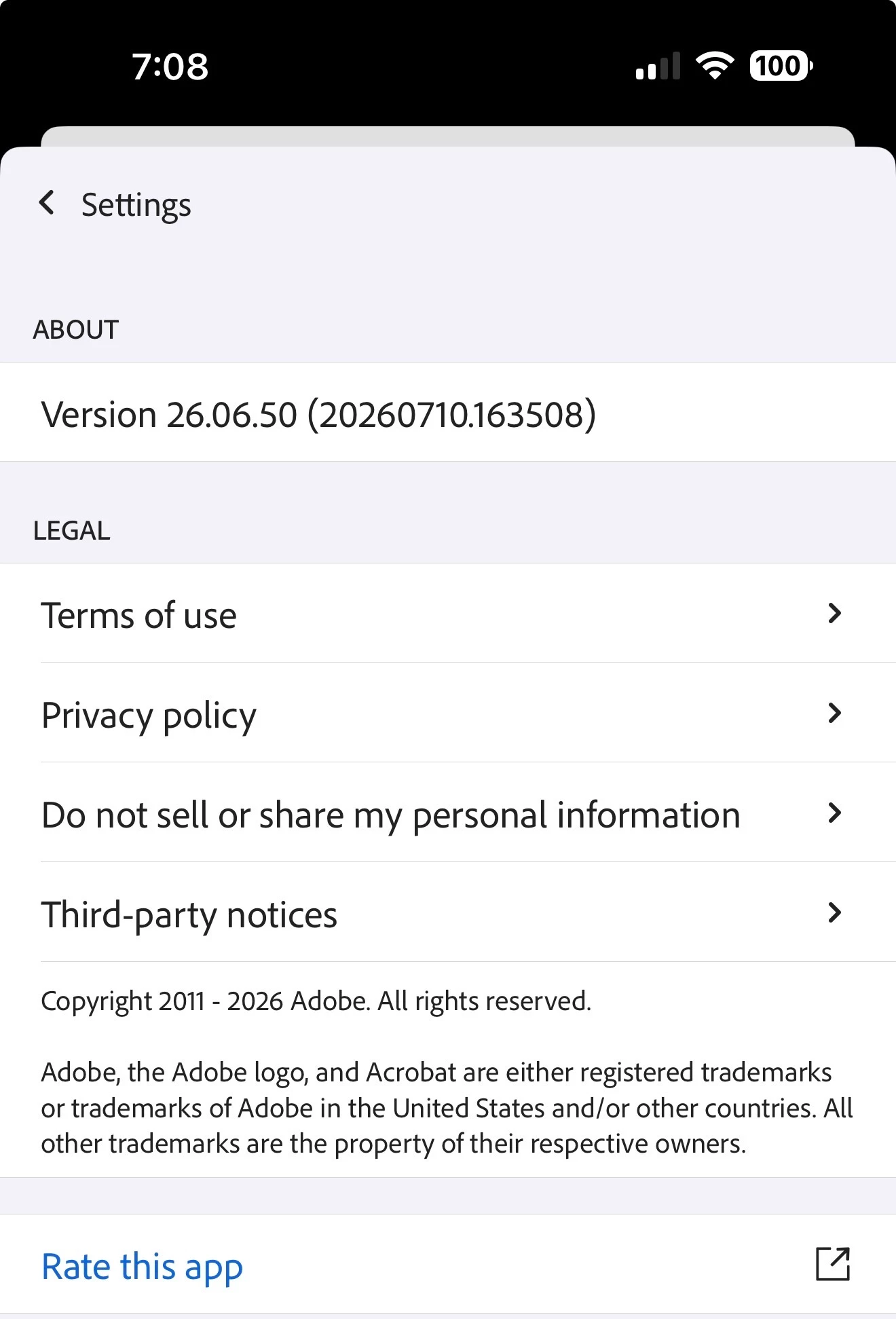
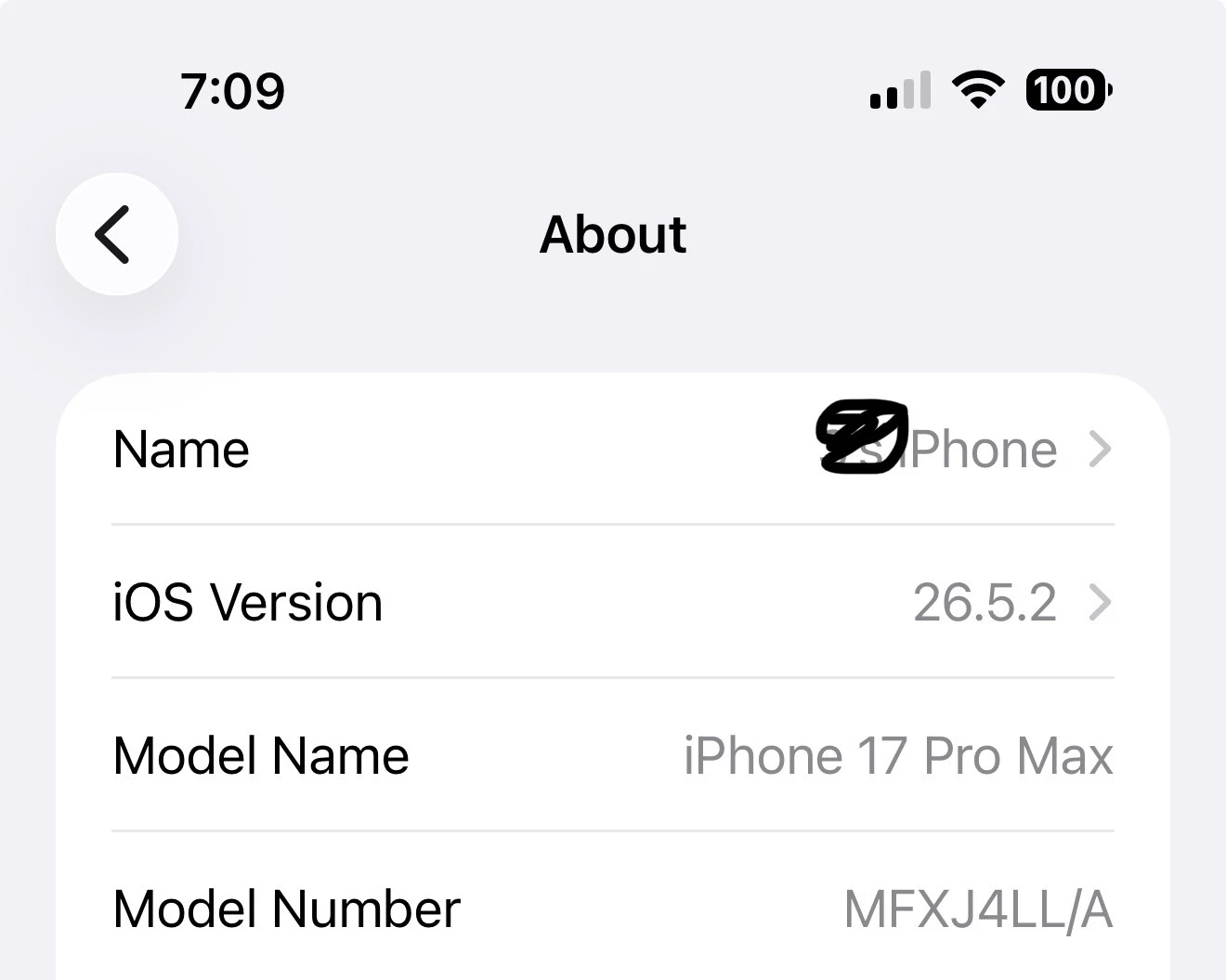
After my own troubleshooting, I discovered that the price of the Acrobat Pro plan went up from $15.99 per month to $19.99 a month. So I upgraded my plan and I had to do that process on both, my iPhone and my iPad. After doing that, they told, “Request e-signatures” Became an option on my iPad; however, it still does not show on the iPhone. I do run beta software on the iPad and I run non-beta software with the latest version on my iPhone.

Here is the information on my iPhone, which is the device that this tool is not showing as an option:
Here is a screen recording from my iPhone that shows the Request a signature tool is not available:


and here is a screen recording from my iPad showing that my same account with Adobe allows me to use the option called request a signatures and the tool is available on the iPad version. Never had a problem on either device until approximately a month ago.


    2 replies

    JRL-3Author
    Participating Frequently
    July 23, 2026

    It appears that nobody can fix this issue. I’ve explored other avenues to get documents signed, and I’ve decided to go with the company SignNow because it’s simple and does exactly all I needed to do. I’ve looked at the reviews and they certainly have an occasional issue here and there, but they actually replied to the people and address the issues.

    I just think Adobe has become so big that they don’t care about one person. Sad but true.

    Amal Jaiswal
    Community Manager
    Community Manager
    July 23, 2026

    Hi there


    We are sorry for the trouble and the experience you had. We have already logged the ticket with the engineering team to look into this issue further, and they are actively working on it.
    While we do not have any information to share at the moment, we will keep this thread updated as soon as we get any news from the team.

    Thanks for your understanding.

    ~Amal


    Amal Jaiswal
    Community Manager
    Community Manager
    July 20, 2026

    ​Hi @JRL-3 

    Hope you are doing well, and thanks for reaching out. We are sorry for the trouble you are experiencing. 

    I have checked your Adobe account and found that you have an active plan for Adobe Acrobat Pro. Please try to sign out and sign in on your iPhone with the correct Adobe ID and see if that helps. 

    You may also try to restore the purchase. Tap on the profile icon > Subscriptions > Restore Purchase, reboot the application, and see if that helps. 

    If it still doesn’t work try updating the Acrobat App to the latest version available on the App Store and reboot the device once. 

    Let us know how it goes. 

    ~Amal

    JRL-3Author
    Participating Frequently
    July 20, 2026

    According to the Apple App Store, I have the latest version of Adobe. There is no update available. I’ve already tried the restore purchases. I’ve logged out and logged back in, and it doesn’t seem to make a difference. It looks like there are other people with the same problem from a couple months ago and there doesn’t appear to be any resolution for them either.