
Answered
OneDrive: Could not open ‘xxx’ due to an unknown error.
iPad Pro.
iOS 12.0.1
Acrobat 18.09.14 (20181003.095729).
From the Files/More Locations menu I navigate to my OneDrive folders.
There I select any .pdf. Immediately get the error in the title.
It also says ‘Try again later’.
Get the same error if I attempt to open a Wrod Document.
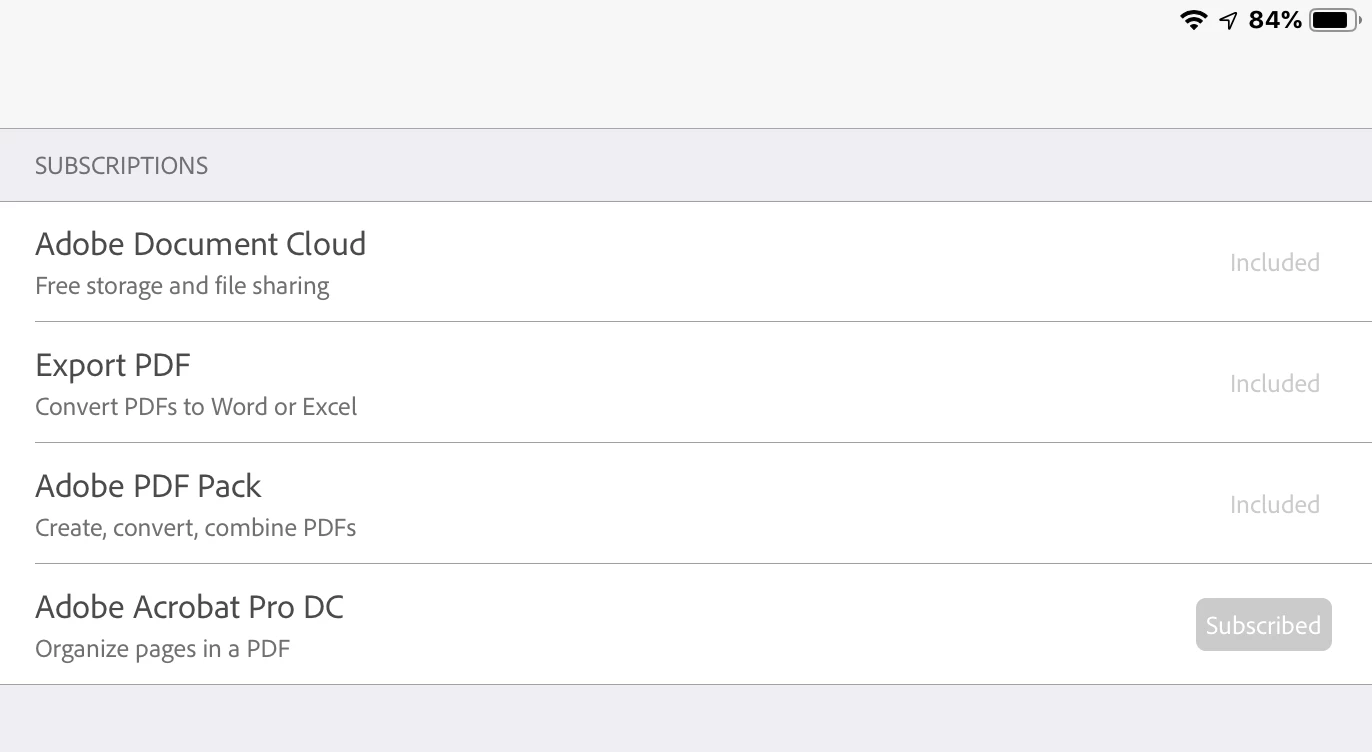
My Subscriptions are listed below.
Just started using Acrobat DC on Windows 10.
That seems to be working normally.
Acrobat on iOS has never worked.
Thanks for any help or advice!


 AdChoices